A
The Agent harness
Codex is OpenAI’s coding Agent harness. It can inspect a repository, make focused changes, run development tools, and carry a software task from investigation through verification.
Provider · OpenAI
Codex
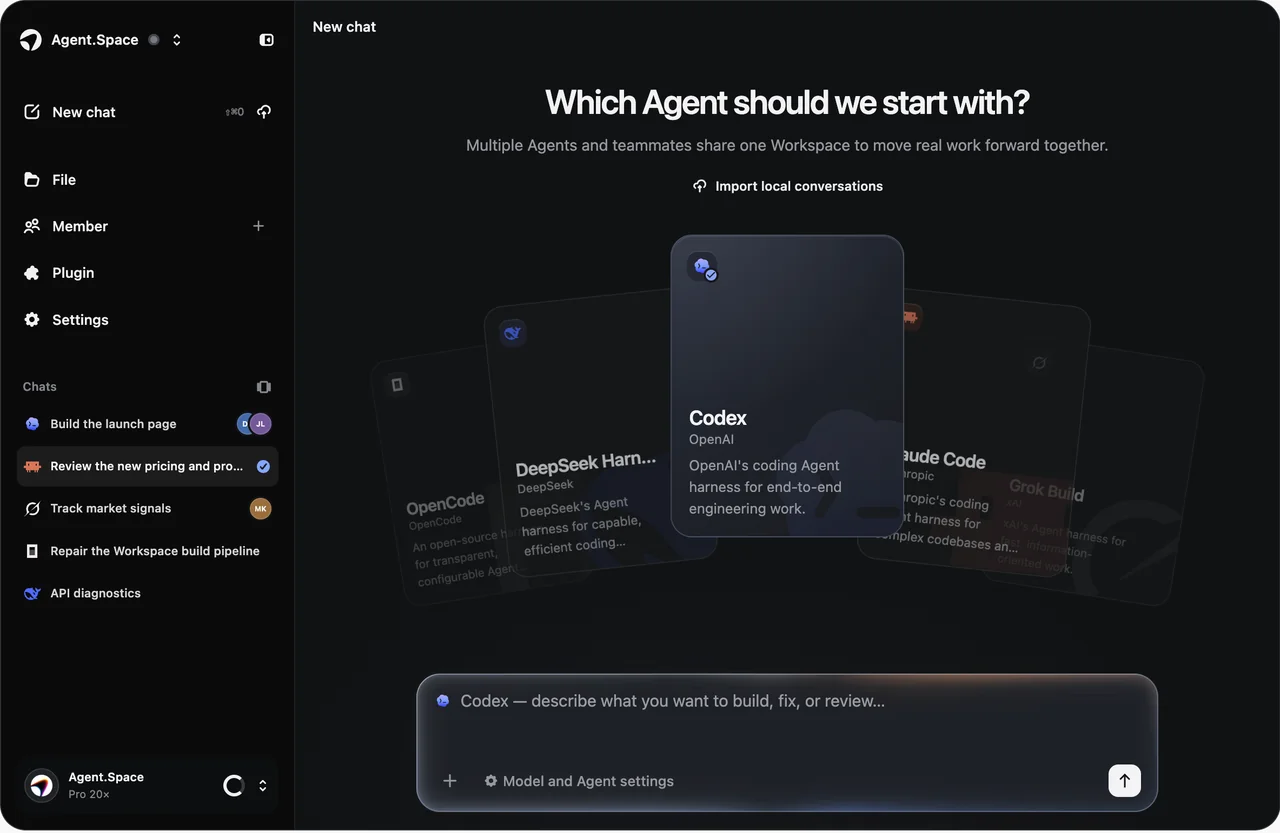
Use the Codex coding Agent without tying the project to one laptop. Agent.Space keeps the Workspace, files, Sessions, and handoff context together while Codex carries out the engineering task.
Use Codex in Agent.Space01 · Harness or model?
A
B
02 · Two ways to run it
Official route
Agent.Space route
03 · Task fit
04 · Current product boundary
The current harness path accepts text and can accept images when the selected model and live Workspace controls also support image input. Session responses are text, while code changes stay in the Workspace files for review.
Only models, reasoning settings, and permission controls shown in the live Workspace are supported for a new Session.
Agent.Space runs the official Codex harness through its current integration. OpenAI model usage consumes Agent.Space Share allowance; current tiers, prices, and cycles follow the pricing page, while native OpenAI accounts and product surfaces remain a separate access path.
05 · Workspace workflow
Create or return to a Workspace with the repository files and any project instructions Codex needs.
Select Codex, then choose from the compatible models and controls currently shown in the composer.
State the requested change, important constraints, and the checks that should prove the work is complete.
Inspect the saved edits and results, ask Codex to revise, or hand the same Workspace context to a teammate or another Agent.
06 · Keep exploring
08 · Agent-specific FAQ
Start in one Space
Bring a bounded coding task, choose the supported model and controls you need, and keep the resulting files ready for review and handoff.