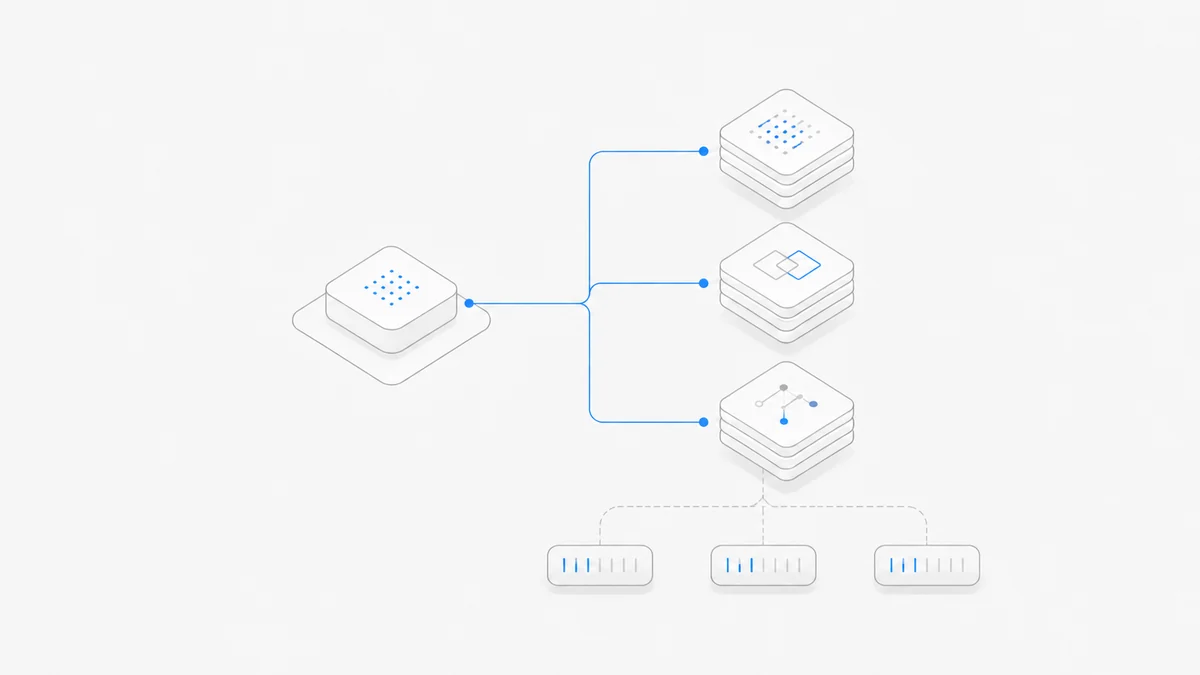
Codex is included across ChatGPT Free, Go, Plus, Pro, Business, and Enterprise, but there is no single price per coding task. The amount you pay—and what the payment changes—depends on whether you use an included ChatGPT allowance, buy an instant reset, add ChatGPT usage Credits, apply a promotional banked reset, use an OpenAI API key, or work under an organization plan.
For US individual plans, the current public reference points are ChatGPT Plus at US$20 per month and Pro 5x at US$100 per month or Pro 20x at US$200 per month. Free and Go provide limited access. The official Codex pricing page publishes model-specific usage estimates, but those figures are not guaranteed counts of completed tasks.
Last verified: September 10, 2026. Prices, task ranges, models, reset and Credit eligibility, regional availability, taxes, and organization terms can change. Check the live Codex pricing page, Settings → Usage, and the checkout shown to the account that will pay before buying.
Editorial review: Agent.Space Editorial checked the OpenAI pricing, usage, reset, and Credit documentation cited below. This dated snapshot is not an account-specific quote or invoice.
Codex pricing at a glance
The practical first question is not “How many tasks do I get?” It is “Which account and balance will pay for this work?”
How much Codex usage do Plus and Pro include?
OpenAI currently describes Plus as expanded Codex usage and Pro as 5x or 20x more usage than Plus. The official Work and Codex usage guide then gives an estimated local-message range for each model. For example, as of the verification date, the GPT-6 Astra row shows 5–45 for Plus, 25–225 for Pro 5x, and 100–900 for Pro 20x.
Do not turn those ranges into a promise. OpenAI states that local messages and cloud chats share the plan allowance, weekly limits may also apply, and usage changes with the model, execution location, task complexity, context, reasoning, speed, and tools. One small edit and one long repository migration are not equivalent tasks.
Use Settings → Usage or /status in an active Codex CLI session to inspect the account's current meter. A third-party claim such as “Plus always includes N tasks” cannot replace the account's actual limit.
A paid instant reset is a separate purchase
OpenAI's paid weekly Work and Codex reset guide says eligible personal Plus and Pro accounts may be offered a paid instant reset. It is currently unavailable on Free, Go, Business, Enterprise, and Edu, and availability can still vary by account and billing country.
The account may see Buy an instant reset in Usage settings after using some of its 5-hour or weekly allowance. A separate offer banner can appear after the weekly limit is exhausted; reaching only the 5-hour limit does not trigger that banner. The price and payment method appear in checkout, so do not rely on a universal reset price quoted elsewhere.
When checkout succeeds, the reset applies immediately—even if usage remains—and refreshes both the 5-hour and weekly Work and Codex allowances. It cannot be saved or scheduled. It brings the normal weekly allowance forward instead of adding a second entitlement on top. The new weekly period begins with the first Work or Codex request after the reset, and the next automatic weekly reset is seven days after that request, not necessarily seven days after payment.
That schedule change is the main purchasing decision. Check the remaining allowance, natural reset time, displayed price, and whether metered Credits would fit better before confirming. OpenAI says weekly reset purchases are generally non-refundable.
How ChatGPT Credits work
OpenAI's Flexible Usage Credits guide says included plan usage is consumed first. After the included limit is reached, supported activity can draw from an eligible usage-credit balance. Credits currently support Codex, ChatGPT Work, and ChatGPT for Excel when those features are available to the account.
If purchases are available for the account, the balance and purchase option appear under Settings → Usage in ChatGPT or Usage & Billing in the Codex app. Automatic reload may also be available. Current purchase amounts, prices, payment methods, spending limits, and eligibility vary by account, region, and plan. OpenAI currently says a limited group of Free and Go accounts may also see credit purchases; the live account controls remain the authority.
Four boundaries matter:
- ChatGPT usage Credits are not OpenAI API credits.
- A ChatGPT wallet balance is not automatically the same as a usage-credit balance.
- Credits do not increase the included plan allowance; they pay for eligible usage after it is exhausted.
- Current Credits expire 12 months after purchase and are non-transferable; review the official terms before buying.
Banked and global resets are not purchases
OpenAI defines a banked reset as a one-time promotional benefit saved to an eligible account until it is used or expires. Applying a full banked reset refreshes eligible 5-hour and weekly Codex usage windows and changes the weekly reset date. It is supplied under a particular promotion rather than bought at checkout, and it does not add money, API balance, or permanent capacity.
An automatic or global reset is different again: OpenAI applies it directly to the eligible limits named in an announcement, and it cannot be saved for later. A paid instant reset is a purchase that also cannot be saved. Eligibility, delivery, affected limits, and expiration depend on the specific mechanism. The dedicated Codex banked reset guide compares all three.
API-key billing is a separate bill
When a supported local Codex route authenticates with an OpenAI API key, usage belongs to the API organization or project that owns the key. Paying for Plus or Pro does not make API calls free, and funding an API project does not refill a ChatGPT allowance.
Use the current OpenAI API model and pricing catalog for the exact model and service tier. Before switching, confirm key ownership, budget alerts, rate limits, data settings, and whether the intended Codex surface supports that authentication path.
Which Codex payment route should you choose?
Start with an existing plan for ordinary interactive work
If the account already exposes the Codex surface and model you need, run a representative task first. Upgrade only after the live meter shows that recurring work exceeds the current allowance.
Buy an instant reset only when restoring both windows now is worth it
This path can fit an eligible personal Plus or Pro account whose Work or Codex allowance must restart now. Remember that the purchase applies immediately, replaces remaining allowance rather than stacking more on top, and moves the weekly schedule.
Use Credits for metered overflow
Credits can be simpler than changing plans or restarting a full weekly allowance when extra usage is occasional and the account offers them. Set a spending limit before enabling automatic reload, and check which supported features share the balance.
Use a banked reset only when the account shows one
It can restore eligible windows without buying more usage, but it is promotional, one-time, and time-limited. Do not build a recurring capacity plan around future resets.
Use API billing for a separate engineering budget
Choose an API key when local or programmatic work should be metered to an API project you operate. Treat the credential, budget, Runtime, logging, and data controls as explicit responsibilities.
Review organization terms as one package
For Business or Enterprise, compare seat rules, included usage, workspace Credits, flexible pricing, administrator controls, data policy, the current organization rate card, and the actual agreement together.
If the limit has already stopped your work
Do not buy a new plan before identifying the meter. The Codex usage-limit troubleshooting guide starts with the active account, workspace, billing route, named allowance, Credit balance, and displayed reset time. The right next step may be waiting, applying an available reset, buying eligible Credits, changing plans for recurring demand, or intentionally moving supported work to API billing.
Keep OpenAI billing separate from Agent.Space
An official Codex plan controls Codex authentication, OpenAI allowance, and OpenAI billing. Agent.Space provides its own Agent, model-access, Workspace, and billing choices. It is not an OpenAI subscription, reseller, shared account, or limit bypass.
If you are comparing the complete working environment rather than only OpenAI's bill, review current Agent.Space plans and model pricing. When that separate product path fits the way you want to work, create an Agent.Space account and choose the paid option shown for your account.