GPT-6 Astra access alternative · Coding

Agent.Space: a GPT-6 Astra access alternative for coding

Looking for another way to use GPT-6 Astra for coding? Agent.Space includes Astra in every Share plan from $9/month and pairs it with a compatible coding Agent in a persistent cloud Workspace. This is an alternative access and workflow route—not another foundation model.

Product access and pricing checked September 11, 2026

  • From $9/month
  • Astra in every Share plan
  • No local setup

01 · Working evidence

Another route to GPT-6 Astra, built around project work

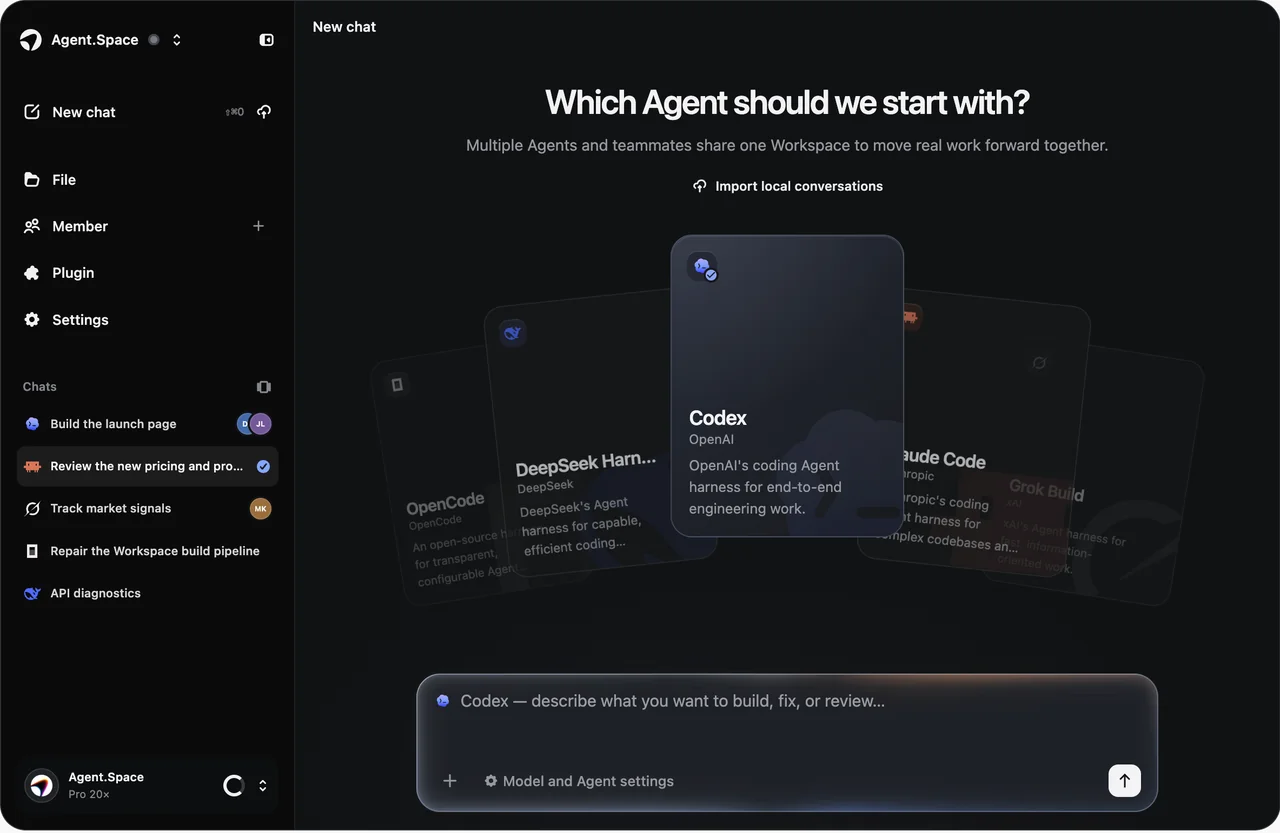
Agent.Space combines Astra access, a compatible coding Agent, and persistent project state. Open a Workspace, work on real files, inspect the Preview and checks, then continue without rebuilding context locally.
Start from the project you want to finish, then choose the supported Agent and model combination inside the Workspace.
Agent.Space WorkspacePersistent files, Previews, commands, checks, and follow-up Sessions.

Choose a Share plan, open your project Workspace, then select a compatible coding Agent and GPT-6 Astra. Keep the resulting files, Preview, checks, and follow-up work in one place.

Start with GPT-6 Astra

02 · Workflow

How the Agent.Space GPT-6 route works

Start from the project you want to finish, then choose the supported Agent and model combination inside the Workspace.
  1. 01

    Open the project Workspace

    Create or open a persistent Workspace so the Agent can work from the current files instead of a disconnected chat prompt.

  2. 02

    Choose an Agent and Astra

    Use the live selector to choose a compatible coding Agent and GPT-6 Astra for the task you want to run.

  3. 03

    Run, inspect, and continue

    Keep the resulting files, commands, Preview, checks, and follow-up Sessions attached to the same project state.

03 · Task fit

Agent.Space or an official OpenAI route?

Choose the route by the job you need to complete. Agent.Space is strongest when GPT-6 Astra must work inside a persistent coding project; official OpenAI routes are stronger when you need OpenAI's native product or API surface.

Choose Agent.Space when

  • GPT-6 Astra with a compatible coding Agent from $9/month.
  • Persistent files, Previews, commands, checks, and follow-up Sessions.
  • A browser-based Workspace with no local Agent setup.

Choose an official OpenAI route when

  • You specifically need the official ChatGPT interface and its native features.
  • You are integrating directly with the OpenAI API in your own application.
  • You want a different foundation model rather than another way to use Astra.

04 · Boundaries

Agent.Space is an independent product path

The underlying GPT-6 Astra model remains an OpenAI model. Agent.Space supplies its own Workspace, Agent integrations, plans, and product experience.
  1. 01

    Agent.Space is not OpenAI and does not claim an official partnership.

  2. 02

    Agent.Space plan benefits and billing are those shown on its live pricing page, not OpenAI API pricing.

  3. 03

    Current GPT-6 Astra and Agent compatibility comes from the live selector.

06 · Questions

GPT-6 Astra access through Agent.Space

Direct answers about what this alternative replaces, current access, pricing, and official OpenAI routes.

Start in one Space

Start a GPT-6 Astra coding task without local setup

Choose a Share plan, open your project Workspace, then select a compatible coding Agent and GPT-6 Astra. Keep the resulting files, Preview, checks, and follow-up work in one place.