MODEL
GPT-6 Astra is the model
It reads the selected context and produces reasoning, text, code, and tool decisions. OpenAI’s API documentation defines its model-level capabilities and limits.
Model · OpenAI
GPT-6 AstraAvailable with every Share plan
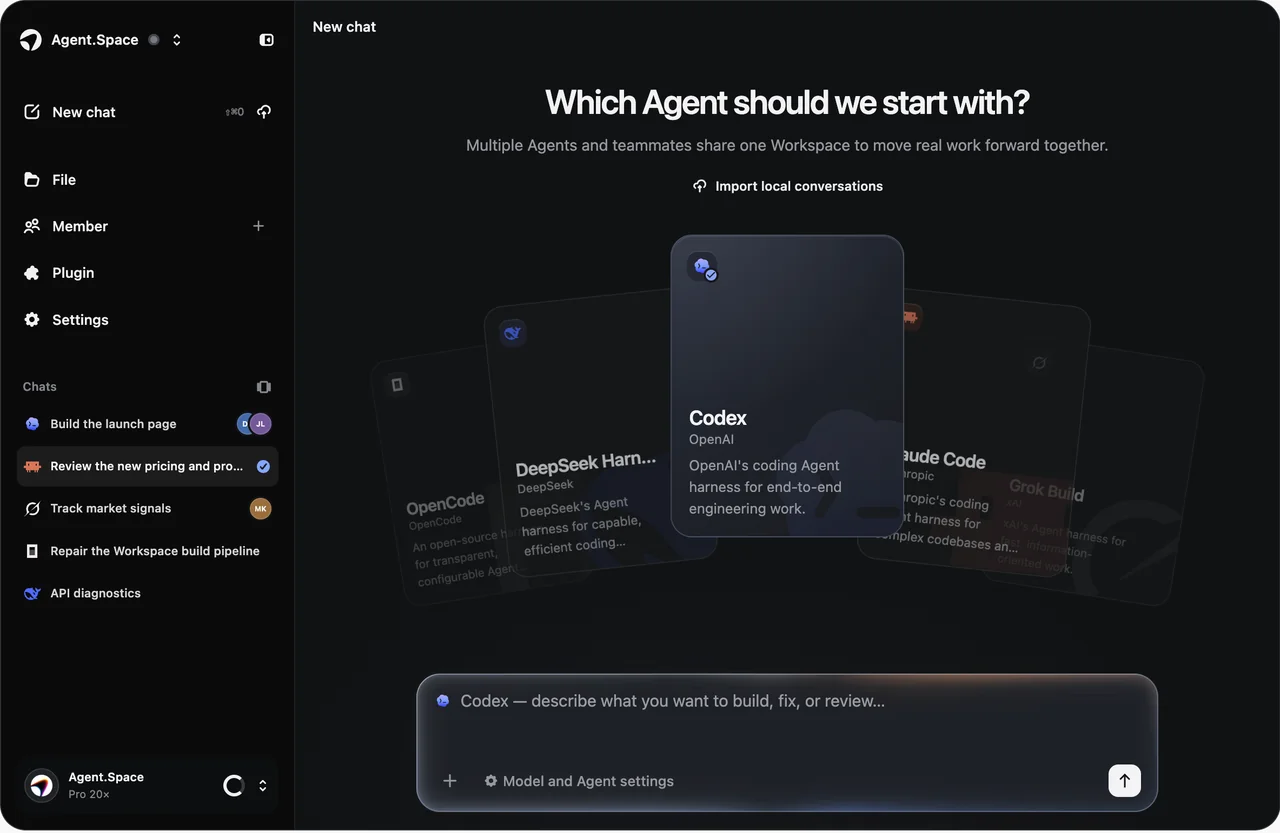
Pair OpenAI’s high-capability model with a compatible coding Agent. Agent.Space keeps the model choice, project files, Sessions, previews, and review context in one persistent cloud Workspace.
Choose the execution workflow separately
Select the model and reasoning level
Keep files, Sessions, and results together
Official model capacity
01 · Model or Agent?
MODEL
HARNESS
02 · Task fit
03 · Agent.Space workflow
Keep project files and Sessions available beyond one local terminal window.
Select the Agent harness, compatible model, and available reasoning level as separate choices.
Inspect files, previews, and results before a teammate or another Agent continues.
Start from the files and environment the task must change.
Pick the harness whose execution style fits the work.
Choose the model and an available reasoning level deliberately.
Review the result in the same Workspace before handoff.
04 · Access and boundaries
Choose a Share plan, open a Workspace, then select Astra where the chosen Agent supports it. Exact allowance and plan terms stay on the pricing page so this page does not duplicate changing billing details.
View current plansModel availability and compatible Agent combinations come from the live Workspace selector.
OpenAI model-level tools or modalities are not automatically implemented by every Agent harness.
A larger context window does not replace scoped instructions, permissions, verification, or human review.
05 · Next step
Review current Share access, allowances, and billing terms.
Open resourceSee how files, Sessions, previews, and handoff stay together.
Open resourceCheck OpenAI’s latest context, output, pricing, and capability details.
Open resourceUse GPT-6 Astra in Agent.Space from $9/month. Get a compatible coding Agent, persistent cloud Workspace, project files, Previews, and checks—no local setup.
Open resourceReview a code diff with GPT-6 Astra in a compatible coding Agent, then verify findings against project files, checks, and human acceptance criteria.
Open resourceSee Checkmate Bastion, an original playable browser game case, and the reviewable workflow for building a game with GPT-6 Astra and a coding Agent.
Open resource06 · GPT-6 Astra FAQ
Start in one Space
Open a persistent Agent.Space Workspace, choose a compatible Agent and model combination, and begin with one bounded result.