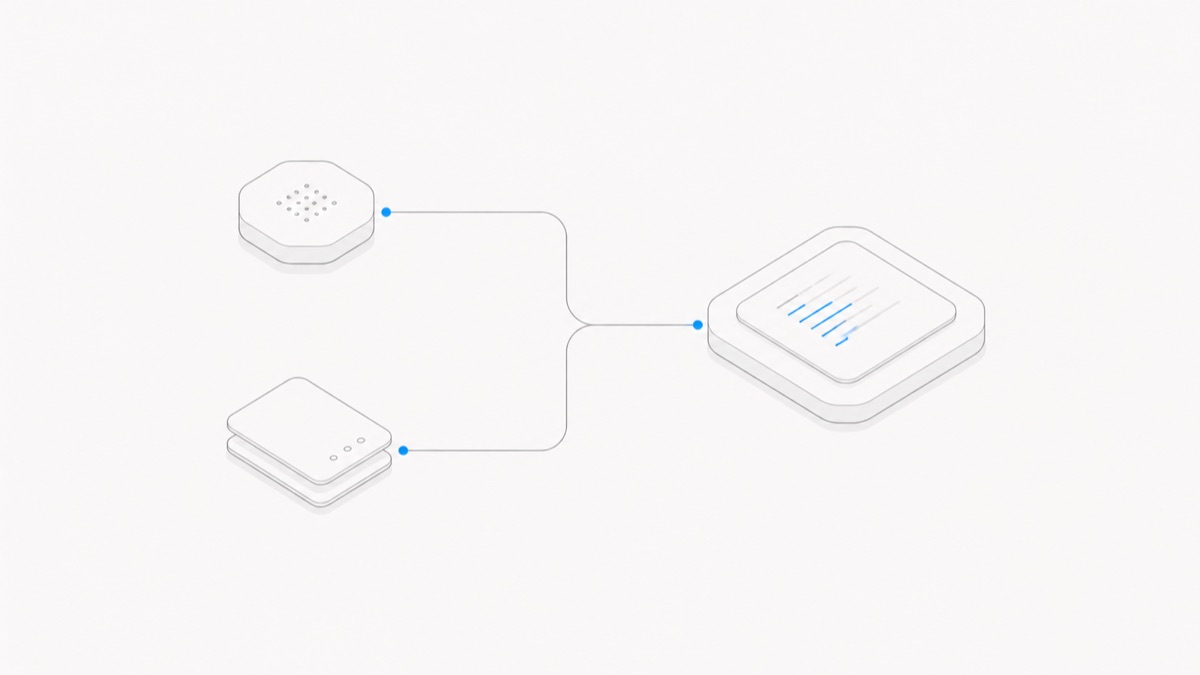
A Claude Code subscription, a Claude Console/API account, and a managed agent Workspace solve different problems.
- Choose an eligible Claude subscription or organization seat when you want Anthropic-native Claude Code surfaces and subscription-backed access.
- Choose Console/API billing when local or programmatic work should be metered to an Anthropic Console organization or supported cloud account that you control.
- Evaluate an independent managed agent Workspace when project files, Sessions, Previews, collaboration, and handoff must persist around the Claude Code harness.
This page compares operating paths rather than live rates. Use the Claude Code pricing guide for current plan prices, usage structures, and overflow options; use this page to decide who owns the credential and bill, where code runs, where project state persists, and which native Anthropic feature is required. The Claude Code Agent Hub collects the product overview and related guidance.
Last verified: 2026-09-02. Authentication order, plans, usage rules, models, prices, and product features can change. Recheck the linked Anthropic sources and each product’s live controls before buying or deploying.
The short answer
Use a subscription path for ordinary interactive work across eligible native Claude surfaces, especially when the Web or another OAuth-only feature matters. Use a Console/API path when the work should be charged by usage to an organization and you can operate the secrets, budgets, environment, and automation. Use a managed Workspace when durable project state and collaboration are the main missing layer.
These paths can coexist in an organization, but they are not one shared balance. A Claude subscription does not automatically include Console/API usage, and an independent managed Workspace is neither of those Anthropic products.
Compare the three Claude Code paths
“Managed agent” is not a sufficient product description. Check who supplies the harness, who operates the Runtime, what persists, and which commercial contract applies.
Choose a Claude subscription for native Claude Code surfaces
Anthropic’s current Claude Code authentication guide supports login through eligible individual subscriptions and Claude organizations. This is the natural route when the required experience is tied to a Claude account or subscription OAuth credential.
Choose it when:
- you want the native interactive Claude Code experience under an eligible plan or seat;
- Claude Code on the Web or another subscription-connected surface is required;
- Claude organization membership and admin policy should govern access; or
- you prefer the subscription usage model to managing a separate Console project for interactive work.
One current boundary is especially important: Claude Code on the Web uses subscription credentials. Setting an API key inside its sandbox does not replace the account credential for that Web Session. Desktop and remote experiences also have their own authentication rules, so do not generalize a terminal API-key setup to every Claude Code surface.
Verify current plan eligibility and limits in Anthropic’s live account and pricing materials before choosing this route.
Choose Console/API billing for local or programmatic control
Claude paid plans and the Claude Console are separate products. Anthropic’s official Help Center explanation states that a paid Claude plan does not include API or Console access.
Choose a Console/API route when:
- local Claude Code usage should charge a named Console organization;
- a script, CI job, or Agent SDK application needs a programmatic credential;
- the organization intentionally uses a supported cloud-provider billing and identity path; or
- you can operate the Runtime, secret storage, budgets, logs, retries, and review controls around the work.
Credential precedence can change the bill. In current Claude Code terminal authentication, an approved ANTHROPIC_API_KEY can take precedence over stored subscription OAuth credentials. Check the active method with the product’s current status controls before assuming usage is consuming a subscription allowance.
An API key does not supply project persistence or collaboration by itself. Direct Messages API calls, the Agent SDK, and local Claude Code also expose different levels of the stack even when usage lands on an API account. The guide to using Claude Code without Pro or Max covers the local authentication boundary in detail.
Choose a managed agent Workspace when the project must persist
A managed Workspace becomes relevant when the recurring problem is the project around the model call: saved files, continuing Sessions, supported Previews, team membership, or a handoff between people and different Agent harnesses.
Agent.Space is one independent managed option. Its public product contract separates the compatible model, Claude Code harness, Session, and Workspace. Claude Code can investigate or change the saved project in its own Session; a teammate or another supported Agent can continue from current files and an explicit handoff in another Session.
Agent.Space is not Anthropic, an Anthropic subscription, a Console/API balance, a shared Claude login, or a reseller. It does not guarantee every Claude model pairing or reproduce every Anthropic-native surface. Verify the current Agent and model selectors, permissions, storage terms, and plan before relying on the route.
The practical Claude Code on Agent.Space guide shows how to evaluate it with one bounded, reviewable task.
Do not confuse Agent.Space with Claude Managed Agents
Anthropic also has a product formally named Claude Managed Agents. Anthropic describes it as a pre-built, configurable agent harness for production agent use. Its execution environment can be an Anthropic-managed cloud sandbox or a self-hosted sandbox on the customer's infrastructure, so Runtime and infrastructure responsibility depends on the environment selected. It remains a distinct Anthropic Platform product with its own sessions, API, environment contract, and pricing.
In this article, an independent managed agent Workspace means a third-party project environment around a supported harness. The two may both use the word “managed,” but they do not have the same provider, interface, bill, product contract, or relationship to Claude Code.
Ask these questions whenever the label is unclear:
- Is Anthropic or another company providing the product?
- Is the interface an official hosted API, a native Claude Code surface, or a project Workspace?
- Who owns model usage, Runtime cost, files, event history, and credentials?
- Can the product run Claude Code specifically, or only a different Claude-powered harness?
Keep credentials, bills, and data policies separate
A real deployment may contain several identities:
- subscription OAuth for a person or Claude organization;
- a Console API key for usage-based local or programmatic work;
- supported cloud-provider credentials and policy;
- an independent Workspace membership and plan.
Do not share a personal Claude login or API key to simulate team access. Give each credential a named owner and purpose, store secrets through an approved mechanism, apply the minimum permissions, and set budget or usage controls where available.
The data boundary also follows the route. Subscription use follows the applicable Claude account and organization terms. Console or cloud-provider use follows those organization settings. An independent managed Workspace introduces its own storage, membership, Runtime, and operating terms alongside any relevant upstream model or harness terms.
Use one representative task to decide
Run one small task whose correct result you already understand. Keep the source files and acceptance criteria constant, then record:
- the exact interface and active credential;
- the model and settings actually available;
- which account received the usage or bill;
- setup, secret-management, and permission work;
- the accepted output and validation evidence;
- what project state remained after execution stopped;
- how a teammate could review or continue the task; and
- which required native features were available or missing.
One run is a dated sample, not proof that a route is always cheapest. The decision is sound when you can separately name the credential owner, bill owner, Runtime owner, project-state owner, reviewers, and required product surface.