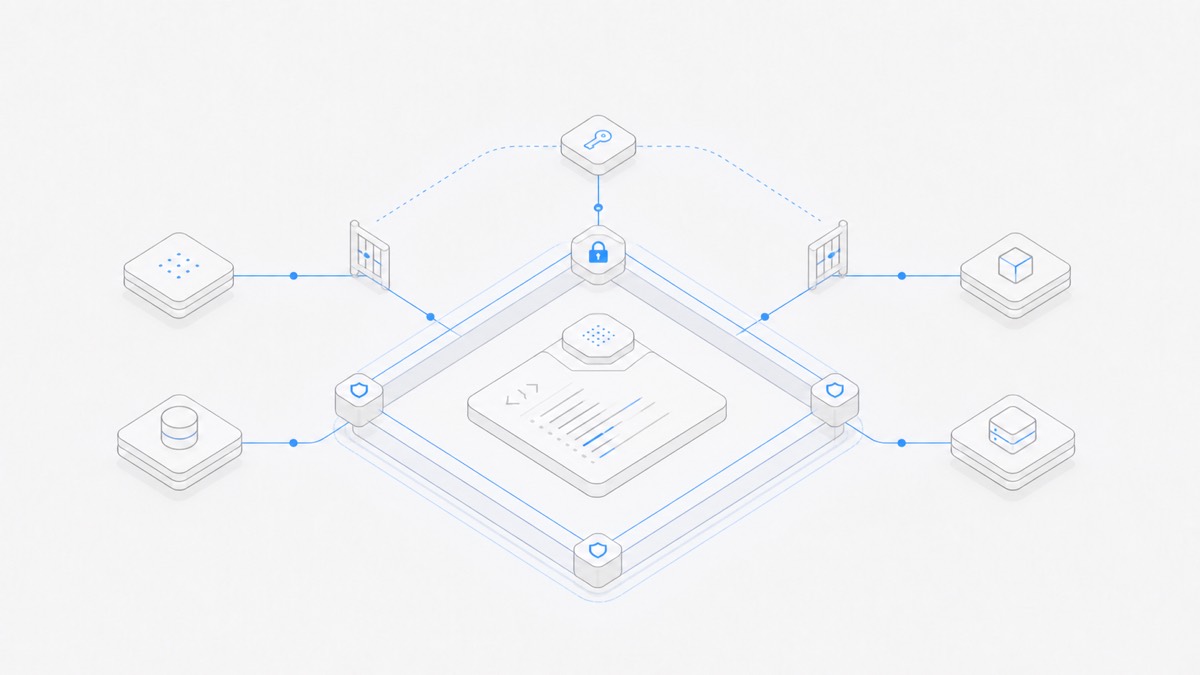
Claude Code permissions and sandboxing are complementary, not interchangeable. Permission rules decide whether a tool call may start; the OS-level Bash sandbox limits which files and network destinations a running Bash command and its child processes can reach. A conservative baseline uses both layers, disables automatic approval for Bash commands that stay inside the sandbox, sets sandbox.failIfUnavailable to true, and prevents commands that fail in the sandbox from retrying outside it.
This guide is based on Anthropic's official permissions, sandboxing, and administration documentation, verified on September 11, 2026. It is a practical starting point, not a complete enterprise security policy. Your security or platform owner still needs to approve the threat model, secrets, network destinations, writable paths, and exceptions.
If you first need the product workflow rather than its security controls, see the Claude Code workflow guide.
Claude Code permissions and sandboxing solve different problems
The simplest mental model is “before execution” versus “during execution.”
Anthropic's permissions documentation says permission rules are enforced by Claude Code, not by the model or a prompt. The sandboxing documentation says the sandbox uses OS-level controls and applies only to Bash and its child processes.
That distinction prevents two common mistakes. Approving a Bash command does not mean the process should receive unrestricted filesystem and network access. Enabling the Bash sandbox also does not sandbox built-in Read, Edit, WebFetch, MCP, computer-use, or other non-Bash tools; those still need their own permission and environment boundaries.
This two-layer model is one part of a broader coding-agent workspace security design. A container or VM, repository permissions, secrets management, branch protection, and human review may still be necessary depending on the damage a task could cause.
Deny, ask, and allow decide whether a tool call starts
Claude Code exposes three types of permission rule, manageable through /permissions or settings:
denyprevents the matching tool use.askrequires confirmation whenever the matching use is attempted.allowlets the matching use run without manual approval.
The order matters: deny is evaluated before ask, and ask before allow. Specificity does not reverse that order. A broad deny such as Bash(git push *) cannot contain a narrower allow exception for one repository or remote; the deny still wins. If you need exceptions, redesign the rules so the denied scope is not broader than the behavior you intend to permit.
Rules can cover a whole tool or a scoped action. A bare Bash deny removes Bash from the available tool context, while Bash(git push *) leaves Bash available and blocks only matching commands. The same principle applies to file reads, edits, web fetches, and other supported tools.
The command pattern is only a guardrail around matching text, not a complete security boundary around Git. For example, Bash(git push *) does not match equivalent forms such as git -C . push, git -c push.default=current push, or git 'push'. If pushing must be impossible, enforce that outcome with repository permissions and branch protection, narrowly scoped credentials, and network policy. A PreToolUse hook can additionally inspect the full command before execution when organization policy needs a command-aware check.
Use each bucket for a different risk class:
- Put known prohibited actions and sensitive paths in
deny. - Put installs, publishing, authentication changes, unfamiliar scripts, and other context-dependent operations in
ask. - Put only narrow, repeatable actions you understand in
allow.
An instruction in CLAUDE.md can shape what the model tries to do, but it cannot grant access that a permission rule denies. That is why a policy sentence such as “do not read secrets” is useful guidance but is not a substitute for an enforced rule.
The Bash sandbox limits what a running command can reach
The Bash sandbox adds filesystem and network isolation after a command is allowed to run. On macOS it uses Seatbelt. On Linux and WSL2 it uses bubblewrap; native Windows and WSL1 were not supported in the documentation verified for this guide.
The default filesystem boundary needs careful reading:
- Sandboxed commands can write to the working directory, the session temporary directory, and explicitly added directories.
- They can read more broadly than they can write. Anthropic warns that the default read policy can still expose credential files such as AWS or SSH configuration unless you add credential or read-deny controls.
- Protected Claude Code and shell configuration paths receive additional safeguards, but those safeguards are not a complete secrets policy.
- Network access goes through the sandbox proxy and domain controls; allowing a domain is not the same as inspecting the contents of every encrypted connection.
The /sandbox panel lets you inspect the resolved configuration and dependencies. Permission prompts and the sandbox interact through sandbox.autoAllowBashIfSandboxed. Anthropic documents true as the default: sandboxed Bash commands are generally auto-approved, but explicit deny rules and content-scoped ask rules such as Bash(git push *) still apply. A bare Bash or Bash(*) ask rule is normally skipped for sandboxed commands, except in plan mode. Use false for the conservative baseline below when you want every sandboxed Bash command to go through the regular permission flow while you learn the repository, scripts, and required domains.
A safer baseline configuration
The following JSON is an illustration for a repository whose code and package scripts you already trust. It is not a universal policy and should not be copied into an untrusted repository without review.
Read this example as intent, not certification:
- Project secret files are denied, but you still need to inventory credentials outside the repository and protect them with
sandbox.credentialsor filesystem read restrictions. - The rule blocks the common
git push …spelling, but it does not make publication impossible. Repository permissions and branch protection, narrowly scoped or absent push credentials, and network restrictions must enforce the real boundary; aPreToolUsehook can add a full-command check. - Automatic approval for sandbox-contained Bash commands is disabled, so every Bash command goes through the regular permission flow. Content-scoped
askrules would still prompt in auto-allow mode, but this setting also preserves prompts that would otherwise be skipped by a bareBashorBash(*)ask rule. - Dependency installation asks because the explicit
Bash(npm install *)rule can match a content-scoped command that changes the lockfile, downloads code, and executes lifecycle scripts; the two exact package scripts are the only Bash commands explicitly allowed without a prompt. - Even those two scripts should not be allowlisted when the repository or scripts are untrusted.
- Sandbox initialization and per-command sandbox failures both fail closed instead of quietly widening execution.
Run /permissions to inspect which file supplied each resolved rule. Test the policy with benign reads and commands before trusting it with sensitive data; do not use a production secret as the test material.
Make sandbox failure explicit with failIfUnavailable
There are two different failure cases, and each needs its own setting.
First, the sandbox itself may be unavailable because a required dependency is missing or the platform is unsupported. Anthropic documents that the default behavior is to show a warning and run commands without sandboxing. Setting sandbox.failIfUnavailable to true changes this into a hard failure. For an environment that treats sandboxing as a security gate, this is the safer failure mode.
Second, the sandbox may start correctly but a particular command may not work inside its boundary. Setting allowUnsandboxedCommands to false prevents Claude Code from retrying that command outside the sandbox. The safe response is then to understand the blocked path, host, or tool and have an authorized person choose the smallest justified policy change—or run the exceptional operation through a separately controlled process.
These settings do different jobs:
Do not treat warnings as enforcement. Verify the resolved configuration and dependency status on every platform your team actually uses.
Enforce organization policy with managed settings
Personal or repository settings are useful for local defaults, but they are not an organization-wide control plane. Anthropic's administration guide describes managed settings delivered through the Claude admin console, device management, OS policy, or an administrator-controlled file. Managed values take precedence over user and project configuration, subject to documented merging behavior.
An administrator should review at least these controls:
- managed
permissions.allow,permissions.ask, andpermissions.denyrules; allowManagedPermissionRulesOnlywhen permission rules must come only from managed policy;permissions.disableBypassPermissionsModewhen users must not select the bypass mode;- managed sandbox enablement,
failIfUnavailable, andallowUnsandboxedCommands; - managed-only read paths and network domains where local additions would widen access;
- allowed MCP servers, hooks, plugin sources, models, and network destinations.
Array settings may merge across scopes rather than replace lower layers. Anthropic also notes that some exception lists do not have an equivalent managed-only lockdown. Security reviewers therefore need to inspect the resolved policy, not just the central file they intended to deploy.
For MCP specifically, pair server governance with the tool permission layer; the Claude Code MCP setup guide provides the workflow context, while the official administration page remains the authority for current policy keys.
Know what the sandbox does not protect
Anthropic explicitly describes the Bash sandbox as risk reduction, not a complete isolation boundary. The important limitations include:
- Non-Bash tools: Read, Edit, Write, WebFetch, MCP, and computer-use operate under other controls. Computer-use can act on the real desktop; permissions and environment separation still matter.
- Credential visibility: sandboxed Bash inherits environment variables by default, and the default filesystem read policy can expose credential files. Claude Code v2.1.187 or later supports
sandbox.credentials; v2.1.199 or later is required for its environment-variable masking behavior. For a stricter process boundary,CLAUDE_CODE_SUBPROCESS_ENV_SCRUBremoves listed credentials from all subprocesses. Avoid placing broad secrets in the parent environment. - Encrypted network traffic: the built-in proxy restricts destinations but does not inspect TLS content by default. Broad allowed domains can still create exfiltration paths; stronger threat models need a trusted inspection proxy and a narrow allowlist.
- Unix sockets: allowing powerful sockets such as the Docker socket can effectively grant access to the host. Do not add socket exceptions without a specific architecture and review.
- Writable paths: write access to executable search paths, system configuration, or shell startup files can enable later code execution. Keep additional write paths narrow.
- Weaker modes and platform gaps: weaker nested isolation and macOS Apple Events can materially reduce isolation. Native Windows and WSL1 are unsupported; some tools need adjusted workflows rather than broad exceptions.
Filesystem and network isolation also depend on each other. A process that can read secrets and reach a broad network destination may exfiltrate them; a process that can modify system resources may create a later network path. Review both sides whenever you add an exception.
Preflight checklist before more autonomous work
Before increasing session autonomy or moving to asynchronous work, verify the boundary with evidence:
- Define the threat model: what files, credentials, services, repositories, and external systems could be harmed?
- Open
/permissionsand inspect the resolved deny, ask, and allow rules, including their source files. - Open
/sandbox, confirm the intended mode, dependencies, denied paths, writable paths, and allowed network destinations. - Confirm
autoAllowBashIfSandboxed: false,failIfUnavailable: true, andallowUnsandboxedCommands: falsewhere prompts and sandboxing are required security gates. - Inventory credentials in files and environment variables; deny, mask, or remove everything the task does not need. Remove push credentials and enforce repository or branch policy when publishing must remain impossible, rather than relying on a Bash text rule alone.
- Keep write paths, network domains, Unix sockets, MCP servers, and other exceptions as narrow as the task permits.
- Start from a short-lived branch or disposable environment with no production credentials and a clear acceptance test.
- Run benign boundary checks, then inspect the diff, command evidence, and any external side effects with a human reviewer.
- For teams, verify that managed policy is actually resolved on every supported platform and that exceptions are logged and reviewed.
A permission prompt is not the place to invent policy under time pressure. Decide repeatable rules before the session, then treat an unexpected block as new information about the task or boundary.
The takeaway
Claude Code permissions determine whether tools may run; the OS-level Bash sandbox constrains what an allowed Bash process can reach. Use deny, ask, and allow deliberately, remember that content-scoped ask rules still prompt in auto-allow mode, disable automatic approval when every sandboxed Bash command must use the regular permission flow, make sandbox unavailability a hard failure, block unsandboxed retries, protect credentials explicitly, and retain managed and human controls for organization-wide risk.
When you are ready to try a bounded task, open Agent.Space and begin with a low-risk assignment that has a clear acceptance test. Confirm the live workspace, agent, model, and security boundaries before expanding autonomy.