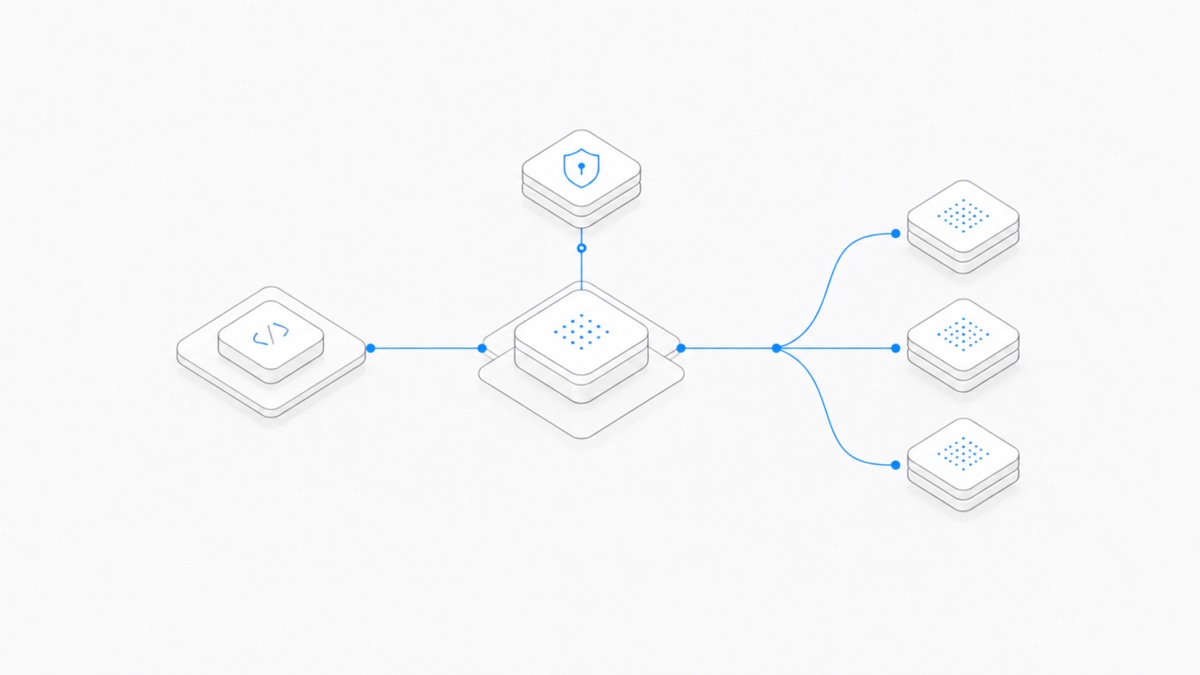
You can use Codex locally while sending supported OpenAI model requests through Amazon Bedrock. Set model_provider = "amazon-bedrock", choose an exact model ID from OpenAI's supported list, configure a Region and Bedrock authentication, then confirm the provider in Codex.
This changes the inference and billing path. The Codex client still runs locally, but model requests go to Bedrock's implementation of the Responses API. The OpenAI-hosted API is not in the request path. Your AWS account controls identity, model access, Region, quotas, request handling, and charges.
Last verified: September 10, 2026. This guide follows OpenAI Help Center articles 20001252 and 20001253 and linked AWS documentation. Supported clients, models, Regions, and features can change. Check the official model list and your AWS account immediately before rollout.
Technical review: Agent.Space Technical Review checked the documented configuration, responsibility boundaries, and limitations. The article does not claim a production Bedrock benchmark or access to your AWS account.
What you need before setup
OpenAI currently requires:
- Codex CLI 0.128.0 or later; or
- Codex desktop app or VS Code extension 26.429.30905 or later;
- access to a supported OpenAI model in Amazon Bedrock;
- a Region where that model is available; and
- either a Bedrock API key or credentials available through the AWS SDK credential chain.
This setup is for local Codex workflows in the CLI, desktop app, or VS Code extension. It is not the configuration for Codex signed in with ChatGPT or for Codex using an OpenAI API key. If your real decision is local versus cloud execution, start with the Codex Cloud vs CLI comparison.
Use an exact supported model ID
As of the verification date, OpenAI's configuration guide lists these model IDs:
openai.gpt-5.6-sol— the recommended default;openai.gpt-5.6-terra;openai.gpt-5.6-luna;openai.gpt-5.5; andopenai.gpt-5.4.
Do not infer support from a similar display name. In particular, GPT-6 Astra is not in this official Bedrock configuration list as of September 10, 2026. Even if a model appears elsewhere in Codex, OpenAI, or AWS, use it here only after both the current Codex guide and your chosen Bedrock Region show support.
Model availability can differ by Region and AWS account. The example below uses openai.gpt-5.6-sol in us-west-2, but that example is not a promise that this Region and model are enabled for every account.
Step 1: choose the authentication path
Codex supports two Bedrock authentication paths.
Option A: a Bedrock API key
Set the Bedrock bearer token in the environment that launches Codex:
The value is an AWS secret. Do not put it in a repository, committed shell file, screenshot, issue, or shared log. AWS documents both short-term and long-term Bedrock API keys; its current guidance recommends short-term keys for production use and describes long-term keys as more appropriate for exploration.
Option B: the AWS SDK credential chain
Use this route when your organization manages access through IAM, AWS IAM Identity Center or SSO, a named profile, environment credentials, or a federated identity. For example, after your administrator has configured the profile, you can authenticate with:
You can also name the profile in the Codex configuration, which makes the intended identity easier to review. Ask the AWS administrator for only the Bedrock access needed by this workflow; do not solve a missing permission by switching to an unrestricted administrator identity.
Authentication precedence matters. Codex checks AWS_BEARER_TOKEN_BEDROCK first and the AWS SDK credential chain second. An expired or unintended bearer token can therefore override a valid SSO profile. Clear or replace the token before debugging the profile.
Step 2: configure Codex
Add the provider, model, and Region to ~/.codex/config.toml:
Replace the Region with one where the selected model is available to your AWS account. Setting it in config.toml is the most explicit choice. For AWS SDK authentication, Codex can otherwise follow the normal AWS resolution chain, including AWS_REGION, AWS_DEFAULT_REGION, and the selected profile.
Do not set OPENAI_API_KEY for this provider. When model_provider is amazon-bedrock, Codex uses Bedrock credentials and sends the inference request to Bedrock, not to OpenAI's hosted API.
Step 3: make credentials visible to desktop or VS Code
A desktop app or IDE extension may not inherit variables exported in a terminal. If Codex desktop or the VS Code extension needs a Bedrock bearer token or Region, OpenAI says to place the required variables in ~/.codex/.env:
Protect this file as a secret-bearing local configuration. Restart the desktop app or extension after changing ~/.codex/config.toml or ~/.codex/.env, then start a new session. A shell session that already works does not prove the graphical app has the same environment.
Step 4: verify the route before real work
Verification should prove both configuration and execution:
- Confirm the client version meets the minimum requirement.
- In Codex CLI, open
/statusand confirm that the model provider isamazon-bedrockand the intended model is selected. - In the desktop app or VS Code extension, restart and begin a new session after configuration changes.
- Run a small, bounded task in a disposable or low-risk project—for example, ask Codex to inspect one file and explain it without making changes.
- Check the AWS account's Bedrock usage and logs to confirm the request arrived under the intended identity and Region.
Do not treat a successful login alone as proof. It is possible to authenticate successfully but select an unavailable model, use the wrong Region, hit an account quota, or run the desktop app with stale environment variables.
Who controls what?
This division changes troubleshooting. OpenAI Support is the right route for Codex client setup and local behavior. AWS administrators or AWS Support own IAM, model access, quotas, billing, Regional availability, Bedrock request failures, and backend logs.
It also changes cost comparisons. ChatGPT plan usage and OpenAI API credits do not pay an AWS Bedrock bill. Check Amazon Bedrock pricing for the exact model and inference option, then compare it with the distinct paths in the Codex pricing guide.
Features that are currently missing or limited
Codex on Bedrock is not feature-identical to Codex backed by ChatGPT sign-in or OpenAI's API Platform. OpenAI currently marks these features unavailable:
- image generation;
- voice transcription for input;
- the cloud plugin store;
- cloud configuration and policy management; and
- Codex cloud agents, including review, security, and web agents.
OpenAI also says MCP namespace tools and tool search are not currently available, so MCP and tool-discovery behavior may be limited. Support can vary by model, Region, API surface, AWS account configuration, and AWS release status.
These are product boundaries, not setup mistakes. If a required workflow depends on one of those hosted features, changing IAM permissions will not make it appear. Choose a different Codex route or redesign the workflow around the supported local feature set.
Troubleshooting checklist
Codex reports an unsupported or unknown model
Copy one exact ID from the current OpenAI list. Check spelling, then verify the model is available to your account in the configured Region. Do not substitute Astra or another familiar model name without current official support.
Authentication fails even though SSO works
Check whether AWS_BEARER_TOKEN_BEDROCK is set. It takes precedence over the SDK chain and may be expired or belong to another account. Then verify the selected AWS profile and session are current.
CLI works but desktop or VS Code does not
The graphical client may not inherit shell variables. Put the required values in ~/.codex/.env, restart the app or extension, and start a new session.
The request is denied
Confirm the AWS identity is allowed to use the selected Bedrock model. Identity and access are AWS responsibilities; follow your organization's IAM process rather than broadening permissions inside Codex.
The request is throttled or stops at a limit
Check the applicable Amazon Bedrock quotas for the endpoint, model, account, and Region. AWS documents separate quota allocations for its Bedrock endpoints, so a limit observed on one path should not be guessed from another.
The wrong AWS account is charged
Run /status, review the selected profile or bearer token, and confirm the account identity before continuing. Then use AWS billing and request records as the authoritative evidence. A ChatGPT subscription does not absorb these charges.
When this route is a good fit
Codex with Amazon Bedrock can fit organizations that already manage model access, identity, governance, quotas, and billing in AWS and want a local Codex development loop. It is a poor fit when the workflow depends on the unavailable Codex cloud agents, cloud plugin discovery, image generation, or voice transcription.
Start with one representative repository task, measure accepted output and interruptions, and review the AWS cost and operational controls before a team-wide rollout. For a separate managed Workspace path, see the Codex Agent Hub. Agent.Space is not OpenAI or AWS and does not turn an Agent.Space subscription into Bedrock access.
If you want to compare that independent Workspace model with your AWS-managed route, start with a bounded Agent.Space project and verify the currently available Agent, model, plan, and permissions before moving production work.