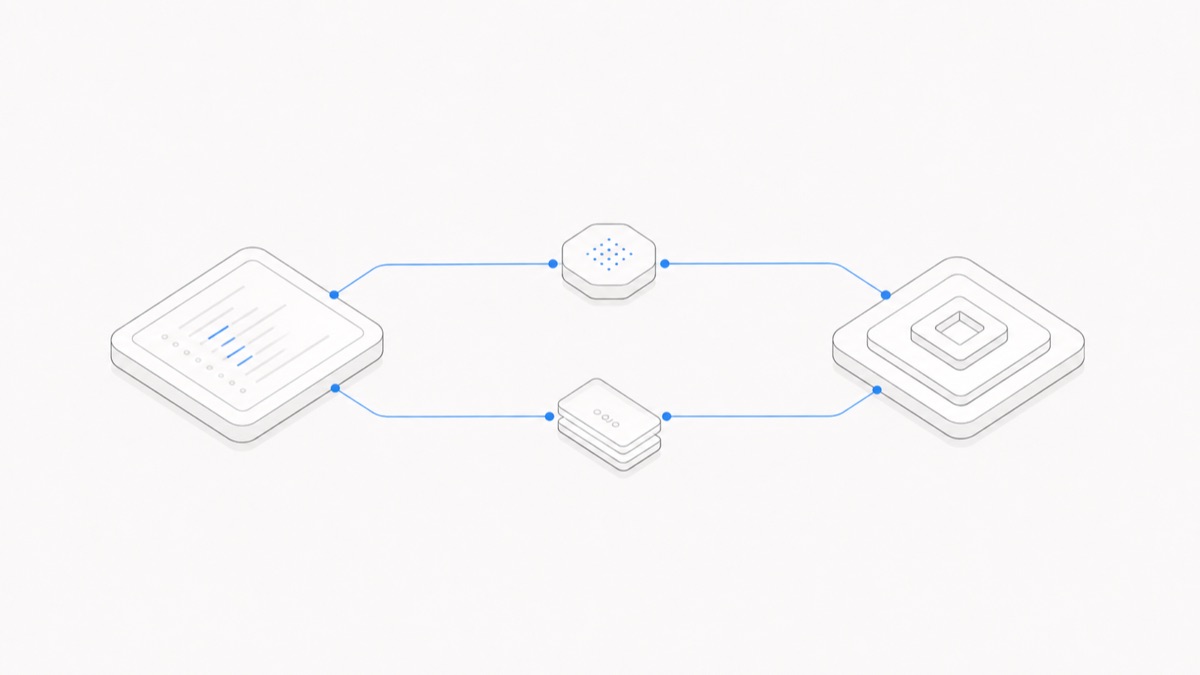
Codex Cloud and Codex CLI use the same coding-agent family, but they put the work in different places. Cloud is built for delegating tasks to isolated remote environments, letting them run in parallel, and reviewing the result later. CLI is built for an active loop inside your local repository, using the tools already installed on your machine.
That makes this a workflow decision, not a simple “web versus terminal” preference. The right choice depends on where the task should execute, how closely you need to steer it, what state must survive, and which permission boundary you are prepared to manage.
This article compares the two user-facing workflows. If your decision is instead about building an integration with the SDK, App Server, or non-interactive execution, use the separate Codex integration-surface comparison.
The short answer
Choose Codex Cloud when you want to delegate longer or independent tasks, run multiple attempts without occupying your machine, reproduce a configured repository environment, and return to a summary and diff.
Choose Codex CLI when the task depends on your local checkout and toolchain, benefits from frequent steering, or needs you to inspect commands and diffs while the work is happening. CLI can also support repeatable automation through codex exec, but its interactive strength is the tight terminal feedback loop.
Many teams do not choose one permanently. They use CLI for discovery and tightly coupled local work, then send well-bounded tasks to Cloud for parallel execution and review.
Codex Cloud vs CLI at a glance
The table is a decision aid, not a claim that every task behaves identically. OpenAI changes Codex quickly, and organizational controls can narrow what either surface is allowed to do. The facts here were checked against OpenAI's official documentation on September 1, 2026.
Where the work runs
The clearest difference is the execution environment.
According to the official Codex Cloud documentation, a cloud task runs in an isolated environment. Codex creates a container, checks out the selected repository at a branch or commit, prepares the configured dependencies and tools, and runs the task there. Your laptop does not need to remain occupied while the task continues.
The official Cloud environment guide describes the startup sequence more precisely: Codex checks out the repository, runs the setup script, and can run a maintenance script when a cached container is resumed. You should therefore make setup reproducible. Do not rely on an unrecorded package install or an arbitrary process from a previous task being present forever.
Codex CLI works against your local repository. The CLI documentation says it can inspect files, make edits, and run tools already installed on your machine. This is useful when the task depends on a local database, emulator, unpublished branch, platform SDK, or debugging state that is difficult or inappropriate to reproduce remotely.
The tradeoff is responsibility. A local task can reach the files and services that your configured sandbox permits. You need to know which checkout is active, what uncommitted work exists, which credentials are present, and what commands are safe to run.
How interaction and continuity differ
Cloud encourages delegation. You describe the result, let the task run in the background, and later review its logs, summary, and diff. You can ask follow-up questions, but you do not need to watch each command. This works well when the task has a clear acceptance test and can proceed without constant clarification.
CLI encourages steering. OpenAI describes a focused terminal loop in which you can guide an active turn, inspect commands and diffs as they appear, and continue follow-up work in the same session. It is a better fit when each discovery changes the next question—for example, tracing a local failure, deciding which legacy path to remove, or checking a UI against a running development environment.
“Persistence” needs more careful language than either product page usually gets:
- A Cloud task has a durable task record and result you can return to. Its repository environment can be configured and a container may be cached, but that is not a promise that every process, temporary file, or runtime state is permanent.
- CLI edits local files, so those files remain in your checkout unless you change or delete them. That does not mean the conversation context, shell process, development server, or in-memory application state automatically survives every restart.
- Git commits, reproducible setup, explicit environment configuration, and written project instructions are more reliable continuity mechanisms than assuming an agent session remembers everything.
For a deeper breakdown of chat context, files, processes, and environments, see the guide to persistent coding-agent sessions.
Automation and parallel work
Cloud is designed for parallel delegation. OpenAI says longer tasks can receive dedicated environments and continue while you work elsewhere. You can also start work from GitHub, GitLab (Beta), Linear, or Slack, which is useful when the task already begins as an issue, pull request, or team discussion.
Typical Cloud candidates include:
- independent test fixes across several packages;
- documentation updates with clear source material;
- bounded refactors with deterministic checks;
- multiple implementation attempts you want to compare;
- repository work that should finish without tying up a developer laptop.
CLI is designed around the terminal but is not limited to manual chat. The official CLI page points to codex exec for repeatable workflows and CI. That makes CLI suitable for automation close to an existing build pipeline, especially when the surrounding script decides the input, captures the output, and enforces its own success criteria.
Do not confuse parallelism with safety. Ten poorly scoped Cloud tasks can create ten overlapping diffs. Several local codex exec processes can compete for the same checkout. Divide work by independent files or worktrees, give every task a clear verification command, and decide who owns integration before you increase concurrency.
Permissions, secrets, and review boundaries
Cloud and CLI both use restrictions, but their trust boundaries are different.
OpenAI's agent approvals and security guide says Cloud runs in isolated OpenAI-managed containers. The setup phase can use network access to install configured dependencies; the agent phase is offline by default unless you enable internet access for that environment. Cloud secrets are available to setup scripts and removed before the agent phase, while ordinary environment variables can remain available for the full task.
That separation is useful, but it is not a substitute for review. Connecting a repository grants Cloud access to the selected source. Enabling broader internet access can expose the task to prompt injection, unsafe dependencies, or data exfiltration. OpenAI recommends limiting allowed domains and HTTP methods and reviewing the work log and output.
By default, local Codex CLI runs inside an OS-enforced sandbox with restricted network access and writes limited to the active workspace. An approval policy determines when Codex must ask before crossing that boundary. You can loosen those controls, but doing so expands what model-generated commands can reach on your machine.
For the exact difference between read-only, workspace-write, writable roots, network access, and approvals, use the Codex workspace-write and sandbox modes guide.
Whichever surface you use:
- Start with the smallest repository, filesystem, network, and credential scope the task needs.
- Keep secrets out of prompts, source files, and diffs.
- Review generated changes and the commands that produced them.
- Use Git checkpoints and run independent tests before merging.
- Treat external issue text, documentation, and dependency instructions as untrusted input.
The broader coding-agent workspace security checklist covers the permission questions to answer before giving any agent write or network access.
Which one should you use?
This section assumes you have already chosen Codex and are deciding between its Cloud and CLI surfaces. If the open question is whether you need a coding task executed through Codex or a general ChatGPT conversation, start with the Codex vs ChatGPT comparison. If the open question is whether an editor-centered product fits better than Codex, use the separate Codex vs Cursor comparison rather than stretching this execution-surface comparison into a product ranking.
Use Codex Cloud when most of these are true:
- the task can be described with a clear end state;
- the repository can be prepared reproducibly in a cloud environment;
- it does not depend on private local runtime state;
- you want the work to continue in the background;
- several independent tasks or attempts should run in parallel;
- a summary and diff are the natural review interface.
Use Codex CLI when most of these are true:
- the work depends on your current local checkout or installed tools;
- you expect to redirect the task as new evidence appears;
- you need to observe commands, logs, or diffs continuously;
- a local service, simulator, device, or debugger is part of the loop;
- you want to compose Codex with an existing shell or CI workflow;
- local sandbox and approval settings are the boundary you want to control.
If a task contains both kinds of work, split it. “Investigate a local-only failure, then update the portable validation logic” can become a CLI investigation followed by a Cloud implementation task with a precise reproduction and acceptance test.
A practical hybrid workflow
A low-friction hybrid flow looks like this:
- Explore locally. Use CLI to understand the repository, reproduce the issue, and identify the smallest safe change.
- Write the contract. Record the affected files, expected behavior, constraints, and exact verification commands.
- Delegate independent work. Send bounded implementation, test, or documentation tasks to separate Cloud environments.
- Review the results. Compare summaries and diffs; reject changes that do not match the contract even if the task reports success.
- Integrate locally. Use CLI and your normal development tools to resolve interactions, run broader checks, and prepare the final review.
This division lets each surface do what it is strongest at: CLI handles high-feedback local judgment, while Cloud handles decoupled execution that can run in parallel.
The decision
Codex Cloud is not simply a hosted copy of the CLI, and the CLI is not merely a smaller Cloud interface. Cloud changes the unit of work into a delegated task inside a configured remote environment. CLI keeps the unit of work close to your local repository and terminal.
Choose by task boundary: Cloud for reproducible, reviewable delegation; CLI for tight local feedback and toolchain access. Then combine them when discovery and execution have different needs.
When you are ready to put that workflow into practice, open Agent.Space and begin with one bounded task whose runtime, permissions, and result you can inspect.