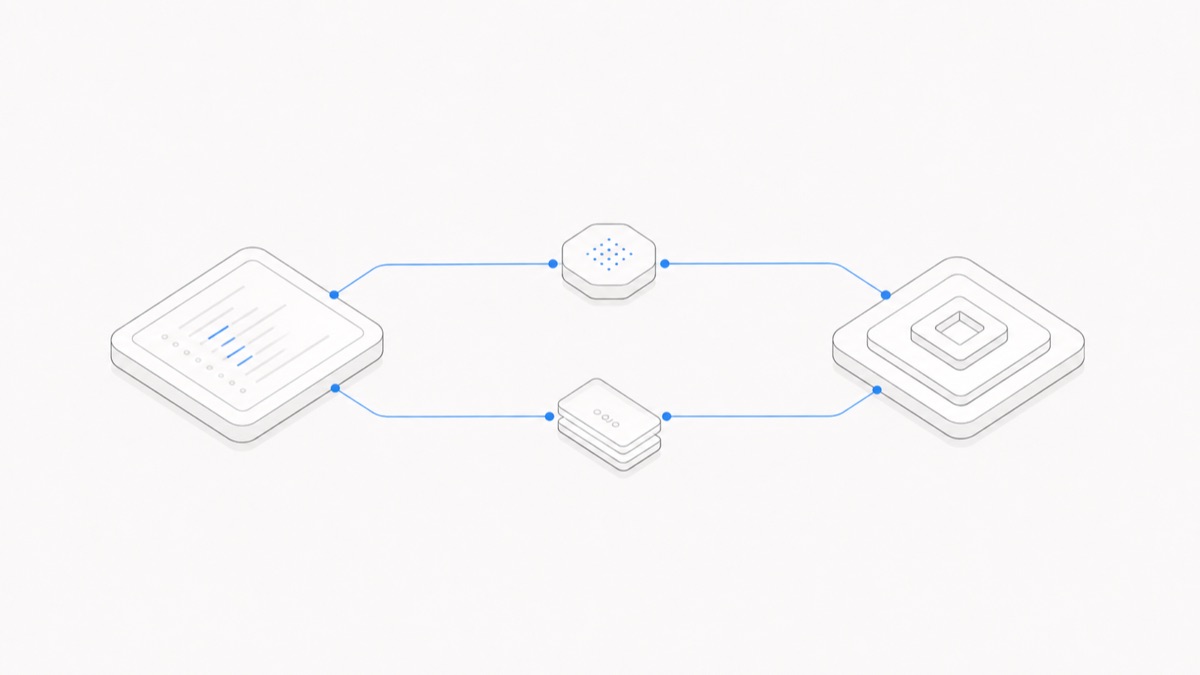
A Codex subscription, an OpenAI API account, and a managed Workspace solve different parts of the problem.
- Choose an eligible ChatGPT subscription when you want OpenAI-managed Codex access and native features tied to that account or workspace.
- Choose OpenAI API billing when local or programmatic work should be metered to an API organization or project that you control.
- Evaluate an independent managed Workspace when persistent project files, Sessions, Previews, collaboration, or cross-Agent handoff matter more than owning the Runtime yourself.
These paths are not three names for the same balance. Start by deciding who should own the bill, where the work should run, and where the project state should live. The Codex Agent Hub collects the product overview and related guidance.
Last verified: 2026-09-02. Authentication support, plans, Credits, model availability, prices, and product features can change. Recheck the linked official sources and each product’s live account controls before buying or deploying.
The short answer
An eligible ChatGPT plan is usually the clearest choice for an individual or organization that wants the current native Codex experience, especially a feature that requires ChatGPT sign-in. An API key is the clearer accounting boundary when local Codex or automation should charge an OpenAI Platform project by usage. A managed Workspace is a separate product layer for keeping the project and its collaborators together around a supported harness.
This page decides between operating paths, not live prices or limits. Use the Codex pricing guide for the current plan, Credits, API billing, and rate-card comparison; then return here to choose who should own the bill, Runtime, and project state.
Compare the three Codex access paths
The managed row is deliberately generic. A product must be evaluated by its actual public contract; “managed” alone does not prove persistence, security, collaboration, or Codex support.
Choose a Codex subscription for the native OpenAI experience
OpenAI’s current Codex authentication documentation distinguishes Sign in with ChatGPT for subscription access from Sign in with an API key for usage-based access. ChatGPT sign-in is the natural route when the required capability belongs to the OpenAI account or workspace.
Choose this path when:
- you want Codex under an eligible ChatGPT plan or organization seat;
- a native Codex app, CLI, IDE, cloud, or integration workflow is the goal;
- ChatGPT workspace permissions, roles, retention, or residency controls should apply; or
- you do not want to administer a separate API project for ordinary interactive work.
The most important surface boundary is Codex cloud: OpenAI currently requires ChatGPT sign-in for it. By contrast, current local work in the ChatGPT desktop app, Codex CLI, and IDE extension can support either ChatGPT sign-in or an API key.
Do not infer plan eligibility, limits, or a fixed task count from this article. OpenAI’s live pricing and usage pages remain the final authority.
Choose API-key billing for local or programmatic control
An OpenAI API key creates a separate metered billing path. OpenAI states that local Codex work authenticated with a key is billed through the OpenAI Platform account at standard API rates, rather than consuming included ChatGPT plan Credits.
This route fits when:
- local Codex usage should belong to a named API organization or project;
- automation needs a non-interactive credential and an API-owned budget;
- your organization already operates the required Runtime, secret storage, logging, and spend controls; or
- you are building an integration and need programmatic control rather than a complete end-user Workspace.
Non-interactive work does not always imply API billing. Enterprise authentication detail checked September 4, 2026: eligible ChatGPT Business and Enterprise workspaces can permit Codex access tokens for trusted local automation under a workspace identity and its entitlements. This requires administrator-granted token-creation permission and the user's local Codex permission; creating a token does not change their seat, role, or local permissions. These tokens are not Platform API keys and cannot replace them for general model API calls.
Keep two API cases distinct. An API key can authenticate supported local Codex surfaces. Direct model API calls, the Codex SDK, or another programmatic integration add application responsibilities around those calls. Both can land on an API bill, but they do not expose the same interface or automatically provide the same Agent loop, files, permissions, and persistence.
API access is also not “Codex for free without Plus.” The bill moves to the API account. The guide to using Codex without a ChatGPT subscription covers the supported local surfaces and sign-in steps without turning that fact into a cost promise.
Choose a managed Workspace when the project must persist and move
A managed Workspace becomes relevant when the expensive problem is not merely obtaining a model response. The project may need saved files, continuing Sessions, a Preview, controlled membership, or a handoff between people and different Agent harnesses.
Agent.Space is one independent managed option. Its public product contract separates model access, the Codex harness, Session, and Workspace. Codex can work on the saved project inside its own Session; another supported Agent can use a separate Session against the current files and an explicit handoff.
That does not make Agent.Space an OpenAI product. An Agent.Space allowance is not a ChatGPT subscription, ChatGPT Credit balance, OpenAI API balance, or shared OpenAI login. Agent.Space does not guarantee every Codex model pairing or reproduce every OpenAI-native feature. Use the current product selector and terms to verify what is available.
The practical Codex on Agent.Space guide shows how to test this route with one bounded, reviewable task.
Do not mix the balances or identities
Keep ChatGPT plan usage, eligible ChatGPT Credits, OpenAI Platform API billing, and an independent managed Workspace plan as separate ledgers. This page only identifies which ledger belongs to each operating path; the pricing guide owns the detailed billing comparison. OpenAI’s current Credits documentation also says ChatGPT usage Credits are not API Credits, so a payment in one product should not be assumed to fund another.
Keep identities separate as well. Do not solve a team workflow by sharing a personal ChatGPT login or API key. Assign the correct owner, grant the minimum access, and set budgets or limits where available. Before changing Codex CLI billing paths, use codex login status to confirm the active authentication method; a model name alone does not identify the account or balance being charged.
Data and administration follow the selected path. ChatGPT sign-in follows the applicable ChatGPT workspace controls; API-key use follows the API organization’s settings. An independent managed Workspace introduces its own access, storage, and operating terms in addition to any relevant upstream model or harness terms.
Use one workload to make the decision
Compare the routes with one small task you already understand. Keep the starting files and acceptance criteria the same, then record:
- the exact product surface and authentication path;
- the model and settings that were actually available;
- who received the bill or consumed the allowance;
- setup time, key or account administration, and permission prompts;
- the saved files, validation output, and accepted result;
- what remained after the Session or process ended;
- how another person could review or continue the work; and
- which required native features were present or missing.
Do not convert one run into a universal cost claim. It is a dated workload sample. The decision is ready when you can name the bill owner, Runtime owner, project-state owner, reviewers, and required native surface without treating those responsibilities as one product.