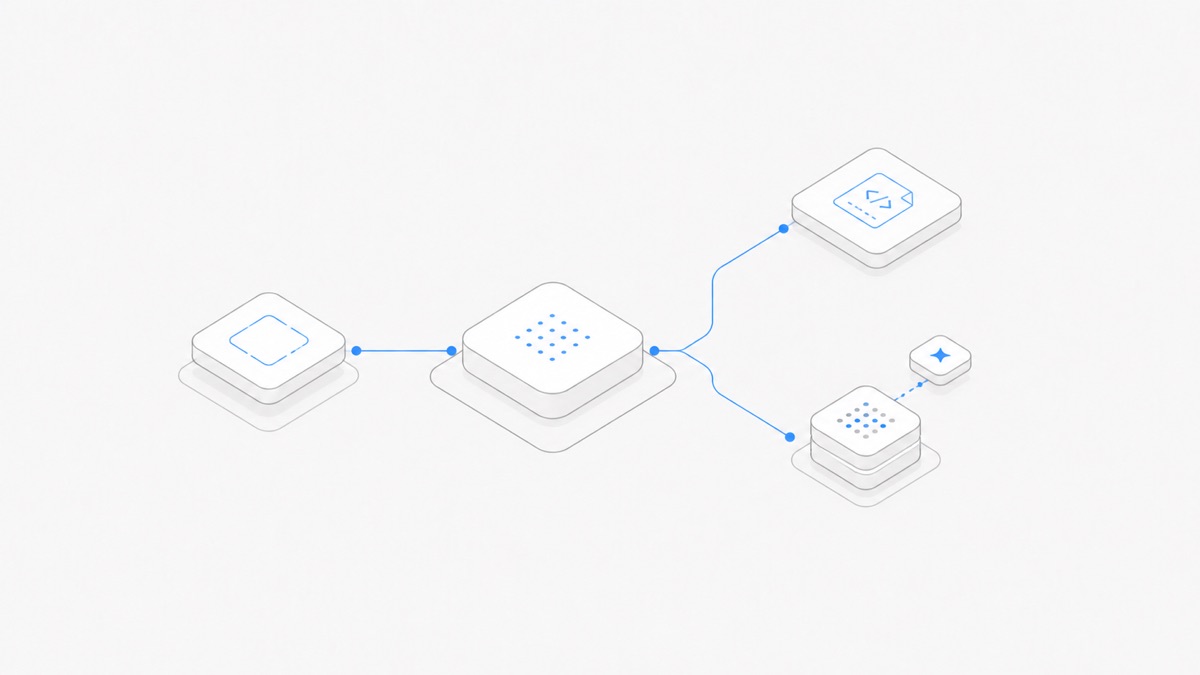
Using Codex on Agent.Space means running the Codex Agent harness inside a persistent cloud Workspace. Codex still organizes the coding loop—inspecting files, making changes, running development tools, and checking the result—while the Workspace keeps the project files, Sessions, supported Previews, and explicit handoff material together.
The practical starting sequence is short: create or open a Workspace, add only the files the task needs, choose Codex and a compatible model, define an observable result, then review the saved evidence before continuing. The Codex Agent page is the current Hub for product availability and related guidance.
This is not a replacement for every OpenAI-native Codex surface. It is a specific way to use the Codex harness when durable project state and handoff matter. If you are first deciding whether you need a general ChatGPT conversation or a coding task carried out through Codex, start with the Codex vs ChatGPT workflow comparison.
Product details verified: 2026-09-02. Agent, model, feature, and plan availability can change. Use the live Agent.Space selectors and current OpenAI documentation as the source of truth.
What using Codex on Agent.Space means
Four layers work together, but they are not interchangeable:
OpenAI describes Codex CLI as a tool that can inspect, edit, run, and automate from the terminal. Agent.Space places that kind of execution inside its own Workspace contract. It does not turn the Workspace into a model, or make the model responsible for the file system and collaboration layer.
This separation matters when something changes. You can select another compatible model without assuming the harness workflow changes. You can also start a new Session with another supported Agent while keeping the saved project files in place. The broader Agent.Space architecture guide explains why the project remains the stable center.
When this Codex route fits
Agent.Space is worth evaluating when one or more of these needs drives the work:
- the project should remain available between working sessions;
- people need to inspect the same current files and supported Preview;
- another teammate or Agent may review or continue the result;
- you want the Codex harness and compatible model to remain separate selections; or
- the task benefits from a managed cloud Runtime rather than setup on one developer machine.
An OpenAI-native surface may be simpler when you need a feature that exists only in the current Codex app, CLI, IDE extension, or Codex cloud. OpenAI documents those surfaces separately because their execution, authentication, and interfaces differ. A self-managed local or cloud setup may also fit better when your organization must own the complete Runtime and network boundary.
If you are evaluating an OpenAI-native local run, the Codex workspace-write sandbox guide explains how its filesystem, network, and approval boundaries differ.
The useful question is not “Which product has the longest feature list?” It is “Where should this project state live, who must continue the work, and which native feature is actually required?”
Start a Codex Session in five steps
1. Create a Workspace for the project
Name the Workspace after the outcome, not the Agent. Checkout error investigation remains useful if Claude Code or OpenCode later joins the project; Codex test does not describe what the team is trying to finish.
2. Add the minimum useful context
Provide the relevant repository files, brief, error output, design reference, or acceptance criteria. Identify which source is authoritative. Keep secrets out of prompts and ordinary project files, and do not upload unrelated material simply because it is available.
3. Choose Codex
Start a new Session and select Codex as the Agent harness. Check the live product rather than relying on an old screenshot or a version number in a guide.
4. Choose a compatible model separately
Use the model options currently shown for Codex. A model appearing in a provider catalog does not prove that every Codex integration supports it. The live pairing is the operational source of truth.
5. Send one bounded Turn
Begin with a task whose result you can observe and reverse: diagnose one reproducible error, update one component, review one patch, or add one well-defined test. A complete migration hides too many possible failure causes for a first run.
Give Codex a task you can verify
A good request tells Codex what outcome matters and how to prove it. It does not prescribe every keystroke.
This contract gives the harness room to investigate while preserving a human decision boundary. If the work requires a subjective product or architecture choice, ask Codex to present the evidence and options, then stop before implementation.
Review the result, then continue or hand off
Treat the Agent response as a report, not as proof. Review the project state in this order:
- Compare the result with the written acceptance checks.
- Inspect the actual saved files and look for unrelated changes.
- Open a supported Preview or output artifact when visual behavior matters.
- Read the relevant test, build, lint, or other validation output.
- Record any command that was not run and any assumption that remains unverified.
- Decide whether to accept, request one bounded revision, or restore the prior state.
If another Agent should continue, start a separate Session in the same Workspace and leave an explicit handoff: the goal, changed files, passed and failed checks, open decisions, and one next action. The new Session can inspect saved files and the handoff you preserved. It does not silently receive Codex’s hidden reasoning.
If useful local context already exists in a Codex conversation, follow the dedicated process to import selected Codex conversations. Conversation import and project-file migration remain separate actions.
What stays upstream with OpenAI
Agent.Space is independent from OpenAI. It is not an OpenAI subscription, API balance, reseller, shared account, or way around OpenAI’s account, payment, regional, or usage rules.
OpenAI still determines:
- Codex’s core behavior and its native product surfaces;
- model capabilities and OpenAI-specific feature eligibility;
- official authentication, subscription, API, and usage rules;
- features available only in the Codex app, CLI, IDE extension, or cloud; and
- OpenAI terms and data controls for an OpenAI account.
For example, OpenAI’s current authentication documentation distinguishes ChatGPT subscription access from API-key access, and Codex cloud currently requires ChatGPT sign-in. Those paths are not converted into an Agent.Space plan simply because the same harness name appears in both products.
If access and billing—not the Workspace workflow—is your main question, use the separate Codex subscription, API, and managed Workspace comparison.
A safe first Codex run
Before expanding the project, confirm that one complete loop works:
- Selection: Codex and the intended compatible model are both visible in the live product.
- Scope: the first task has a small, reversible boundary.
- Permissions: sensitive, external, and destructive actions remain behind explicit review.
- Evidence: saved files and relevant checks support the claimed result.
- Continuity: another Session or teammate can understand the current state from inspectable material.
That first run is successful when the Workspace contains a result you can verify and a next step someone else can follow. Scale the repository, task length, number of Sessions, or number of collaborators only after that path is clear.