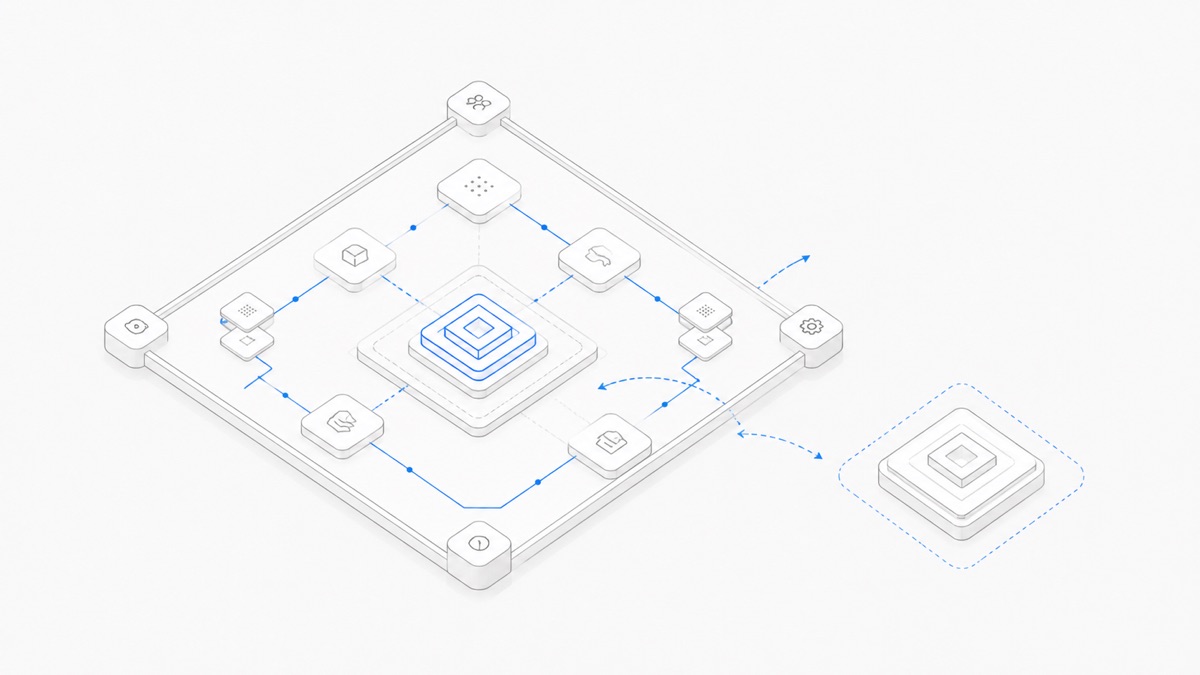
Agent Client Protocol (ACP) and Model Context Protocol (MCP) are complementary, not direct replacements. ACP primarily standardizes communication between a client—typically a code editor or IDE—and a coding agent. MCP standardizes how an AI application or agent connects to external tools, resources, and data.
A coding product can use ACP on the client-to-agent boundary and MCP on the agent-to-capability boundary. That is one useful composition, not a protocol-mandated stack. A product may use both protocols, either one, or neither.
This article uses “ACP” specifically to mean Agent Client Protocol. The acronym is also used for unrelated protocols, so spelling out the full name matters when evaluating documentation or product support.
ACP vs MCP in one minute
The official ACP introduction defines its core boundary as code editors or IDEs communicating with coding agents. The official MCP introduction defines MCP as an open standard for connecting AI applications to external systems.
Both protocols use JSON-RPC concepts, and ACP reuses MCP JSON representations where useful. That shared foundation reduces integration work; it does not make their messages, roles, or responsibilities interchangeable.
What Agent Client Protocol standardizes
ACP addresses the relationship between a coding agent and the user-facing application around it. In the common case, that application is an editor or IDE. The client starts or connects to an agent, sends prompts within sessions, receives streamed updates, renders agent activity, and handles requests that require user approval.
Those interactions need more than a generic tool-call API. A coding client may need to show incremental progress, terminal activity, proposed changes, diffs, and permission decisions while keeping multiple sessions distinct. The ACP architecture overview describes bidirectional JSON-RPC, concurrent sessions, streamed notifications, and agent-to-editor permission requests. ACP also defines coding-oriented representations that a client can turn into a coherent interface.
In a common local setup, an editor launches the agent as a subprocess and communicates over stdio. ACP is also intended for remote agents, although the official documentation currently describes full remote support as work in progress. That distinction matters when evaluating an implementation: support for the protocol does not automatically mean identical local and remote behavior.
ACP does not choose the model, model provider, tool catalog, or complete runtime architecture for a product. Those remain separate product decisions. For a fuller explanation of ACP itself, including its roles and session model, read the guide to Agent Client Protocol.
What MCP standardizes
MCP addresses a different boundary: access from an AI application to external capabilities and context. An MCP host is the AI application. It creates an MCP client for each MCP server connection, and the server exposes capabilities that the host can discover and use.
The current MCP architecture documentation identifies three core server primitives:
- Tools are executable functions the AI application can invoke, such as searching a service, querying a database, or changing a file.
- Resources provide contextual data, such as file contents, database records, or API responses.
- Prompts provide reusable interaction templates.
This makes MCP useful beyond coding. A coding agent can use it, but so can an assistant, enterprise chatbot, or other AI host. MCP defines how context and capabilities are exchanged; its architecture explicitly does not dictate how the application uses an LLM or manages the resulting context.
The word “client” can therefore be misleading in an ACP vs MCP comparison. An ACP client is the user-facing application talking to the coding agent. An MCP client is a component inside an MCP host that maintains a connection to one MCP server. They are protocol-specific roles, not two names for the same component.
How ACP and MCP can work together
One possible coding-product architecture looks like this:
In that design, ACP carries the interactive coding session between the client and agent. The coding agent acts as an MCP host and manages an MCP client connection to a server, which exposes tools, resources, or prompts and may reach other systems. A request can start in the editor, be handled by the agent, trigger an MCP operation through the server, and return as progress and results through the ACP session.
This composition is supported by the ACP design, but it is not compulsory. The ACP architecture describes a client passing configured MCP server information to the agent so the agent can open its own MCP connections. It does not turn the ACP connection into an MCP transport or require every ACP implementation to expose the same tool topology.
There are several valid designs in which only one protocol appears:
- An ACP-connected coding agent can use built-in tools, native integrations, or direct APIs without MCP.
- An AI application can be an MCP host and connect to many servers without exposing a coding agent through ACP.
- An editor and coding agent can use another integration interface while the agent still uses MCP for tools and data.
So “ACP sits above MCP” is only a diagram of one implementation. It is not a universal hierarchy between the protocols.
Which protocol do you need?
Start with the boundary you want to standardize, not the protocol name you recognize.
If your task is specifically to configure tools in OpenCode, a protocol comparison is no substitute for an implementation guide. Follow the OpenCode MCP setup guide and verify the current product documentation instead.
Common ACP vs MCP mistakes
Treating them as competitors for the same slot. ACP is primarily about the client-to-coding-agent experience. MCP is primarily about access to tools and context. Replacing one with the other leaves a different boundary unsolved.
Turning a useful diagram into a mandatory stack. Client → ACP → agent → MCP → tool is a valid arrangement, not the definition of either protocol. Each side can have alternative integrations.
Assuming “client” means the same role. ACP and MCP each define their own participants. Name the endpoints—editor, coding agent, MCP host, MCP client, and MCP server—before assigning implementation responsibility.
Assuming shared JSON-RPC foundations make the protocols interchangeable. Transport and encoding similarities do not erase different methods, data models, lifecycle rules, or UX responsibilities.
Inferring protocol support from architecture alone. Compatibility is an implementation fact. Check the product's current documentation, supported protocol versions, connection modes, and feature coverage rather than assuming support because the conceptual diagram fits.
A boundary-first checklist
Before adopting ACP, MCP, or both, answer five questions:
- Which two components need a stable contract? Name the endpoints without using “platform” or “integration” as a shortcut.
- Does the boundary carry an interactive coding session? If it includes agent turns, streamed coding activity, permissions, and diffs, evaluate ACP.
- Does the boundary expose reusable capabilities or context? If multiple AI applications should discover tools, resources, or prompts, evaluate MCP.
- Who owns authentication, permissions, and connection lifecycle? Separate the client-to-agent policy from each MCP server connection rather than assuming one protocol secures the other.
- What is actually implemented today? Verify the relevant client, agent, host, and server against their current documentation and compatible versions.
If the terms agent, model, and provider are still blending together, first clarify the difference between an agent harness and a model. Protocol selection becomes much easier once each component has one clear job.
The practical conclusion
Choose ACP when the integration boundary is client or editor ↔ coding agent. Choose MCP when it is AI application or agent ↔ tools, resources, and data. Consider both when those two interoperability problems exist in the same product—but keep them as separate contracts, not a mandatory protocol stack.
Once that boundary is clear, open Agent.Space and start with one small, reversible task whose permissions and result you can inspect.