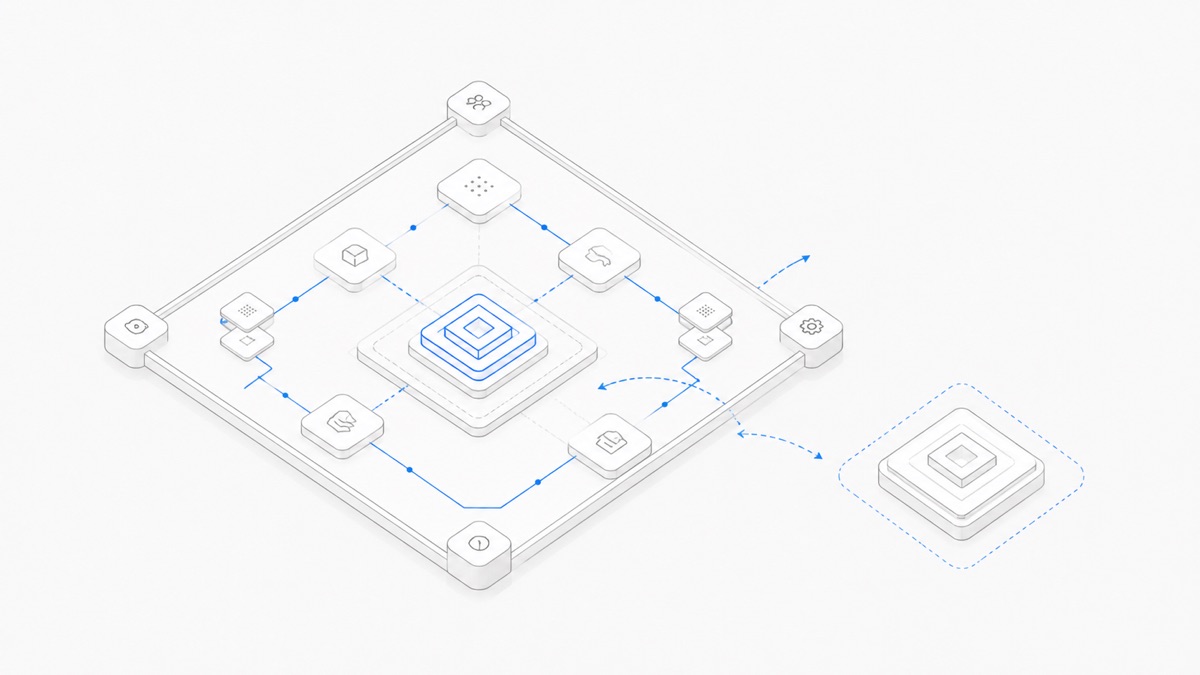
An AI model provides the reasoning and generation capability. An agent harness supplies the instructions, context, tools, permissions, state, and execution loop that turn that capability into work.
That is the short answer to agent harness vs model. It also explains why choosing “the best model” does not automatically produce the best coding workflow—and why changing models may not fix a broken tool, missing file, or permission prompt.
Products such as Codex, Claude Code, OpenCode, and DeepSeek Harness are not simply model names. They are coding-agent products or harnesses that organize how one or more compatible models interact with a real development environment. GPT, Claude, Grok, and DeepSeek model versions belong to a different layer.
Understanding that split helps you make two decisions separately: how the work should be executed, and which model should perform the reasoning inside that system. The guide to how Agent.Space works shows how project files, Sessions, and handoffs fit around those layers.
Agent harness vs model in one sentence
Use this working definition:
The model produces a response or tool request from the supplied context; the harness determines the surrounding context, tools, permissions, state, and execution process.
Modern models can generate structured tool-call requests. But a request is not the same as an executed command. Something still has to expose the tool, validate its arguments, ask for permission when required, run it in an environment, return the result, and decide what enters the next model call. That surrounding system is the harness.
DeepSeek summarizes the relationship as “Agent = Model + Harness.” The formula is useful as long as “harness” is understood broadly enough to include the operating loop, not just a thin user interface.
The four layers behind an AI coding task
The cleanest way to understand a coding agent is to separate four layers. Product boundaries vary: in this guide, “harness” means the orchestration layer and “workspace/runtime” means the execution boundary, even when a product bundles both.
The arrows do not mean one layer is more important than another. They show that a successful task depends on several contracts working together.
A provider is also not identical to a model. The provider is the access, hosting, and often billing path; the model is the specific capability being called through that path.
When choosing a provider API for an agent rather than a complete harness, compare the OpenAI and Anthropic API contracts for coding agents at the state, tool, streaming, usage, and migration layers.
What the model is responsible for
The model processes the supplied context and generates the next response. Depending on its capabilities and the surrounding API, that response may include prose, code, structured data, or a request to use a tool.
Model choice can materially affect:
- reasoning quality on a difficult problem;
- code generation and review quality;
- instruction following;
- supported input and output modalities;
- context limits and how well information is used;
- latency and cost characteristics, which also depend on the provider and call pattern;
- the quality of proposed tool calls.
The model does not independently decide which repository files were made available, whether a shell command is permitted, whether a browser exists, or how state is recovered after a process stops. It can only work with the interface and context the surrounding system supplies.
This is why a stronger model can still fail when the relevant file was omitted, a required tool is unavailable, or the execution environment lacks a dependency.
What the harness is responsible for
The agent harness connects model output to an actual workflow. Anthropic's engineering guidance describes a harness as the system that handles inputs, orchestrates tool calls, and returns results; evaluating an agent therefore evaluates the model and harness together. OpenAI's description of the Codex harness similarly covers persistent threads, configuration and authentication, tool execution, sandboxing, MCP, and Skills.
Codex exposes more than one integration surface inside that harness. The dedicated guide lets you compare Codex SDK, app-server, and exec without treating the three interfaces as different models.
A coding harness may be responsible for:
- assembling system instructions and project context;
- deciding which files or summaries enter a model request;
- exposing shell, editor, browser, MCP, or other tools;
- enforcing approval and permission boundaries;
- executing tool calls and returning observations;
- tracking turns, plans, and task state;
- compacting long context;
- retrying or stopping the work loop;
- running validation before presenting a result;
- connecting the session to a workspace or runtime.
Not every harness implements every item, and the details can change by version or deployment. “Has tools” also does not mean “has every tool,” while “supports a model” does not mean every model-provider combination is valid.
ACP connects a client to a coding agent, while MCP connects an AI application to external tools and context; the ACP vs MCP comparison shows how both can sit around the same harness without being interchangeable.
Model, harness, agent, and workspace are different
The word “agent” is used loosely across the industry. In practical product evaluation, it helps to reserve separate labels:
- Model: the reasoning and generation engine.
- Harness: the software that orchestrates the model, context, tools, permissions, and loop.
- Agent: the running combination that attempts a goal using a model inside a harness.
- Workspace/runtime: the environment that contains project files and executes the resulting actions.
The workspace is not merely a larger harness. It has its own responsibilities: compute, filesystem behavior, process lifetime, collaboration, data export, and access control. A local harness can use a local workspace; a hosted product can connect the harness to a managed cloud workspace.
Keeping these layers separate prevents two common mistakes: assuming model access includes a hosted development environment, and assuming a cloud workspace grants access to every upstream subscription or model.
Real examples: what belongs to which layer?
The names people compare often sit in different columns. In this table, “Codex” means the coding-agent product and harness surfaces, not a specific model whose name includes Codex.
These are category mappings, not performance rankings. Each product has its own supported surfaces, permissions, tools, state model, and compatibility rules. Those current details should be checked in the relevant official documentation before a purchase or migration decision.
For concrete examples, compare Codex and Claude Code, see how OpenCode changes in a cloud Workspace, and review the DeepSeek Harness integration boundary. Product facts come from the official Codex, Claude Code, OpenCode, and DeepSeek Harness sources.
Why the same model can behave differently across harnesses
Two products can call the same model and still produce noticeably different outcomes. The model may be unchanged while its working conditions differ.
Different instructions
Harnesses supply different system instructions, task templates, and conventions. One may prioritize planning and approval; another may favor immediate editing. That changes which actions the model proposes.
Different context assembly
One harness may search the repository before a model call, while another may include only the active file or a summary. Context compaction can also preserve different details as a session grows.
Different tools
A model that can request a shell command still depends on the available shell, filesystem, browser, MCP servers, or validation tools. A missing tool is a harness or environment constraint, not automatically a reasoning failure.
Different permission and sandbox rules
The same proposed action may run automatically, require approval, or be blocked. Those policies shape both speed and risk.
Different execution and verification loops
One harness may stop after writing code. Another may run tests, inspect the failure, revise the files, and try again. The additional loop can improve the final result even when the underlying model is the same.
This does not mean a harness can make every model equally capable. A model still sets important ceilings around reasoning, language, modality, speed, and cost. The point is that observed agent quality is an outcome of the complete system.
Diagnose the layer before switching products
When an agent fails, start with the symptom instead of immediately replacing the model.
This table identifies a first place to investigate, not a guaranteed diagnosis. Complex failures can cross several layers. A permission rule may hide context, for example, while a weak plan may trigger excessive tool use.
How to choose a harness and model
Evaluate the pair in this order.
1. Start with the task
Define whether the work is code generation, repository-wide refactoring, debugging, research, review, or a long-running workflow. A short isolated edit and a multi-stage migration do not need the same harness behavior.
2. List required tools and permissions
Identify the filesystem, shell, browser, MCP servers, credentials, network access, approval rules, and validation commands the task needs. Eliminate a harness if it cannot provide the required path safely.
3. Decide where state and execution should live
Choose local or hosted execution, then verify project persistence, session recovery, export, collaboration, and process-lifetime behavior separately. Do not infer these from the model name.
4. Check compatibility
Use the current compatibility list for the exact harness, provider, and model. A model being available through one provider does not guarantee it is supported in every agent product.
5. Compare models on the real task
Once the workflow requirements are met, use the coding-agent model selection framework to compare compatible models with the same starting files, instructions, permissions, and acceptance checks. Measure the quality that matters to your task rather than relying on a universal leaderboard.
6. Compare total operational cost
Consider model usage, harness or workspace charges, the number of retries, human review time, and failed-task cost. A cheaper request is not always a cheaper accepted result; that is a decision metric to measure, not a benchmark claimed by this article.
How Agent.Space separates the two choices
Agent.Space is designed to present the agent harness and compatible model as separate choices when a Session starts. That makes the product model explicit: first choose the working interface and execution behavior, then choose from the models available for that harness.
The current selector is the source of truth for compatibility, names, and routes. Separating the two choices should not be interpreted as permission to combine any harness with any model, nor as access to an upstream personal subscription.
The practical next step is to choose an Agent that matches the work, select one of the models the current selector marks as compatible, and test the pair on one bounded task with an explicit acceptance check.
The takeaway
A model is the reasoning and generation layer. An agent harness determines how that capability receives context, uses tools, follows permissions, maintains state, and executes a workflow. The workspace determines where the files and processes live.
Choose them as a system, but diagnose them as separate layers. That is the most reliable way to understand why a coding agent behaved as it did—and which part you should change next.
Review the available Agents when you are ready to test one compatible harness-and-model pair on a bounded task.
FAQ
Is an AI agent the same as an AI model?
No. A model supplies reasoning and generation capability. An agent combines a model with instructions, tools, state, permissions, and an execution process, typically coordinated by a harness.
Is a coding agent the same as an agent harness?
The terms are often used interchangeably in product language. More precisely, the harness is the orchestration software, while the agent is the running system created when a model operates inside that harness with a goal and tools.
Can the same model perform differently in two coding agents?
Yes. Different instructions, context selection, tools, permissions, compaction, execution environments, and verification loops can change the result. That does not erase underlying differences between models.
Should I choose the model or the harness first?
Start with the work pattern, required tools, permissions, runtime, and persistence needs. Choose a harness that can support them safely, then compare compatible models for quality, speed, and cost on the actual task.
Can any model run inside any harness?
No. Compatibility depends on the harness version, provider interface, model capabilities, modalities, tool-calling support, and the product integration. Check the current compatibility list.