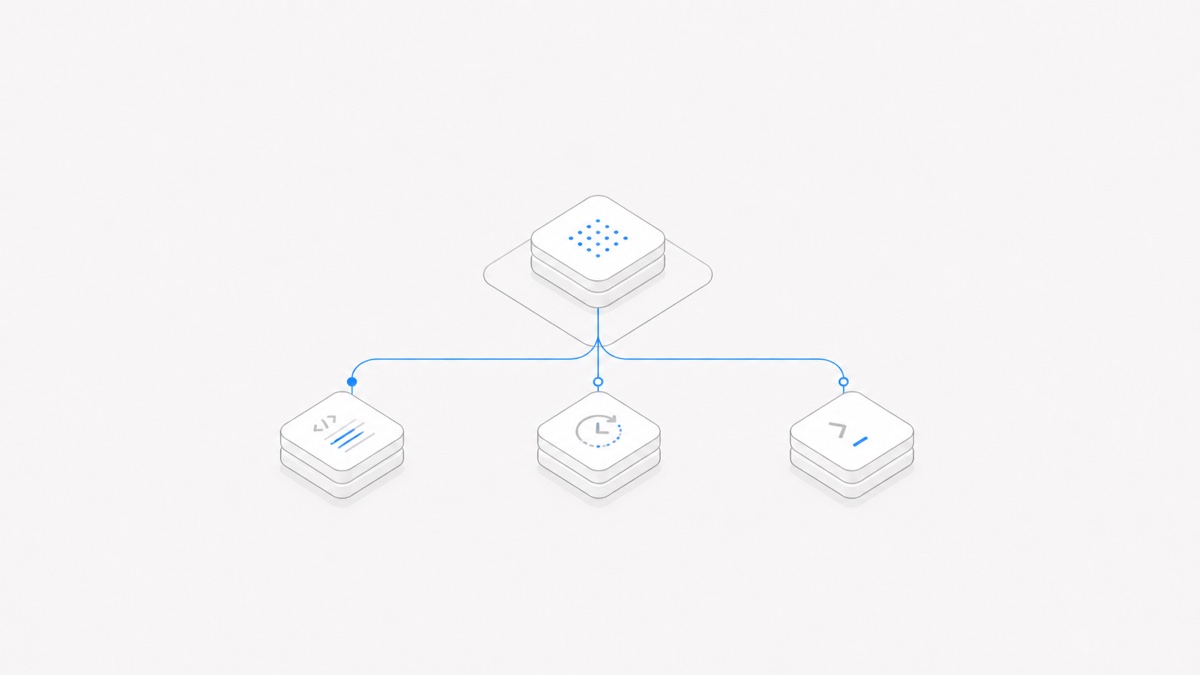
Agent Client Protocol (ACP) is an open protocol for communication between a user-facing client—such as a code editor or IDE—and a coding agent. It gives both sides a shared way to start sessions, send prompts, stream work, present tool activity, and request permission.
ACP is not an agent, a model, an editor, or a tool catalog. It is the contract between a client and an agent. That distinction matters because an ACP listing tells you that an integration path exists; it does not tell you which model runs behind the agent, whether the integration is native, or whether every feature works in every client.
ACP in one sentence
ACP standardizes how a client operates and presents a coding agent without requiring a custom protocol for every client-agent pair. The official ACP introduction describes this as an interoperability layer for editors, IDEs, and other user-facing applications.
If “agent” and “model” still sound interchangeable, the agent harness versus model guide explains why a harness can manage tools, files, state, and approvals around a separately selected model.
Why ACP exists
Without a shared protocol, every client needs a separate integration for every coding agent. Adding another editor or agent creates more adapters to design, implement, test, and maintain. The ACP architecture guide frames the problem as an N×M integration matrix and compares ACP's intended interoperability effect to the Language Server Protocol.
With ACP, a client can implement the common protocol once, and an agent can expose the same contract to multiple clients. This reduces duplicated integration work and gives products a common vocabulary for sessions, prompt content, updates, tool calls, and permissions.
It does not make all implementations identical. ACP uses capability negotiation because agents and clients can support different optional features. A common wire protocol makes connection possible; actual behavior still depends on the two implementations and their configuration.
How an ACP session works
ACP v1 uses JSON-RPC 2.0 methods and notifications. In the typical local setup, the client starts the agent as a subprocess and the two processes exchange newline-delimited JSON-RPC messages over standard input and output, according to the official v1 overview and transport specification.
A simplified session looks like this:
- Connect and initialize. The client starts or connects to the agent. Both sides exchange protocol versions and capabilities, and the agent can advertise authentication methods.
- Create or recover a session. The client opens a working session for a project or working directory, using only the lifecycle operations both sides support.
- Send a prompt. User text and supported content blocks move from the client to the agent.
- Stream the work. The agent sends session updates so the client can render messages, plans, tool calls, tool results, and code changes while work is in progress.
- Handle interaction. The agent can ask the client to present a permission decision. Optional client capabilities can also let the agent collaborate with the client's file system or terminal services.
- Finish or cancel. The agent reports a stop reason, or the client requests cancellation of the active work.
The protocol describes these messages and their order. It does not dictate the agent's internal reasoning loop, the model provider, where code executes, or how a product stores a durable workspace around the session.
What ACP standardizes—and what it does not
ACP is broad enough to support a useful coding-agent interface, but it deliberately stops at the communication boundary.
ACP can standardize:
- initialization and capability negotiation;
- session creation and supported recovery operations;
- prompts and streamed session updates;
- plans, tool-call state, content, and diffs shown by the client;
- permission requests and responses;
- optional collaboration with client-provided files and terminals.
ACP alone does not guarantee:
- a particular coding agent, model, or provider;
- identical features across clients and agents;
- a sandbox, authorization model, or safe permission policy;
- the quality of generated code or tool decisions;
- a durable remote workspace or production-ready remote transport;
- compatibility with every version of every listed product.
In other words, ACP can carry a permission request, but the client and execution environment still decide what the user sees, what is allowed, and where the action runs.
ACP and MCP solve different layers
ACP and the Model Context Protocol (MCP) are complementary, not replacements for one another.
ACP is MCP-friendly and reuses compatible MCP types where that helps, while adding structures needed for coding-agent experiences such as diffs. The ACP architecture also allows a client to pass configured MCP servers to an agent, which then connects to those servers directly. The two protocols should not be multiplexed over the same socket.
That boundary follows the official ACP architecture and MCP architecture. For concrete product examples and a decision table, read the full ACP versus MCP comparison.
Which agents are compatible with ACP?
The official ACP Agents page is the best current discovery page, but it is a living directory rather than a permanent compatibility matrix. In the September 1, 2026 snapshot, examples included Claude Agent, Codex CLI, Cursor, Gemini CLI, GitHub Copilot, OpenCode, OpenHands, Pi, and Qwen Code.
The word “listed” needs careful interpretation:
- Codex CLI is connected through an adapter. The current Codex ACP repository describes an ACP server that starts Codex App Server and translates between the two interfaces. The older Zed repository is archived; the current README documents
npx -y @agentclientprotocol/codex-acpas the installation path. This is not evidence that Codex CLI implements ACP natively. - Claude Agent is also represented through an adapter. Its current ACP adapter repository uses the Claude Agent SDK behind an ACP interface.
- Pi is listed through
pi-acp. Again, that is an adapter path, not a reason to label every underlying feature “native ACP.” - GitHub Copilot's ACP support was in public preview in the dated snapshot, according to GitHub's official changelog.
Other entries may expose ACP directly or provide their own launch mode, package, or bridge. The directory does not publish a single feature-parity table across all client-agent combinations. Before choosing an integration, verify the current project link, install instructions, supported protocol version, authentication flow, session capabilities, and the features you actually need.
For Codex specifically, ACP is also a different decision from choosing among the SDK, app-server, and codex exec; the Codex integration-surface comparison separates those interfaces.
The Agents page and Registry are not the same thing
ACP also maintains an official Registry, but it serves a different purpose from the human-readable Agents page.
The difference was visible in the September 1, 2026 snapshot: the Agents page and the live Registry JSON did not contain the same set of entries. The Registry repository says agent versions are automatically updated hourly, so names, versions, packages, and availability can change quickly.
Registry validation is useful but limited. Its checks include launching an entry and verifying valid authMethods in the ACP handshake. That does not amount to a complete certification of security, code quality, feature coverage, or compatibility with every client. Treat both sources as starting points, then test the exact pair and version you plan to use.
Version and transport limits to watch
As of September 1, 2026, ACP v1 is the current stable protocol. ACP v2 is a Draft, so its design and migration details can still change.
Transport maturity also needs precise wording. ACP's introduction discusses both local and remote agents, but the v1 transport documentation says full remote support remains work in progress and presents Streamable HTTP as a draft proposal. The local subprocess model over stdio is the established v1 path; do not infer production-ready remote deployment, authentication, reconnection, or isolation from “ACP-compatible” alone.
These are high-change facts. Recheck the protocol version, transport status, directory entry, adapter repository, and install command immediately before implementation.
What ACP means for Agent.Space users
ACP is useful as a way to understand where a coding-agent integration boundary can sit. It does not collapse the separate choices of client, agent harness, model, provider, workspace, permissions, and deployment environment.
As of September 1, 2026, Agent.Space has not made a public commitment to ACP support. This article is not an announcement of an ACP integration or roadmap. The fact that an agent appears both in Agent.Space and in ACP's official directory does not prove that Agent.Space connects to it through ACP.
Use current product interfaces and release information as the source of truth. If your immediate task is using an available execution entry rather than implementing a protocol, open Agent.Space and evaluate the option shown there on one bounded task—not on directory presence alone.