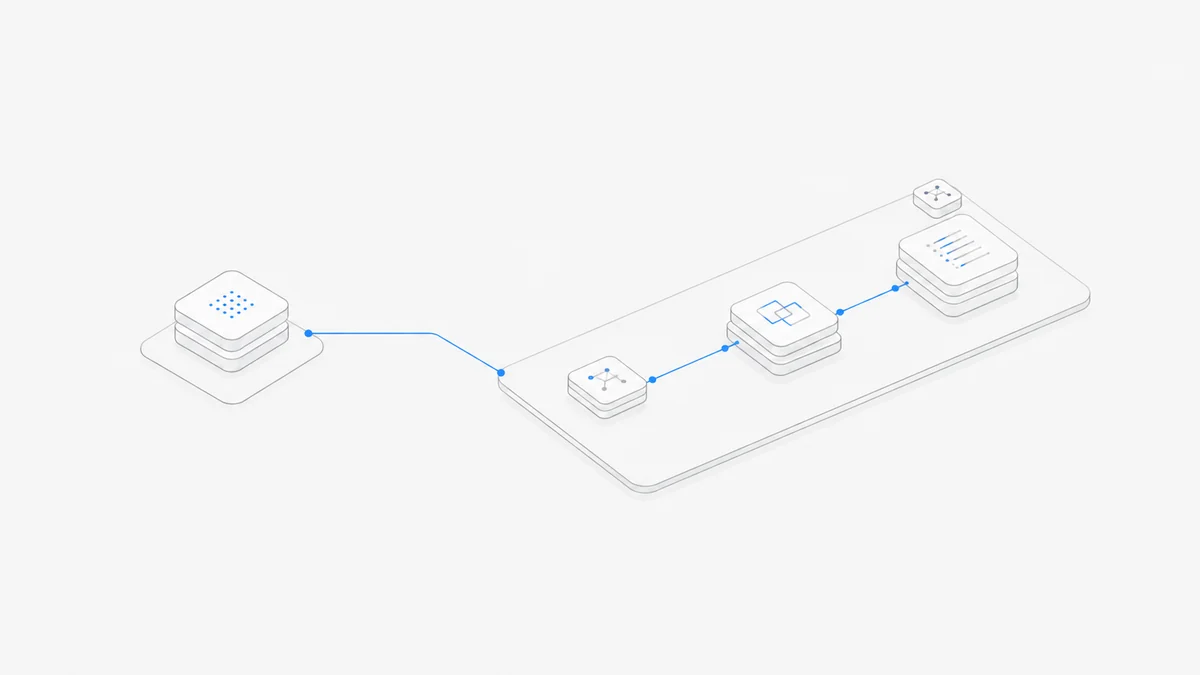
“Claude Code versus GitHub Copilot” now hides three different choices. You can buy Claude Code directly, select a Claude model inside a Copilot feature, or let GitHub's Anthropic Claude partner agent take a repository task. Those paths may share a model family, but they do not share a product contract.
This is a source-based decision guide, not a firsthand code-quality, speed, or token-efficiency benchmark. Product availability, preview status, plan prices, and usage rules were checked against official Anthropic and GitHub documentation on September 4, 2026. Recheck the linked pages before purchase or rollout.
The short answer: choose the product owner first
Choose standalone Claude Code when the Anthropic agent workflow is the product you want. Choose Copilot when GitHub, IDE distribution, organization policy, and shared procurement should own the workflow. Choose GitHub's partner agent when the work should begin as a repository task and end as a pull request.
Do not choose based on the word “Claude” alone. First decide which company account, policy layer, runtime, and usage meter should own the task.
Three different meanings of “Claude in Copilot”
The three paths are related, but not interchangeable.
- Claude Code is Anthropic's agentic coding product. Anthropic's official overview says it reads codebases, edits files, runs commands, and is available in terminal, IDE, desktop, and browser surfaces.
- A Claude model inside Copilot is a model choice within a GitHub Copilot feature. GitHub's plan documentation lists Claude models, but availability depends on plan, feature, and policy. Copilot still supplies the surrounding harness.
- Anthropic Claude as a GitHub coding agent is a partner integration. GitHub's third-party coding-agent documentation lists Anthropic Claude as a supported partner agent. As of the verification date, the capability is in public preview, is available on paid Copilot plans, and must be enabled by policy.
The distinction is model versus harness versus distribution channel. A model generates responses; the harness decides how context, tools, permissions, repository state, and delivery are organized. See our agent harness versus model guide before comparing model names across products.
Nothing in GitHub's documentation implies that selecting a Claude model or partner agent grants a separate Claude Code subscription. Likewise, buying Claude Code does not by itself grant a Copilot seat, GitHub AI Credits, or GitHub-hosted partner-agent sessions.
Where the work starts and where it ends
The cleanest comparison is the task lifecycle.
GitHub documents Copilot CLI as available on all Copilot plans for interactive and programmatic terminal work. When a subscription comes from an organization, the organization must also allow the feature by policy.
That means “both have a CLI” is not enough to make them equivalent. Ask what identity starts the task, what repository snapshot it sees, what permissions follow it, and which system owns the final review object.
For another example of how a GitHub platform workflow differs from a standalone agent, see Codex versus GitHub Copilot. The product names change, but the need to separate interactive work from Issue-to-PR delegation remains.
Pricing and usage belong to different accounts
As of September 4, 2026, the Claude pricing page lists Free at $0 without Claude Code, Pro at $20 monthly or $200 paid annually, and Max starting at $100 per month. See our Claude Code pricing guide for the Claude-side contract and limit questions.
GitHub's Copilot plans page lists these monthly paid prices on the verification date:
GitHub also offers Copilot Free. The plans differ in model and agent access and in included AI Credits. GitHub says all plans include Copilot CLI and the Copilot app, but that does not make every model or agent available on every plan.
Third-party coding-agent sessions introduce another meter: GitHub says they consume AI Credits and GitHub Actions minutes. That usage belongs to the GitHub path. It is not a drawdown from a standalone Claude Pro or Max allowance.
Do not force these contracts into one “requests per dollar” score. A Claude plan, Copilot seat, AI Credit, and Actions minute measure different things. Price the lifecycle you intend to use, then run a representative task through its full review path.
Policy, security, and audit boundaries
For an individual, product choice can look like a preference. For a company, it is also a control-plane decision.
GitHub organizations can allow or block Copilot features and partner agents through policy. GitHub's third-party-agent documentation also describes dedicated GitHub Apps and audit-log visibility. Those controls are useful when repository ownership, procurement, and evidence should remain in GitHub.
GitHub says code created or modified by partner agents receives security validation that can include CodeQL, secret scanning, and checks for newly introduced dependencies. Treat those as additional checks, not as proof that a change is secure. The final pull request still needs human review, tests, branch protections, and the repository owner's merge rules.
Standalone Claude Code has a different boundary. Its permissions documentation describes rules for tool use, while account, data-use, and runtime choices depend on how Claude Code is accessed. A company should review both the permission configuration and Anthropic's applicable data terms, rather than assuming that a terminal session is automatically private or approved.
Before rollout, name the owner of each control:
- subscription and seat assignment;
- model and feature policy;
- repository and branch access;
- secrets and network access;
- task logs and audit evidence;
- final review and merge authorization.
Choose standalone Claude Code when…
Standalone Claude Code is the clearer choice when:
CLAUDE.md, skills, hooks, MCP, and Claude Code permission rules should define the agent workflow;- developers need the same harness across terminal, IDE, desktop, and browser surfaces;
- tasks should operate in a workspace without first becoming a GitHub Issue;
- Anthropic's account and product roadmap should own the entitlement;
- GitHub is an important delivery destination but not the control plane for every interaction.
This route still works with GitHub repositories. “Standalone” describes the product and account path, not isolation from version control. The Claude Code workspace guide shows how the harness can also be separated from the machine that hosts the project.
Choose GitHub Copilot when…
GitHub Copilot is the clearer choice when:
- IDE assistance, GitHub surfaces, CLI access, and coding agents should live under one GitHub purchase;
- administrators need organization policy, seat management, and GitHub audit evidence;
- the team wants model choice inside Copilot rather than a separate model-provider relationship for every developer;
- delegated tasks should begin from an Issue or other GitHub surface and end in a pull request;
- AI Credits and Actions usage can be managed alongside the repository workflow.
Then choose the Copilot feature that fits the task. Selecting a Claude model inside Copilot and assigning a task to the Anthropic Claude partner agent are still different actions, with different lifecycle and availability rules.
Use both only when the roles stay distinct
A sensible combined setup might be:
- Claude Code owns interactive repository exploration and implementation in a developer or persistent workspace.
- Copilot owns inline IDE assistance or a GitHub-governed queue of Issues delegated to partner agents.
- GitHub pull requests, tests, and human review remain the common delivery gate.
Write the boundary down. Avoid sending the same Issue to a GitHub partner agent while a Claude Code session edits the same branch. Avoid assuming one system has seen the other system's conversation, plan, approvals, or uncommitted files.
Review the combined setup after a month. If both tools consistently perform the same job, consolidate. If they have distinct task owners but collide at delivery, fix the branch and review protocol before adding more agents.
A practical decision checklist
- Where should a task begin? In a developer workspace, an IDE interaction, or a GitHub Issue?
- What must the deliverable be? A local change, an artifact, or a pull request ready for review?
- Who must approve the product? The individual, the Anthropic account owner, or the GitHub organization administrator?
- Which meter can the team govern? Claude entitlement/API use, Copilot seats and AI Credits, or both?
- Which configuration must be portable? Claude Code project instructions or GitHub policy and repository automation?
If the answers consistently point to one owner, start there. If they split, assign a distinct task class to each product and keep one delivery gate.
If you have chosen standalone Claude Code and need a persistent cloud workspace outside the Copilot account path, check the current Claude Code combinations in Agent.Space. Start with one task that has an observable test or artifact; Agent.Space does not share Copilot seats, AI Credits, Actions minutes, or Claude subscription allowances.
FAQ
Is a Claude model in Copilot the same as Claude Code?
No. It is a model option inside the Copilot harness. Claude Code is Anthropic's own agentic coding product with its own surfaces, configuration, permissions, state, and account path.
Is GitHub's Anthropic Claude coding agent the same as my Claude Code subscription?
Do not assume so. GitHub documents it as a partner agent on paid Copilot plans, controlled by GitHub policy and metered with AI Credits and Actions minutes. That is a separate product path from a direct Claude subscription.
Does every Copilot user get the partner agent?
GitHub says third-party coding agents are available on paid Copilot plans as of September 4, 2026, but the feature is in public preview and must be allowed by policy. Plan, organization, repository, and regional availability should be checked at rollout.
Can Copilot CLI replace Claude Code?
It can occupy some of the same terminal workflow, but replacement depends on the harness behavior, models, policies, project instructions, runtime, and delivery path you need. A shared surface does not make the products identical.
Which one produces better code?
This guide does not declare a performance winner because it did not run a controlled same-task benchmark. Test the same repository state and acceptance criteria, then include review effort and delivery reliability in the result.