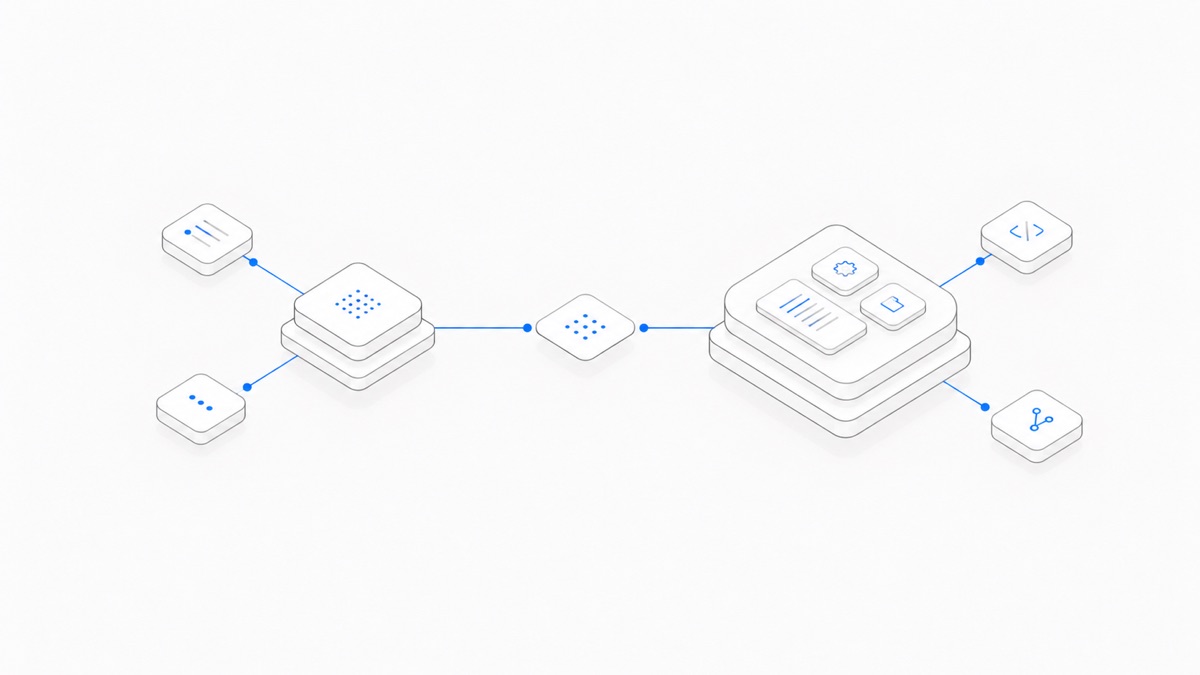
Codex and ChatGPT are not two unrelated OpenAI products. As of September 2026, ChatGPT is the broader product experience, while Codex is OpenAI's agent for software development and technical work. For eligible accounts, Chat and Work live under the ChatGPT view; Codex remains a separate desktop view with separate history.
The useful comparison is therefore not “Which company or model is better?” It is “Does this task need a conversational answer, or should an Agent work against a real project, run tools, and return changes that can be reviewed?”
Use ordinary Chat for questions, explanations, brainstorming, and small pieces of code you want to inspect and place yourself. Use Codex when the job requires repository context, file edits, commands, tests, a diff, or a longer execution loop.
Last verified: September 10, 2026. OpenAI can change product names, available surfaces, plan access, usage limits, and workspace controls. Work is still rolling out, so do not assume it is enabled for every account or workspace. Check the current OpenAI help pages and the controls available to your account.
Editorial review: Agent.Space Editorial checked OpenAI's current product-boundary documentation. This is a documentation comparison, not a native-feature benchmark.
The short answer
Choose by the result you need:
OpenAI's current ChatGPT Work and Codex guide gives the same basic division: Chat is for fast conversational help, Work is for longer research and finished deliverables, and Codex is for writing or debugging code, running tests and commands, reviewing changes, and working with a repository.
The boundary is not absolute. Chat can help with code, and Codex can explain what it found. Start with the surface whose default work loop matches the job and the risk of getting it wrong.
What “ChatGPT” means in this comparison
“ChatGPT” can refer to two different things:
- The broader ChatGPT product and account system. This includes multiple experiences and tools. OpenAI's desktop guidance describes Chat and Work within ChatGPT, plus a separate Codex view.
- Ordinary Chat. This is the fast conversational mode people often mean when they say “ask ChatGPT.”
That ambiguity explains many outdated comparisons. Saying “Codex vs ChatGPT” as if they require different companies or unrelated accounts misses the current product structure. OpenAI's Codex plan guide says Codex can be accessed with a ChatGPT account through supported Codex clients. The newer Work and Codex guide describes Codex as a separate desktop view, with supported desktop chats available from the mobile Remote tab rather than as ordinary web or mobile Chat history.
Shared sign-in does not make every experience identical. OpenAI says the Codex view in the desktop app keeps its history separate from ChatGPT history. Codex also has interfaces centered on repositories and developer tools that ordinary Chat does not automatically reproduce.
The clean language for this article is:
- ChatGPT means the broader product when discussing the account or plan.
- Chat means the ordinary conversational experience.
- Codex means the software-development Agent and its supported execution surfaces.
How the work loop differs
The difference becomes clear when you follow a task from prompt to acceptance.
In Chat, the normal loop is:
- Ask a question or provide a file or excerpt.
- Read the response.
- Ask a follow-up or copy the useful part into your own workflow.
In Codex, the normal loop can be:
- Give the Agent a repository or local folder and a bounded outcome.
- Let it inspect relevant files and project instructions.
- Review proposed commands and permission requests.
- Let it edit files and run available tests or development tools.
- Inspect the diff, logs, test output, and remaining risks.
- Request changes or decide whether to keep the result.
OpenAI describes the Codex app as a command center for Agents, with project threads, parallel work, diff review, and worktree isolation for multiple tasks. Those are workflow properties, not merely model properties. Even if two experiences offer access to a related model family, the surrounding tools, permissions, context, and review interface change what the user is delegating.
That is why “Which gives the better code?” is usually too vague. A useful comparison asks whether the result was applied to the correct files, tested in the correct environment, and presented with enough evidence to review.
Use ChatGPT when the output is mainly an answer
Start with ordinary Chat when you want to remain the operator and use the response as input to your own work.
Good examples include:
- explaining an error message or unfamiliar concept;
- comparing two approaches before either touches a repository;
- sketching an algorithm or data structure;
- drafting a small function or regular expression you will place and test yourself;
- summarizing documentation or a provided file;
- brainstorming names, edge cases, acceptance criteria, or test scenarios; and
- translating a technical explanation for another audience.
OpenAI's ChatGPT capabilities overview describes ChatGPT as a broad conversational assistant for questions, explanations, drafting, summarization, creative suggestions, reasoning, and translation, with additional tools depending on the plan and settings.
Chat is also the safer first step when you have not defined what may be changed. Asking for a diagnosis before granting repository access can separate the reasoning question from the later implementation task.
Do not assume that every code block from Chat is production-ready. You still need to place it in the correct context, run the relevant checks, review security and data effects, and decide whether it belongs in the project.
Use Codex when the result must exist in the project
Choose Codex when acceptance depends on observable changes and verification inside a development environment.
Typical Codex tasks include:
- trace a bug across several files and implement the smallest fix;
- update a dependency and repair the affected code and tests;
- refactor a module while preserving a defined behavior;
- run a test suite, inspect failures, and iterate on the implementation;
- review a diff against repository rules;
- prepare a pull request from an isolated branch or worktree; and
- run several independent, clearly owned tasks in parallel.
The key word is bounded. “Improve this codebase” gives an Agent too much room to invent scope. “Fix this reproducible error in these files, preserve these behaviors, and run these checks” creates a result you can review.
Codex can operate through different surfaces. The desktop app, CLI, IDE extension, and cloud workflow do not have identical environment or interaction boundaries. If that is the actual decision, use the separate Codex Cloud vs CLI guide.
Giving an Agent tools also raises the review requirement. Keep the filesystem, repository, network, and credentials as narrow as the task permits. Inspect commands, diffs, tests, and any external action instead of treating a fluent summary as proof.
Where ChatGPT Work fits
Work occupies the space between quick conversation and a repository-centered coding Agent. OpenAI describes Work as the experience for researching a topic, analyzing information, or producing a document, spreadsheet, presentation, report, or Site.
Use Work when the task is long and multi-step but its central artifact is not a software change. Examples include a sourced market brief, a cleaned spreadsheet, a presentation, or a recurring report. Use Codex when source files, commands, development tools, and a reviewable code change define success.
There can be overlap. A product launch may need a Work task for research and a Codex task for the landing-page implementation. Split them by artifact and acceptance criteria rather than forcing both into one long prompt.
This distinction also prevents a common mistake: calling every autonomous task “Codex.” OpenAI currently gives Chat, Work, and Codex different jobs even though they can share an account, models, tools, or usage structures in some plans.
Device, history, Remote, and scheduling boundaries
The three experiences do not share one universal device or history model. OpenAI's current ChatGPT Work and Codex guide documents these boundaries:
Local and cloud are not interchangeable. A cloud Work chat can sync across supported devices. A local chat runs on the computer, and a task that depends on that computer cannot be assumed to run after the device is unavailable. OpenAI also notes that messages and task context may be stored in the cloud even when work runs locally, so “local execution” is not a promise that all task data remains only on the device.
Work can run once, on a schedule, or when a supported connected-app event occurs through Scheduled Tasks. Event-triggered Work tasks are limited to eligible Plus, Pro, Business, Enterprise, Edu, and ChatGPT for Healthcare accounts; they are not available on Free, Go, or FedRAMP workspaces. OpenAI currently says event triggers are created or edited on web or supported mobile apps; desktop can display an existing trigger but cannot create or edit its condition.
Do not carry those rules over to Codex by assumption. OpenAI's Scheduled Tasks documentation says Codex uses separate automations. A Work schedule does not automatically schedule a Codex repository task, and a Remote view does not merge Codex history into Chat or Work.
Account, billing, and context are related but not identical
The current OpenAI help pages say Codex is included across ChatGPT plans, with limits that vary by plan. Signing in to Codex with ChatGPT uses the applicable ChatGPT plan usage and billing. Using your own API key creates a separate API-priced route.
Do not infer from a shared login that every meter is interchangeable. Ordinary Chat limits, the shared agentic allowance used by supported Work and Codex features, purchased ChatGPT usage Credits, and an OpenAI API organization's balance can have different rules. The Codex pricing guide keeps those billing paths separate.
Context is also surface-specific:
- A Chat conversation carries its own message history and any available project context.
- ChatGPT Projects can group chats, files, and instructions, but that is not automatically the same as a repository execution environment.
- Codex can work with local folders, repositories, terminals, and developer tools on supported surfaces.
- In the desktop app, OpenAI says Codex history remains separate from ChatGPT history.
Before starting, verify the active account, workspace, surface, repository, and billing route. A familiar model name does not answer all five questions.
A one-minute decision
Ask these questions in order:
- Is success a useful answer or a changed artifact? For an answer, start in Chat. For a repository change, start in Codex.
- Must commands or tests run in a real environment? If yes, use Codex with the appropriate local or cloud surface.
- Is the main deliverable a report, sheet, presentation, or Site? Consider Work.
- Can you define the allowed files, tools, risks, and acceptance checks? If not, clarify the task in Chat before delegating execution.
- Who owns the environment and project state? Choose the surface whose persistence, permissions, and review flow match that answer.
Codex is the right choice when the work must move through a software project, not simply because the prompt contains code. Chat is the right choice when conversation is the product, not simply because the question is short.
If you need an independent cloud Workspace that keeps project files and Sessions together and supports explicit handoff between available Agents, read how Agent.Space works and use the Codex Agent Hub to verify the current product path. Agent.Space is not an OpenAI product and does not replace every native ChatGPT or Codex feature.
When that separate Workspace model fits your task, start with one bounded project on Agent.Space and verify the live Agent, model, plan, and workflow before committing a larger workload.