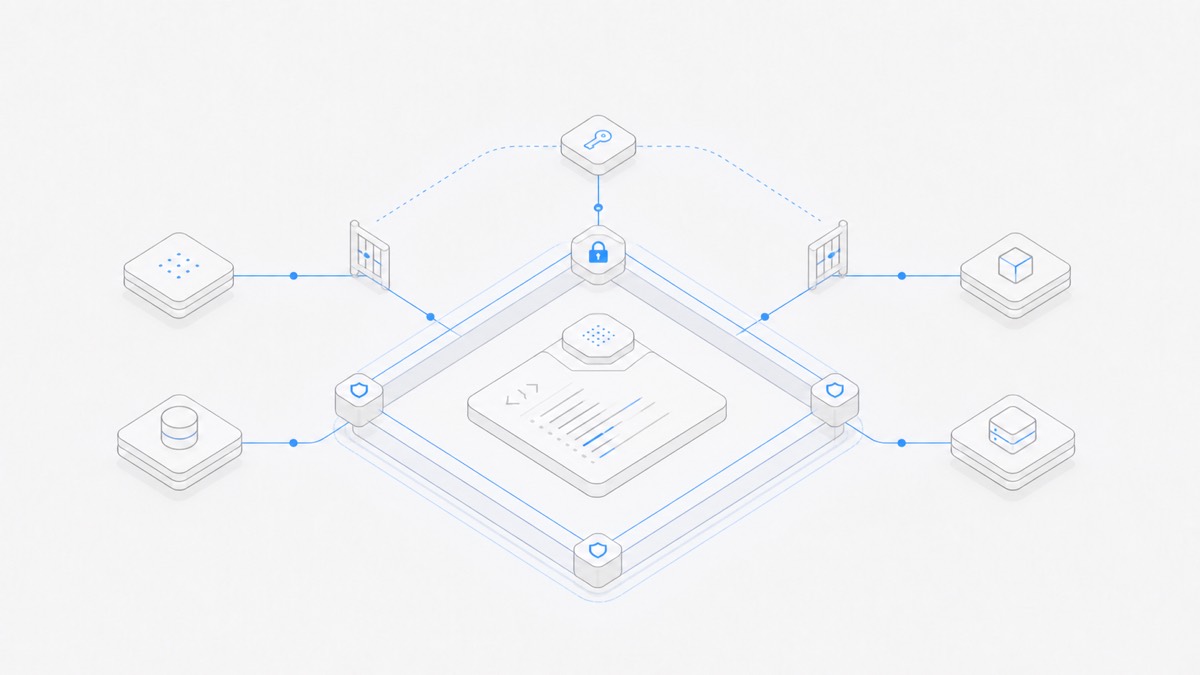
Codex workspace-write lets model-generated commands write inside the current working directory and any explicitly configured writable roots. It does not mean “approve everything,” and it does not turn network access on. The sandbox defines where a command may act; the approval policy separately decides when Codex must pause before attempting an action outside that boundary.
For ordinary repository work, start with workspace-write plus on-request approvals. Use read-only when the task should inspect but not edit. Do not switch to danger-full-access just to fix one blocked path: add the exact directory the task needs, or change the task boundary instead.
This guide uses OpenAI's official Codex documentation and the open-source openai/codex repository, verified on September 11, 2026. It explains configuration and troubleshooting, not a security guarantee for every operating system or organization-managed installation.
Codex sandbox modes in one table
Codex currently exposes three common sandbox modes for model-generated commands:
OpenAI's agent approvals and security guide recommends workspace-write with on-request approvals for a version-controlled folder. The official developer command reference also recommends adding a specific directory rather than forcing danger-full-access when one extra write location is required.
If you are still deciding whether a task belongs in a local checkout or a remote environment, compare the permission boundaries in Codex Cloud versus Codex CLI first.
Sandbox and approval policy are different controls
These two settings answer different questions:
- Sandbox mode: What files, directories, and command-network boundary can the process reach without leaving the sandbox?
- Approval policy: When must Codex stop and ask before it attempts an action that needs permission beyond the active boundary?
For example, this command selects a workspace write boundary and interactive escalation:
Commands that stay inside the active sandbox can run without a new approval. A write outside the workspace or a blocked network action can require approval. Changing approval_policy to never does not widen the sandbox; it removes the opportunity to ask, so an out-of-bound action must remain blocked or fail.
The combined --dangerously-bypass-approvals-and-sandbox flag is different again: it disables both controls. OpenAI labels that path risky and recommends it only inside an independently isolated environment. It is not a normal Codex setup.
What counts as the current workspace
For a CLI run, --cd sets the working directory before Codex starts. That directory is the main workspace root for the task. In an interactive session, use /status to inspect the effective workspace and permissions rather than assuming the shell tab, Git repository, and writable boundary are identical.
Under workspace-write, the important path rules are:
- The current working directory is writable.
sandbox_workspace_write.writable_rootsadds other absolute write locations; it does not replace the current directory.--add-dir /absolute/pathgrants one additional directory for a single CLI invocation.- Temporary directories such as
/tmpand the environment's temporary directory may be included by default; both can be excluded in configuration. - OpenAI protects
.git,.agents, and.codexrecursively as read-only inside default writable roots. A.gitpointer file and its resolved Git directory are protected as well.
The write list is not a complete confidentiality policy. A writable root tells Codex where commands may edit; it should not be treated as proof that every other user file is unreadable. If sensitive read isolation matters, use a suitable permission profile or an outer container or virtual-machine boundary, and expose only the data the task needs.
The Codex Agent overview links the current Agent.Space surface and related guides. Its product boundary is separate from a local Codex CLI sandbox.
A conservative, auditable config.toml
The following example keeps interactive approvals, limits normal writes to the project plus one generated-artifact directory, removes default temporary-directory write access, and leaves command network access off:
Replace the example with an existing absolute path. Do not add a home directory, drive root, or broad parent folder when the task needs only one output directory. Keep the configuration in the appropriate user or managed config layer, and review project-local configuration before trusting an unfamiliar repository.
For a one-off run, make the same boundary visible in the command:
This command does not enable outbound network access. That remains a separate decision.
Keep the network boundary separate
In local workspace-write mode, command network access is off by default. Enable it only when the task has a concrete need:
That boolean grants command network access; it does not restrict destinations. OpenAI documents a separate network_proxy feature for domain policy. Turning on the proxy does not grant network access by itself, and turning on network access without the proxy allows direct outbound access.
This distinction matters during troubleshooting. A package installation can fail because the filesystem path is read-only, because the command network is disabled, because a destination rule blocks the registry, or because authentication is missing. Approving or widening the wrong layer does not fix the real cause and may expose more than the task requires.
For a broader threat checklist covering secrets, external instructions, destructive commands, and result review, use the coding-agent workspace security guide.
How to debug a workspace-write denial
When Codex reports that an action is blocked, use this order:
1. Identify the exact operation
Record the command, target path, and whether it needs a read, write, network connection, local port, or external side effect. “Permission denied” is not yet a diagnosis.
2. Inspect the effective workspace
Use /status in an interactive session. For a scripted run, verify the --cd directory and every --add-dir value. A repository opened in one terminal is not automatically the current workspace of another Codex process.
3. Check the selected sandbox mode
Use read-only intentionally for review. If the task must edit the repository, use workspace-write; do not jump directly to full access.
4. Check the target against protected and writable paths
Confirm that the destination is inside the current directory or one narrow additional root. If the path is .git, .agents, or .codex, the default protection is expected even though the parent repository is writable.
5. Diagnose network access independently
If the command fetches a package or calls an API, check sandbox_workspace_write.network_access and any active destination policy. Do not interpret a successful write approval as network authorization.
6. Reproduce under the sandbox
OpenAI provides codex sandbox macos, codex sandbox linux, and codex sandbox windows helpers to run a command under the corresponding Codex policy. On macOS, --log-denials can print sandbox denials after the command exits. Exact enforcement varies by operating system, so reproduce on the environment that failed.
7. Review the resulting diff
A command being allowed proves only that it crossed the configured boundary. It does not prove the change is correct. Inspect the files, run the relevant checks, and reject unrelated edits before merging.
Common configuration mistakes
- Using
danger-full-accessto solve one path error. Add one required directory or move the output into the workspace instead. - Treating approvals as the sandbox. An approval prompt is a decision point; it is not the standing filesystem policy.
- Assuming
writable_rootsreplaces the workspace. It adds roots alongside the current working directory. - Adding a relative or overly broad root. Use a specific absolute path whose contents you are prepared to modify.
- Assuming workspace-write enables the internet. Network access remains off unless separately enabled.
- Ignoring protected repository metadata.
.git,.agents, and.codexremain read-only under the default workspace-write policy. - Disabling prompts and expecting more access.
approval_policy = "never"changes interaction, not the sandbox boundary. - Testing in a different environment. macOS, Linux, native Windows, WSL2, and outer containers enforce isolation differently.
Choose the smallest boundary that completes the task
Use read-only for inspection, workspace-write for ordinary repository changes, and an exact additional root when one output location sits outside the project. Keep network access off unless the command genuinely needs it, and keep on-request approval as the decision point for exceptional actions.
If you want a managed project surface rather than a local CLI configuration, compare this boundary with the workflow for using Codex on Agent.Space and the public Agent.Space Workspace. The products do not share one permission model, so evaluate where files live, who can continue the task, and which actions remain reviewable before you choose.