DeepSeek Harness should currently be evaluated as experimental software, not installed as a production default. DeepSeek labels the project a Developer Preview. Its official safety guidance says it has not undergone a security audit and is not secure or production-ready.
As of September 11, 2026, the latest official pre-release is dsh-v0.1.5-rc.2, published September 10. RC2 contains two small UX refinements; the migration-sensitive Session V3, default-tool, SDK, and plugin changes are documented in RC1. The 0.1.5 release guide explains those changes. This is a dated upstream observation, not a promise that an npx command, a source checkout, or Agent.Space runs that build.
The safe first workflow is: record the exact artifact you will run, place it in a disposable least-privilege environment, select one interface and mode, give it a small task with stop conditions, inspect the trajectory and real file changes, and then accept, reject, or roll back the experiment.
Start with the boundary: Developer Preview, not production default
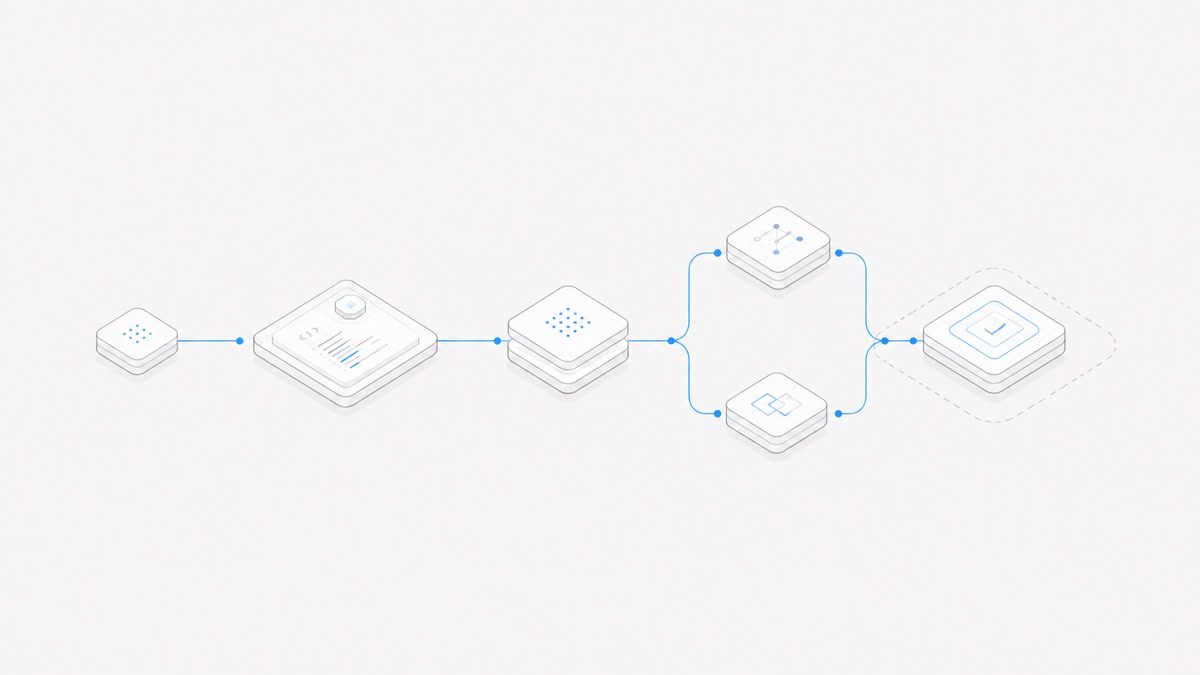
The official DeepSeek Harness overview presents a plugin-composed agent runtime with traceable sessions and several operating modes. The official repository also warns that the project is moving quickly and compatibility-breaking changes should be expected during the preview.
The more important starting document is SAFETY.md. It explains that the harness can execute code and commands, load plugins, and reach resources such as files, processes, networks, and credentials according to its environment and configuration. It recommends least privilege, limited credentials, backups, and an isolated or disposable environment.
Sandboxing and approval prompts can reduce risk, but they do not prove complete isolation. Treat every enabled plugin and tool as additional authority. For the first evaluation, do not use a production repository, production credentials, personal secrets, or irreplaceable local files.
This guide evaluates a workflow, not a claimed Agent.Space test result. Upstream features describe what the DeepSeek project publishes; a hosted product must separately expose and support them before they can be treated as available there.
Step 1: Define the evaluation and record the exact build
Start with one question that can be answered with evidence. For example:
Can this DeepSeek Harness setup make a bounded change in an isolated sample repository, stay within the allowed files, and produce a reviewable trajectory and passing validation result?
Then record what will actually run. “DeepSeek Harness 0.1.5” is not precise enough while multiple release candidates and package artifacts may exist.
DeepSeek's official quickstart currently uses:
The repository also documents a source-based path. Choose one route for the first trial. Do not mix a package install, a different source checkout, and a managed integration in one result; they are separate configurations.
Version pinning makes the outcome reproducible, but it does not make a pre-release safe. Before every upgrade, read the release notes and safety guidance again, then rerun the bounded checks in a clean environment.
Before upgrading: protect Sessions and recheck defaults
DeepSeek Harness 0.1.5 RC1 moves supported Session data to format V3. The release says migration writes new files and preserves the originals, but an upgraded Session cannot be downgraded. Back up important Session data outside the working directory, migrate a non-sensitive copy first, and keep the previous pinned environment until open, resume, append, pause, and cancellation have been verified.
Custom Session readers also need review. The lifecycle now uses SessionHandle, agentLoop.create() is asynchronous, and a Session lock allows at most one process to own a Session. Test the integration paths that depend on those contracts rather than checking only whether the Web UI opens.
Tool defaults changed too. In RC1, SDK, Headless, and ACP surfaces default to read, write, and edit; Web minimal and Python sdk-minimal default only to a persistent shell; and str_replace_editor is opt-in. Record the effective tools and permissions shown by the exact runtime. Do not carry an old tool inventory into a new evaluation.
Step 2: Create a disposable, least-privilege environment
Use an environment that can be destroyed and recreated without harming your normal workstation or production systems. A disposable VM, container, or dedicated test environment can reduce the blast radius, provided its mounts, network, process access, and credentials are also restricted.
Before launch:
- Copy in only the sample repository and fixtures required for the task.
- Start from a clean commit and keep an external backup or easy reset point.
- Mount no personal home directory, SSH directory, password store, or unrelated workspace.
- Provide no credential by default; if the model route requires one, use a test-scoped, revocable credential with the smallest permissions.
- Restrict outbound network access to the endpoints the evaluation genuinely needs.
- Record which files, processes, ports, and tools should be reachable.
- Decide how to stop the harness and discard the environment before the run begins.
An “isolated” label is not enough. Verify the boundary from outside the agent: inspect mounts, environment variables, network policy, and host integration. If the task does not need a capability, remove it rather than relying only on an instruction telling the agent not to use it.
The broader coding-agent workspace security guide provides a reusable checklist for credentials, networks, filesystem scope, approvals, extensions, and recovery.
Step 3: Choose one interface and one mode
The official quickstart opens the Web UI, which is a reasonable first surface because it makes the session visible. Keep the interface constant during the evaluation; changing the client can also change defaults or the information available for review.
DeepSeek's current overview describes several modes:
Mode names and compositions can change during the preview. Confirm them in the current official page and in the running interface. Pick one mode because it matches the evaluation question, not because it has the longest feature list.
Also keep the plugin set small. Review the source, configuration, requested permissions, and data path of every plugin you add. A traceable plugin action can still be dangerous; traceability helps investigation, not prevention.
Step 4: Write a bounded task brief
The first task should be small, reversible, and independently verifiable. A documentation change, explanation plus proposed test, or narrow fix in a sample project is more useful than “improve this entire repository.”
Use a contract like this:
The task brief is not a security boundary by itself. Environment restrictions and approvals must enforce the important limits. The brief makes intent auditable and gives you a clear reason to stop when the trajectory diverges.
Do not use production data to make the trial “realistic.” Synthetic fixtures and a representative repository structure are enough to evaluate whether the harness plans, calls tools, stays in scope, and reports validation honestly.
Step 5: Inspect the trajectory and validate the result
DeepSeek presents an append-only session log and trajectory view as core upstream concepts. Use them to inspect what context entered the run, which tools were requested, what results returned, and how the task changed over time.
Then validate independently. The final message and trajectory are evidence sources, not proof that the repository is correct or the environment remained safe.
Check:
- every tool call and permission prompt against the task brief;
- every changed, created, or deleted file from outside the chat view;
- the exact diff against the clean starting state;
- the named test, lint, or build command and its raw result;
- unexpected processes, network connections, generated files, or credential reads;
- claims that were not verified by a tool or an inspectable artifact;
- warnings, retries, errors, and changes the harness attempted but did not surface clearly.
Stop immediately if the run reaches outside the allowed repository, requests unrelated secrets, executes an unexplained command, disables a safety control, or keeps acting after the acceptance condition becomes impossible. Preserve logs only if doing so does not copy sensitive data into a less protected location.
Step 6: Accept, reject, or roll back
An evaluation is complete only when it produces a decision. Use three outcomes:
- Accept the artifact: the change stayed in scope, passed independent checks, and can enter normal human review. This accepts one artifact, not the harness for unrestricted use.
- Repeat under a revised setup: the result exposed a fixable configuration, permission, task, or reproducibility problem. Reset the environment and change one variable.
- Reject and roll back: the harness crossed a boundary, produced an unreviewable result, required excessive authority, or behaved inconsistently enough that the risk outweighs the current value.
Destroy or reset the disposable environment after the run. Revoke any test credential, archive the exact version/configuration and non-sensitive evaluation notes, and restore the repository from the clean baseline rather than asking the same agent to undo itself.
Adoption should proceed in stages: another isolated task, a small set of representative tasks, then a narrowly governed pilot. Developer Preview and pre-release status are reasons to keep rollback cheap and to retest upgrades, even after an earlier build performed well.
What this workflow means on Agent.Space
Agent.Space currently presents DeepSeek Harness as an experimental or Developer Preview Agent option. Use the DeepSeek Harness Agent Hub and the live product interface to check whether it is available and which models and controls are shown for the current workspace.
Keep two evidence sets separate:
- Upstream evidence: DeepSeek's repository, release tag, quickstart, modes, plugin architecture, trajectory concepts, and safety guidance.
- Agent.Space evidence: the harness status, compatible model choices, tools, controls, and behavior actually shown in the current Agent.Space interface.
An upstream 0.1.5 RC2 release does not prove Agent.Space runs RC2. An upstream mode, plugin, or interface does not prove it is exposed in Agent.Space. This article does not claim Agent.Space has tested or formally supports all upstream capabilities. The existing guide explains what DeepSeek Harness currently means on Agent.Space; the current interface remains the availability source of truth.
The shared brand also does not make DeepSeek Harness identical to a DeepSeek model. If that distinction is new, review agent harness vs model before interpreting a model selector or upstream feature announcement.
First-evaluation checklist
Before the run:
- confirm Developer Preview and current safety guidance;
- record the exact package, tag, commit, surface, mode, model, and date;
- back up important Session data and test any V3 migration on a copy;
- record the effective default tools, plugins, and Session API contracts;
- use a disposable environment with a clean repository and backup;
- remove unrelated files, credentials, networks, tools, and plugins;
- define the objective, allowed scope, acceptance command, and stop conditions.
After the run:
- inspect the trajectory, filesystem diff, processes, network, and validation output;
- separate observed facts from the harness's claims;
- accept, repeat, or reject based on written criteria;
- reset the environment and revoke test credentials;
- preserve enough non-sensitive detail to reproduce the result on the same build.
That workflow will not make preview software risk-free. It makes the experiment bounded, observable, and reversible—the right standard for deciding whether DeepSeek Harness deserves a larger trial.