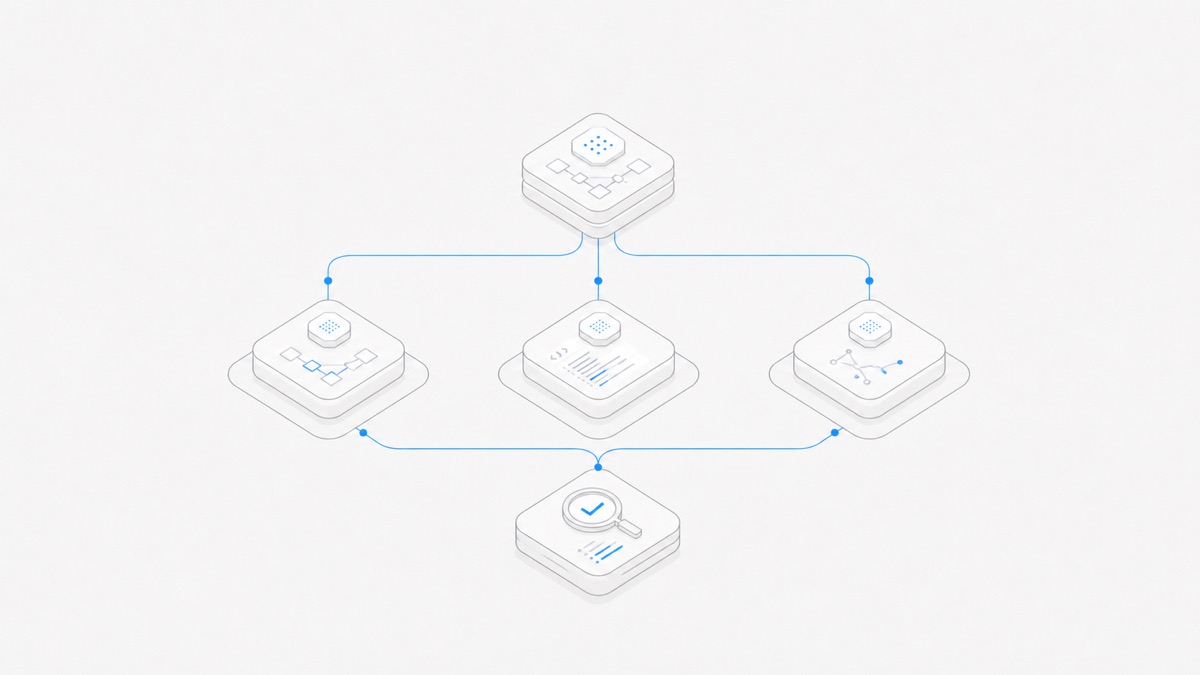
Grok Build, Codex, and Claude Code can all coordinate multi-step coding work, but they should not be reduced to a single “best coding agent” ranking. Their official products expose different surfaces, execution paths, and extension boundaries. Your first decision is therefore where and how the work should run, followed by the model, permissions, and cost of the exact route.
There is one especially important naming trap: Grok Build's open-source terminal harness is not the same surface as the Grok Build Web/Mobile app builder, and neither is simply a Grok model. This comparison treats the terminal harness as the Grok Build coding-agent candidate. The Web/Mobile builder gets a separate decision path for people whose real goal is a quickly published application.
The short answer
Use these as starting hypotheses, then test the exact route on your own repository:
- Evaluate Grok Build terminal when an open-source, terminal-first harness, headless operation, ACP embedding, or direct extension of the agent runtime is central to the job.
- Evaluate Codex when you want OpenAI's path across local interactive work and delegated cloud tasks with a reviewable result.
- Evaluate Claude Code when an Anthropic coding workflow spanning terminal, desktop, IDE, web, or remote control best matches how your team works.
- Evaluate Grok Build Web/Mobile instead when the primary deliverable is a live app created, previewed, and shared from a conversational builder rather than a change to an existing repository from a terminal.
These are workflow fits, not performance verdicts. Model selection, reasoning settings, repository state, permissions, and acceptance checks can all change the observed result.
Separate the agent, model, surface, and runtime
Four variables are commonly collapsed into one product name:
A surface does not, by itself, prove the runtime. A web interface may delegate to a cloud environment or connect back to a local process. A terminal process may still call a hosted model. Likewise, a model benchmark does not measure the complete harness, because instructions, context assembly, tools, and verification loops still differ.
The Grok Build explainer goes deeper on these layers. For this decision, simply record all four before comparing an output. “Claude vs Grok vs GPT” is a model-family discussion; “Grok Build vs Codex vs Claude Code” is primarily a coding-agent workflow discussion.
Grok Build vs Codex vs Claude Code at a glance
This table describes current official surfaces as of September 2, 2026. It does not score code quality.
The official Grok Build overview documents interactive terminal use, headless operation, and ACP. OpenAI documents the Codex CLI separately from Codex cloud. Anthropic's platform guide maps Claude Code across terminal, desktop, IDE, web, and related integrations.
Feature presence is only the first filter. A surface can exist without supporting the exact permission, identity, network, or review controls your organization requires. Confirm those controls in the version and plan you will actually use.
Choose Grok Build for an open, terminal-first path
The official Grok Build repository describes a terminal coding agent that can work with a codebase, edit files, execute shell commands, and search the web. It also exposes interactive, headless, and ACP paths. The project's open-source announcement describes an extension system that includes Skills, Plugins, Hooks, MCP servers, and Subagents.
That makes Grok Build terminal a sensible candidate when you need to:
- inspect the harness implementation rather than rely only on a hosted surface;
- customize repository instructions or the extension layer;
- invoke bounded work from scripts or CI through a headless path;
- embed the agent behind a compatible ACP client;
- keep the primary workflow close to files, commands, diffs, and tests.
Open source is not an automatic security guarantee. The complete route can still reach a remote model, network tools, plugins, credentials, and the local filesystem. Review the version, configuration, permission behavior, and every extension you enable. A team that does not want to operate those boundaries may value a more managed route instead.
Choose Codex for local-to-cloud delegation
Codex is a strong candidate when the distinction between interactive local work and background cloud delegation is useful rather than disruptive.
The official CLI works in the selected local directory and can inspect, edit, and run code under its configured approval and sandbox policies. Codex cloud runs tasks in configured cloud environments, lets a user follow their progress, and returns changes for review. Those are different execution surfaces inside the Codex product family, not different models.
This path fits workflows such as:
- investigate locally, then delegate a bounded follow-up to a cloud environment;
- send an issue-shaped task to run while a developer works elsewhere;
- review a returned diff and validation evidence before integrating it;
- use an OpenAI-centered identity, policy, and model path already governed by the team.
Do not infer that a local configuration, dependency, credential, or uncommitted file automatically exists in a cloud task. Environment setup is part of the comparison. Also separate product access from model usage and workspace cost; the deeper Codex vs Claude Code comparison covers their changing access and limit structures without turning this article into a price table.
Choose Claude Code for a broad Anthropic workflow surface
Claude Code is a sensible candidate when the same agent workflow needs to meet developers across several official interfaces. Anthropic documents terminal, desktop, IDE, and web paths, plus ways to control a session remotely and integrate work into team processes. Its how Claude Code works guide describes a common agentic loop—gather context, take action, and verify—while the environment and interaction model vary by surface.
That breadth matters when a team wants to:
- pair interactively from the terminal or an IDE;
- review multiple sessions from a desktop interface;
- delegate supported work through a web surface;
- connect a running session to another approved interface;
- stay within an existing Anthropic model, identity, and policy path.
Surface breadth does not prove better code quality. It creates more operating choices, which also means more boundaries to document. Record where each session runs, which credentials it receives, whether it can continue when a client disconnects, and how its changes return to the repository.
When you actually mean Grok Build Web or Mobile
Grok Build Web/Mobile answers a different first question: “Can I turn this description into a live application and iterate on it conversationally?”
The official Web/Mobile release describes a builder available through browser, iOS, and Android, with live previews, publishing, supported APIs and Secrets, access controls, remixing, custom domains, and GitHub export. Those product capabilities belong to that hosted builder surface. They should not be copied into a terminal-harness feature table.
Start there when a shareable prototype is the immediate deliverable and the hosted preview/publish loop is more important than direct control of an existing repository. Start with the terminal harness when the source repository, commands, tests, and local or controlled runtime are the center of the task.
GitHub export can connect the two workflows, but it is a handoff point. Export does not prove that deployment configuration, dependencies, secrets, maintenance, or production review are complete. The dedicated guide to Grok Build on Web and Mobile covers that surface in detail.
Run a fair three-way trial
A fair harness comparison does not require pretending the products are identical. It requires making their differences visible while keeping the work and acceptance standard stable.
- Choose one task. Use a recent, representative issue with a bounded scope and a deterministic validation path.
- Create isolated starts. Give each candidate the same commit or equivalent repository copy; never let the second candidate inherit the first candidate's edits.
- Record the route. Note harness version, surface, runtime, provider, exact model ID, reasoning setting, enabled tools, permissions, and network access.
- Use the same task contract. Keep the objective, allowed files, prohibited actions, acceptance commands, and stop conditions constant.
- Review artifacts, not style. Compare the diff, tests, build, warnings, unsupported assumptions, and reproducibility before the prose quality.
- Measure the whole attempt. Record elapsed time, model usage, tool failures, repair turns, reviewer effort, and whether the final result was accepted.
Do not remove a harness's useful native behavior merely to force symmetry. Planning, context search, permission prompts, and verification are part of what you are evaluating. If one candidate uses a cloud runtime and another is local, document that difference and decide whether it is an advantage or a governance cost for your workflow.
Run more than one task before establishing a default. A documentation edit, a failing-test diagnosis, and a multi-file implementation expose different strengths and failure modes. None of those results becomes a universal vendor ranking.
Make the final choice in Agent.Space
Agent.Space presents Grok Build, Codex, and Claude Code as Agent harness choices, then offers compatible model choices for the selected harness. The current selector is the source of truth for what is available; an upstream announcement does not automatically establish feature parity inside a managed product.
Choose the harness whose workflow boundary fits first. Then choose a compatible model, start with a small task, and inspect the saved files and validation evidence. If another Agent should continue, create an explicit handoff that names the current state, relevant files, completed checks, and remaining question. Do not assume separate sessions automatically share hidden reasoning or safely coordinate simultaneous edits.
Review the current Agent Hub to see the available harnesses, then run the same bounded task through the candidates that genuinely fit your environment.