Grok Build is SpaceXAI's coding-agent product, not a single AI model. Its open-source terminal harness can inspect a codebase, edit files, run commands, and coordinate tools. The same name also appears in Grok's web and mobile app-building experience, where a user can describe, preview, and publish an application through chat.
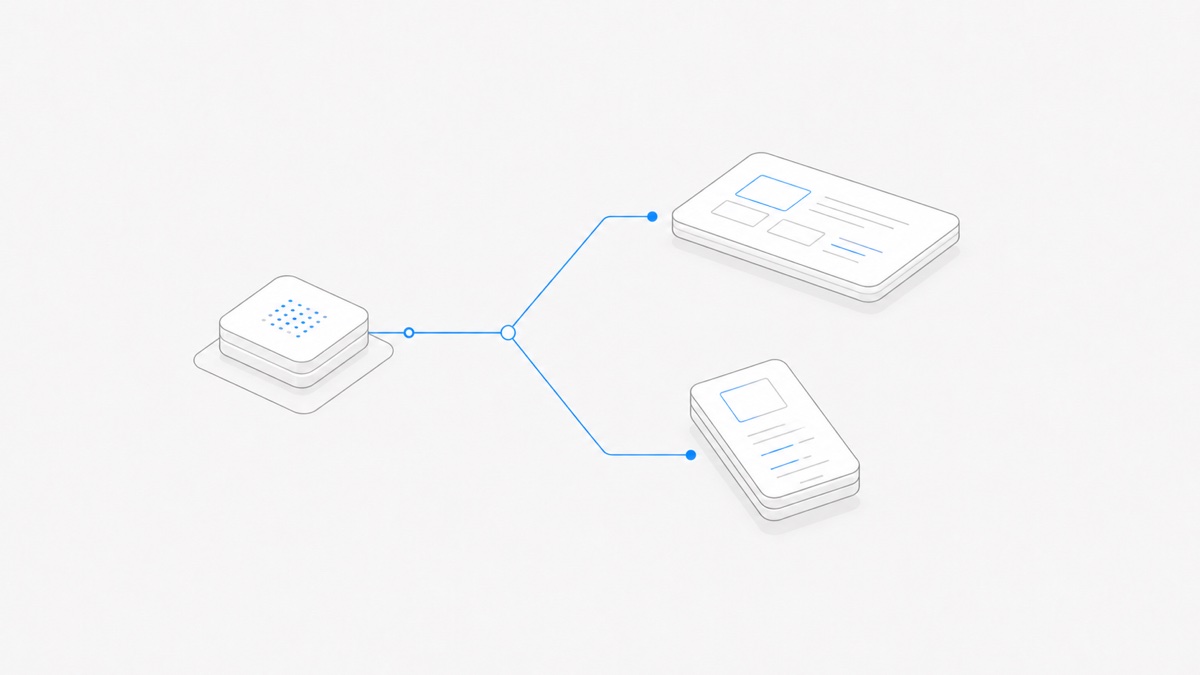
Those surfaces are related, but they are not interchangeable. The useful way to understand Grok Build is to separate three layers: the agent harness that organizes the work, the Grok model that supplies reasoning, and the product surface where the user starts and reviews a task.
When you are ready to evaluate the harness in a managed project environment, the Grok Build Agent page explains the Agent.Space cloud Workspace path and links to the relevant workflow guides.
Grok Build in one sentence
Grok Build is a coding-agent system that turns instructions into multi-step software work, with an open-source terminal harness for repository-oriented tasks and a conversational web/mobile builder for rapidly creating and sharing applications.
SpaceXAI open-sourced the terminal harness on July 15, 2026. Its official GitHub repository contains the Rust source for the CLI/TUI and agent runtime. The repository describes interactive use, headless use for scripts and CI, and editor embedding through Agent Client Protocol.
The separate web and mobile experience emphasizes a different outcome: describe an app, iterate on a live result, and publish or export it. That is why a search for “Grok Build” can return pages that appear to describe different products. Before following a tutorial, check whether it concerns the terminal harness or the app builder.
Separate the harness, model, and product surface
These layers answer different questions.
The current Grok Build product page may identify a Grok model that powers the released experience. That does not turn Grok Build into that model. A model can change while the harness remains recognizable, and an open-source build can expose configuration that differs from the hosted product.
This distinction also applies beyond Grok Build. The guide to agent harnesses versus models explains why a model benchmark cannot, by itself, rank complete coding-agent products.
How the open-source terminal harness works
The terminal version is designed around a repository and a tool-using loop. According to the open-source announcement and repository, the published code covers:
- assembling project context for the model;
- parsing model responses and dispatching tool calls;
- reading, editing, and searching files;
- executing terminal commands;
- rendering plans, conversations, and inline diffs in a full-screen TUI;
- loading extensions such as Skills, Plugins, Hooks, MCP servers, and Subagents.
The released binary runs as grok. SpaceXAI publishes installers for macOS, Linux, and Windows, while the source can also be compiled with its pinned Rust toolchain. Installation is not the same thing as granting safe access: the process still needs an explicit working directory, appropriate credentials, and a permission boundary for commands, network access, and files outside the project.
Interactive mode suits work where a person wants to inspect plans and diffs while the task develops. Headless mode is aimed at scripting and CI, where prompts, exit behavior, credentials, logs, and failure handling must be designed in advance. ACP embedding is another client surface; it does not imply that every editor exposes every native TUI feature.
The source is useful for audit and extension, but “open source” does not mean “no operating cost” or “automatically offline.” The configured model endpoint can still be remote and billed, and an enabled web tool or MCP server can still transmit data. Verify the complete runtime, not only the repository license.
How the web and mobile builder differs
Grok Build on web, iOS, and Android starts from a conversational application-building task. SpaceXAI's August 2026 release describes a workflow for generating an app, previewing it, publishing it to a link, choosing access, using supported APIs and Secrets, and exporting code to GitHub.
That surface is especially useful when the immediate deliverable is an interactive prototype or shareable application. It hides more of the local toolchain and makes preview and publishing central to the experience.
The terminal harness starts from a codebase and developer runtime instead. Its natural deliverables are reviewed file changes, commands, tests, and version-control evidence. A project can move between these worlds—for example, by exporting a web-built application to GitHub—but the export creates a handoff, not proof that deployment, dependencies, secrets, and maintenance are complete.
For a closer look at publishing, access levels, Secrets, Connectors, and GitHub export, use the dedicated guide to Grok Build on web and mobile. Keeping those release-specific details in that page lets this guide remain focused on the stable product boundary.
What Grok Build can extend and automate
SpaceXAI's current terminal product materials group several extension and automation mechanisms under Grok Build:
- Skills package reusable instructions for recurring work.
- Plugins can bundle capabilities for a team or project.
- Hooks run configured actions around events such as file edits or tool calls.
- MCP servers expose external tools and data to the agent.
- Subagents divide larger work into specialized child tasks.
- Headless mode lets a defined task run from scripts or CI rather than an interactive TUI.
- AGENTS.md supplies repository instructions by directory.
These mechanisms solve different jobs. A Skill is not a live data connection, an MCP server is not a permission policy, and a Subagent is not an isolated worktree unless the selected workflow actually creates one. Every extension increases the amount of code, data, or external authority that the agent may reach.
Start with the smallest mechanism that satisfies the task. A repository convention belongs in project instructions. A repeatable procedure may fit a Skill. A live service integration may require MCP. Parallel work should begin only after file ownership, starting state, and merge responsibility are clear.
When Grok Build is a good fit
Choose the surface by the work product you need.
Another harness may fit better when your organization already governs a different provider, requires a particular IDE-native workflow, or needs a managed environment whose persistence and team controls it does not want to operate itself.
Do not choose from a feature checklist alone. Test a representative task with the real repository, permissions, model, and acceptance command. A useful trial ends with evidence—a diff, test result, preview, or deployment artifact—not only a persuasive conversation.
If Grok Build is one option on your shortlist, the Grok Build, Codex, and Claude Code comparison turns these checks into a workflow-level decision rather than a brand ranking.
What to verify before production use
Before allowing Grok Build to affect a production repository or connected service, verify:
- Runtime boundary: where the harness, model request, shell, and external tools run.
- Credential boundary: which process can read each key and how it can be revoked.
- File boundary: which directories can be read or changed.
- Approval boundary: which commands, edits, network calls, and plugin actions require review.
- Source of truth: whether the terminal repository, exported GitHub project, or hosted app owns the lasting code.
- Validation: which tests, previews, security checks, and human approvals define acceptance.
- Recovery: how to stop a task, restore a clean state, and investigate an unexpected action.
The same questions apply to Skills, Hooks, Plugins, MCP servers, and Subagents. Review the broader coding-agent workspace security checklist before adding production secrets or broad write access.
How Grok Build fits with Agent.Space
Agent.Space treats the Agent harness, model, Session, and Workspace as separate choices. Grok Build can be one harness choice, while the current product interface determines which models and hosted capabilities are actually available.
That means an upstream Grok Build feature does not automatically prove feature parity inside Agent.Space. Check the current selector, run a bounded task, and inspect the output. Likewise, using Grok Build through a managed Workspace does not imply a SpaceXAI partnership, shared account, or identical billing path.
Grok Build is best understood as a working system around a model: it gathers context, invokes tools, changes code, and presents evidence for review. Decide whether the terminal harness or the web/mobile builder matches the deliverable, then verify the exact runtime and permissions you will operate.
Open Agent.Space when you are ready to put Grok Build or another available harness to work on one small, reversible task.