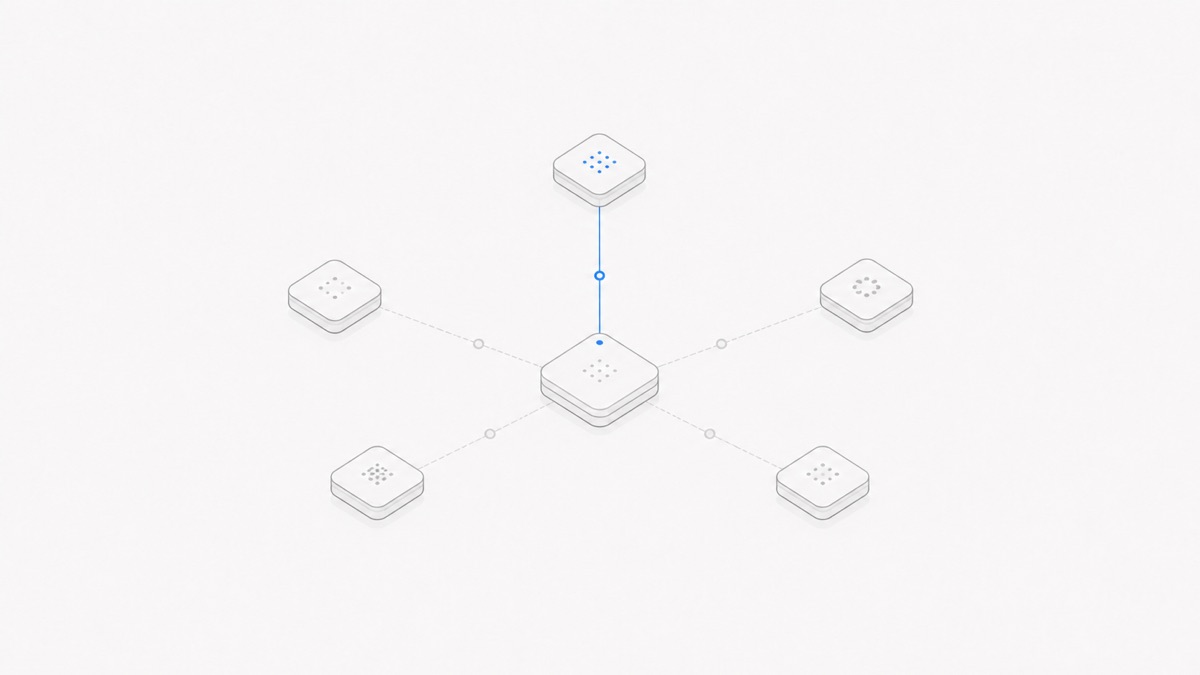
OpenRouter and Agent.Space still have different centers of gravity, even as their feature sets overlap. OpenRouter centers on a unified model API, provider routing, fallbacks, and inference billing; it now also offers Ori for running existing local agent CLIs plus beta Files and sandbox Container features. Agent.Space centers on a persistent cloud coding Workspace where supported agents work with project files, Sessions, runtimes, Previews, and team handoffs.
Choose OpenRouter when model access and routing are the bottleneck. Choose Agent.Space when the work needs a durable place to continue. They can be complementary when the exact harness, model endpoint, authentication path, and Workspace product all support the intended combination, but neither product name proves that compatibility by itself.
Last verified: September 2, 2026. Model catalogs, providers, routing behavior, prices, Ori support, beta Files and Containers, and Agent.Space compatibility can change. Use the current OpenRouter documentation and the live Agent.Space selectors as the source of truth.
The short answer: they solve different layers
An AI coding system has several separable responsibilities:
- A model provider serves inference.
- A gateway can expose models through one API and decide which provider receives a request.
- An agent harness gathers context, proposes or executes tool calls, edits files, and continues a multi-step loop.
- A runtime supplies the filesystem, shell, processes, and network boundary.
- A Workspace keeps the project, Sessions, outputs, and people together over time.
OpenRouter's core still operates at step two, connecting callers to providers at step one. Its newer products reach into adjacent layers: Ori starts supported agent CLIs on the user's machine, while beta server tools can execute commands in OpenRouter sandbox Containers and the beta Files API can store documents in an OpenRouter Workspace. Agent.Space integrates steps three through five around a persistent coding project. Agent.Space also offers a separate Developer API for supported models, so the products now overlap at more than one edge without becoming the same product.
The distinction matters because a successful model response is not the same result as a saved, reviewable project. Conversely, a persistent Workspace still needs a compatible model and a way to fund each inference request.
OpenRouter routes model requests
OpenRouter’s official FAQ describes a unified API for accessing models, aggregating billing, and tracking usage. A request names a model or router; OpenRouter identifies eligible provider endpoints and sends the inference request under the applicable routing policy.
Its Provider Routing documentation covers controls such as provider order, allowlists, exclusions, parameter support, data policy, price, latency, throughput, and fallback behavior. These controls answer questions such as:
- Which endpoint may serve this model?
- What happens when the preferred provider is unavailable?
- Is price, speed, policy, or provider identity the hard requirement?
- May the application fall back to another provider or model?
OpenRouter now reaches beyond request routing in three distinct ways:
- Ori Harness starts a supported, real agent CLI on the user's machine with OpenRouter credentials, models, routing settings, and organization guardrails. The local CLI still owns its agent loop and local working tree.
- Beta Containers let OpenRouter
shellandbashserver tools run inside an isolated Linux environment. Home-directory files can be restored for later requests that use the same container identity, but processes, environment variables, and installed system state are not restored after sleep. - The beta Files API stores files inside an OpenRouter Workspace for reuse across requests. A file created in a Container can also be promoted into a durable Workspace document.
These are real execution and persistence capabilities, not just client-side tool calls. They still do not automatically create Agent.Space's product contract: one coding project with supported agent Sessions, a Workspace Runtime, inspectable Previews, and project handoffs. OpenRouter also uses the word Workspace for an environment that scopes API keys, routing defaults, guardrails, observability, members, budgets, and now files. The shared name should not be treated as feature equivalence.
For a detailed explanation of endpoint eligibility and fallbacks, see how OpenRouter provider routing works.
Agent.Space keeps coding work in a persistent Workspace
Agent.Space starts from the project rather than from one inference request. A Workspace holds saved project files, members, and Sessions. Each Session runs a supported agent harness against the same current project tree, while Previews and inspectable outputs stay next to the work.
This makes it possible to stop one task, reopen the project later, or hand reviewed files to another supported harness without recreating the project from a chat transcript. The guide to how Agent.Space works explains that successfully saved files remain when a cloud Runtime stops.
Persistence has a precise limit: it does not promise that every process runs forever. A development server or build may need to be restarted when the Runtime starts again. The durable part is the saved project state and the Workspace context deliberately preserved around it.
Agent.Space also separates the harness choice from the model choice. A model supplies reasoning and generation; a harness supplies the agent loop, tools, context policy, and permissions; the Workspace supplies the environment and durable project boundary. The agent harness vs model guide shows why changing one layer does not automatically replace the others.
OpenRouter vs Agent.Space at a glance
The table compares product responsibilities, not total feature counts. OpenRouter can combine routing with optional local-agent and beta server-tool surfaces; an application built on it can add still more runtime and collaboration. Agent.Space can expose model access through its own Developer API. The relevant question is which complete workflow you want and which layers you want to operate yourself.
Choose OpenRouter when model access is the bottleneck
OpenRouter is the more direct fit when you already have an application, coding agent, or runtime and need a model-serving layer.
Typical reasons include:
- connecting one client to several model families through a consistent API shape;
- controlling which providers may serve a model;
- using provider or model fallbacks under an explicit policy;
- centralizing inference usage records and budgets;
- comparing current price, latency, throughput, or data-handling options;
- keeping the application’s filesystem, tool permissions, and deployment under your control.
- optionally using OpenRouter's beta Files or Container tools for a bounded API workflow rather than adopting a full coding-project Workspace.
This choice also creates responsibilities. You still need to verify that the selected model and provider support the parameters and tool behavior your harness expects. For a local harness, you own the local runtime, permissions, state, and review. For beta OpenRouter server tools, verify container identity, file promotion, network policy, retention, limits, and pricing rather than assuming they behave like a full development environment.
Choose Agent.Space when the project must keep moving
Agent.Space is the more direct fit when the hard problem is not obtaining one model response but keeping coding work available, inspectable, and transferable.
Typical reasons include:
- keeping saved project files in a cloud Workspace;
- running supported coding-agent Sessions against one shared project tree;
- reopening work later without rebuilding the environment from a conversation;
- inspecting files and supported Previews in the same product;
- handing reviewed project state and explicit notes to another Session or teammate;
- separating Workspace membership from upstream personal account credentials.
Agent.Space does not make every harness or model interchangeable. The live selector determines which combinations are available. Separate Sessions can share current files, but they do not silently inherit another agent’s hidden reasoning, and parallel work still needs clear file ownership and review.
Can you use OpenRouter and Agent.Space together?
Architecturally, a model router and a persistent coding Workspace can sit in the same stack: the Workspace hosts a compatible harness, and the harness sends inference requests to the router. OpenRouter documents compatible agent routes and separately offers Ori for starting supported CLIs on a user's own machine.
That architecture is not proof of a current Agent.Space integration. Before assuming the two products work together, verify all four layers:
- The Agent.Space product currently exposes the intended harness and configuration path.
- The harness officially supports the OpenRouter endpoint and authentication method you plan to use.
- The selected model and provider support the harness’s required tools, parameters, context, and policy.
- A bounded test confirms both the actual inference route and the expected Workspace behavior.
Keep credentials and bills separate during that test. An OpenRouter key should authorize model requests, not automatically grant shell, deployment, or Workspace administration. Record which service charged the request, which model and provider ran, which harness executed tools, and where the resulting files were saved.
If the goal is a unified server-side model API rather than a Workspace, compare the current Agent.Space Developer API on its own terms. Its live model discovery, protocol paths, funding rules, and feature compatibility are not the same contract as OpenRouter’s catalog and routing controls.
A decision checklist
Answer these questions in order:
- What is missing today? Model access, provider routing, an agent harness, a runtime, persistent files, or team coordination?
- Where will tools execute? Name the filesystem, shell, network boundary, approval policy, and secret owner.
- What must persist? A usage log, conversation, project files, live process, Preview, or team handoff?
- Who owns model selection and fallback? Do not let a silent route change look like an agent-quality change.
- Which account pays each layer? Separate inference, API, Workspace, and organization charges.
- What proves compatibility? Use a small real task with tool calls, a saved file, a restart or resume, and an acceptance check.
Choose the smallest stack that covers the missing responsibility. If an existing local agent and runtime already handle project state well, adding a model router may be enough. If model access already works but projects disappear across machines or agent handoffs, a persistent Workspace addresses the more relevant gap.
Frequently asked questions
Is Agent.Space an OpenRouter alternative?
Only for some adjacent decisions. Both can expose model access, but OpenRouter’s central job is model/provider routing while Agent.Space’s central product job is a persistent Coding Agent Workspace. Treat them as alternatives only for the exact capability you are comparing.
Does OpenRouter run a coding agent?
It depends on the surface. OpenRouter can serve model calls to a compatible harness; Ori can start a supported real agent CLI on the user's machine; and beta server tools can execute shell commands in an OpenRouter Container. These do not all have the same owner for the agent loop, filesystem, permissions, or verification, so check the exact product path instead of answering from the OpenRouter brand alone.
Does OpenRouter save project files?
OpenRouter's beta Files API can store reusable files in an OpenRouter Workspace. Its beta Container home files can persist across requests that resolve to the same container identity, and selected outputs can be promoted to durable Workspace documents. That is useful persistence, but it is not automatically the same as an Agent.Space coding project with supported agent Sessions, Runtime lifecycle, Previews, and handoff semantics.
Can I enter an OpenRouter key in Agent.Space?
Do not assume that. Check the current Agent.Space interface and public documentation for the exact harness, credential, and model path. Similar protocol shapes or an upstream harness integration do not establish Agent.Space support.
Which product costs less?
They charge for different responsibilities, so a headline comparison is misleading. Estimate the complete workflow: inference, routing or gateway fees, Workspace plan, runtime, retries, storage, collaboration, and human review. Use current account pricing rather than a static number in this article.
The bottom line
OpenRouter's center is model access, provider routing, policy, and inference billing, with Ori and beta Files/Containers extending it into adjacent agent and execution tasks. Agent.Space's center is a persistent coding-project Workspace around supported agents. Choose by the complete workflow, not by assuming either product still fits a one-line category.
If both layers are useful, validate the actual connection instead of inferring it from product categories. The clean architecture keeps four owners visible: the service routing inference, the harness executing tools, the Runtime operating on files, and the Workspace preserving the project.