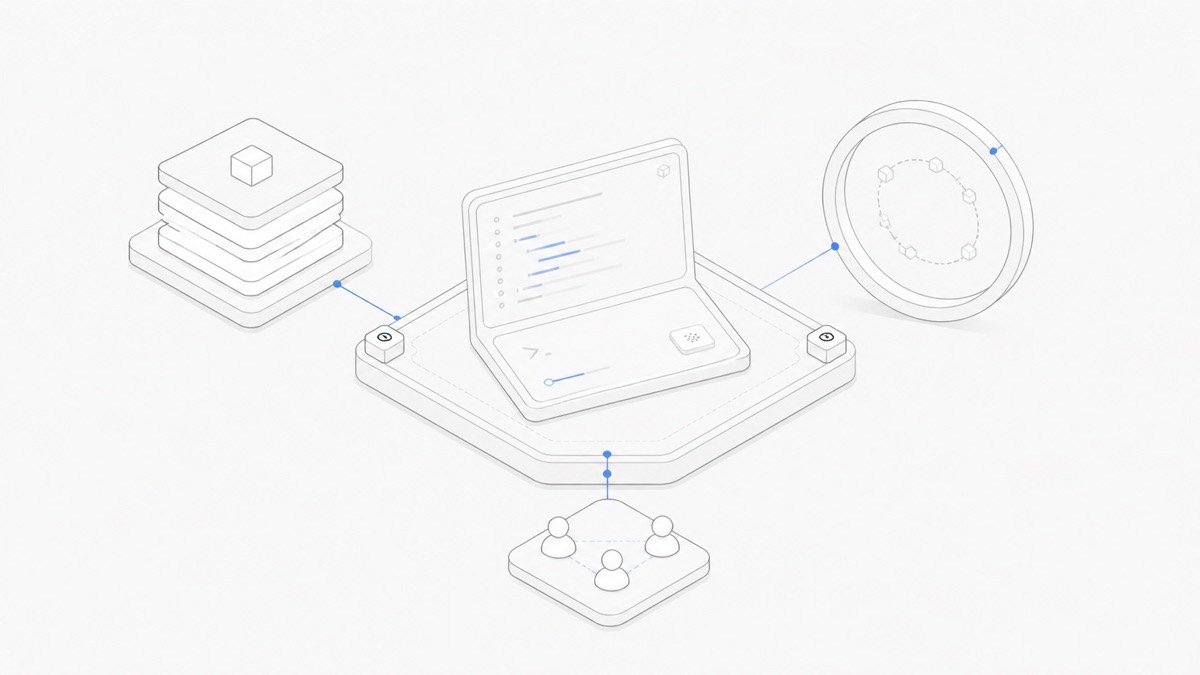
OpenCode agents are reusable assistant profiles with their own instructions, model preference, and tool permissions. A primary agent runs the main conversation you interact with. A subagent handles a narrower task in a child session, either because the primary agent delegates it or because you call it directly.
That distinction is more useful than treating every profile as another “AI teammate.” It tells you where the conversation lives, how the role is selected, what context it receives, and which permissions should contain its work.
This guide uses the official OpenCode 1 documentation as it appeared on September 1, 2026. OpenCode 2 is available separately as a beta and uses different configuration fields; the version boundary is covered below.
Primary agents and subagents in one table
The official OpenCode Agents documentation defines two user-configurable roles.
OpenCode 1 includes two visible primary agents:
- Build is the default development role and has broad tool access.
- Plan is designed for planning and analysis; file edits and shell commands ask for approval by default.
It also includes three visible subagents:
- General handles broad research and multi-step work and can make changes when its permissions allow.
- Explore is a read-only codebase researcher.
- Scout is a read-only researcher for external documentation and dependency source.
There are also hidden system agents for tasks such as context compaction, titles, and summaries. Those internal agents are not ordinary roles for you to select.
If you are still deciding whether OpenCode fits the surrounding execution environment, start with the broader OpenCode cloud-workspace guide. The rest of this article focuses only on agent roles inside OpenCode.
How OpenCode invokes each role
A primary agent owns the main conversation. In OpenCode 1, you can cycle through primary agents with Tab or the configured switch_agent keybind. Switching the profile changes the active instructions and permissions for subsequent work; it is not the same as creating another independent project.
A subagent can start in two ways:
- Automatic delegation. The primary agent sees available subagents and their descriptions, then can use the Task tool to assign a suitable job.
- Manual invocation. You mention a subagent directly, such as
@general help me find where this function is defined.
Delegated work creates a child session. OpenCode provides keybinds for moving from the parent session into its child sessions, cycling between children, and returning to the parent. That separation lets a subagent investigate without filling the main conversation with every intermediate step, while preserving a place to inspect what it did.
The description is operational, not decorative. A vague description such as “helps with code” gives the primary agent little basis for choosing the role. A useful description states the trigger and the boundary: “Reviews the current diff for correctness and missing tests without editing files.”
How to configure a focused subagent
OpenCode 1 supports agent definitions in opencode.json and in Markdown files. Markdown is often easier to review because the configuration and the role instructions live together. Place a global agent in ~/.config/opencode/agents/, or keep a project-specific agent in .opencode/agents/. The filename becomes the agent name.
This OpenCode 1 example creates a project-level reviewer subagent:
Save it as .opencode/agents/reviewer.md, then call it with a focused request such as:
Four choices in that small definition do most of the work:
descriptiontells the user and the primary agent when this role is relevant.mode: subagentprevents the profile from becoming the main selectable conversation role.permissionblocks edits and limits shell access to specific read-only Git commands.- The Markdown body defines the expected output and keeps the job narrow.
You can also set model in provider/model-id format. If you omit it, the subagent inherits the model used by the primary agent that invoked it. That makes the agent profile and the model two separate decisions: the profile defines a role; the model supplies inference for that role.
The official opencode agent create command can generate a Markdown agent interactively. It asks whether the definition is global or project-specific, collects a description, generates a prompt and identifier, and lets you choose permissions. Review the resulting file before relying on it; generation does not replace a permission audit.
Permissions are the real delegation boundary
A prompt can tell an agent not to edit files. A permission can stop the edit tool. Use both, but do not confuse their jobs.
In OpenCode 1, permission decisions resolve to:
allow— run without asking;ask— pause for user approval;deny— block the action.
Rules can target broad tool classes or narrower inputs, such as shell-command patterns. When multiple patterns match, the last matching rule wins. Put the broad fallback first and the specific exceptions after it.
The primary agent also has a separate delegation boundary: permission.task. It controls which subagents the model may invoke automatically. A restrictive orchestrator can deny all subagents, then allow only named roles:
A denied role is removed from the Task tool description, so the model should not try to delegate to it. In OpenCode 1, that restriction does not prevent a user from manually mentioning a visible subagent with @. Likewise, hidden: true only removes a subagent from autocomplete; it is not a security control, and the model may still invoke the hidden role when Task permissions allow.
The practical rule is simple: define the smallest tool surface the task needs, constrain automatic delegation separately, and test both an allowed action and a denied action. For a deeper treatment of command patterns and approvals, use the OpenCode permissions guide.
Choose a primary agent or subagent by task
Use a primary agent when the role should own the user conversation and the main sequence of decisions. Use a subagent when the work has a clear input, bounded tools, and a reviewable output that can return to the parent.
Avoid delegation when the task is tiny, depends on constant back-and-forth with the user, or cannot be described without transferring most of the main conversation. A subagent adds another context boundary and result to inspect. It earns that overhead only when specialization or parallelism improves the workflow.
OpenCode subagents are not a multi-agent team workflow
An OpenCode subagent is a reusable profile invoked inside OpenCode, with work recorded in a child session. It does not automatically create a team process with independent owners, shared delivery rules, merge authority, or cross-harness coordination.
Those concerns belong to a different layer. A team workflow might run Codex, Claude Code, and OpenCode in separate sessions, give each one an explicit file boundary, and require a reviewer to integrate their results. The multi-agent coding workflow guide covers that project-level coordination.
The two patterns can coexist. One OpenCode session may use an Explore subagent internally while the overall project assigns OpenCode only one bounded workstream. Keep the vocabulary precise:
- OpenCode primary/subagent roles describe delegation inside one harness.
- Multi-agent team workflow describes ownership and handoffs across separate working sessions or harnesses.
Migrate between OpenCode 1 and OpenCode 2 beta carefully
OpenCode's official V2 documentation says the beta will become OpenCode 2.0, is still changing, and runs as opencode2 alongside OpenCode 1. Its V1 migration guide says V2 can read supported V1 configuration and legacy agent Markdown, so an existing V1 file is not automatically invalid. Native V2 fields use a different schema, however, and take precedence when equivalent V1 and V2 top-level fields coexist.
The reviewer examples earlier in this article are OpenCode 1 examples. V2 may load them through its compatibility path, but do not assume that a mechanical rewrite has the same behavior. If you migrate an entry to native V2, convert that whole nested Agent, Provider, Command, or Model entry instead of mixing V1 and V2 formats inside it. Check which binary you run, follow the official migration documentation and its "Verify your setup" checklist step by step, and review the resulting permissions before relying on the role.
This version split is a fast-moving boundary. Built-in agents and their defaults can also differ; for example, the September 1 V2 beta docs do not list Scout as a built-in subagent.
What this means for Agent.Space users
OpenCode's primary agents and subagents show how one agent harness can separate planning, execution, exploration, and review without treating each role as a different model or product. The useful evaluation questions are therefore: Which harness owns the task? Which model runs behind each role? What can the role access? Who approves sensitive actions? How does its result return to the main workflow?
Agent.Space does not claim to create, synchronize, or enforce the OpenCode configurations shown here. Treat OpenCode's version-matched official docs and your local config as the source of truth for that behavior.
When you are ready to apply those role, permission, and handoff questions to a real task, open Agent.Space and start with one small workflow you can inspect end to end.