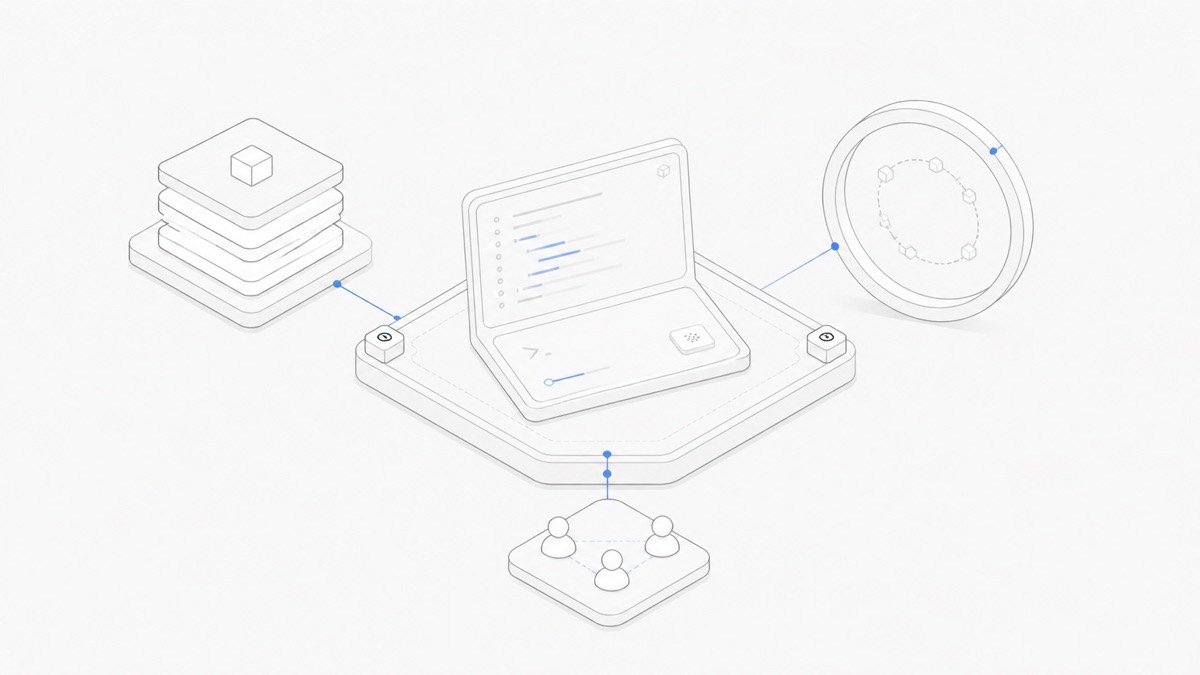
You can run OpenCode in the cloud behind its official server interface or inside a managed workspace. A managed cloud workspace adds a hosted runtime, persistent project space, and collaboration around OpenCode; it does not replace the OpenCode harness or turn model access into a workspace.
If you already know that you want the managed path, the OpenCode cloud Workspace page explains how Agent.Space keeps the harness, model choice, and persistent project layer separate.
That distinction matters because “OpenCode cloud” can refer to several unrelated things in search results. Before choosing a setup, identify whether you need remote access, a model provider, a continuously available execution environment, or a workspace that somebody else operates.
This guide compares the three practical paths: local OpenCode, a self-hosted OpenCode server, and a managed Agent.Space workspace. OpenCode behavior below follows its official documentation reviewed on August 26, 2026. Upstream OpenCode capabilities do not automatically become Agent.Space capabilities, so use the current Agent.Space product interface and public product pages to confirm what is available in a managed workspace.
What “OpenCode cloud” can mean
The phrase is ambiguous. Four different results can appear under almost the same wording:
opencode.comis an unrelated telecom cloud brand. It is not the open-source coding agent documented atopencode.ai. A search result from that domain does not describe the OpenCode harness covered here.- OpenCode Zen and Go are model-access paths. They help OpenCode reach models through a provider. They do not, by themselves, host your repository, keep a development machine running, or create a shared project workspace. OpenCode’s provider documentation is the relevant source for this layer.
opencode serveexposes OpenCode as a headless service. The OpenCode server documentation describes an HTTP/OpenAPI server and Session API. This is an important building block for remote access, but running the command is not the same as operating a durable production service.- A managed workspace hosts the runtime around OpenCode. The workspace provider is responsible for some combination of compute, project files, access, persistence, and collaboration. The exact contract depends on the provider; “managed” should never be treated as a universal capability claim.
There is also the default path: run OpenCode locally through its terminal, desktop, or IDE surfaces. That remains the simplest reference point for comparing the cloud options.
What OpenCode officially provides
OpenCode is an open-source AI coding agent. The harness coordinates a model, tools, project context, and an execution loop. It offers terminal, desktop, and IDE entry points, and it supports multiple model providers rather than hard-wiring one model into the product.
OpenCode also provides several pieces that matter to remote operation:
- Providers and models: You can connect supported model providers, including OpenCode’s own provider paths. Provider access answers “which model can the harness call?” It does not answer “where do my files and runtime live?”
- Agents and permissions: OpenCode agents can be configured with a model, prompt, tools, and permissions. Those settings affect what an agent can attempt inside whichever environment operates it. See the Agents documentation.
- A headless server:
opencode serveexposes a server and Session API. It makes remote clients and integrations possible, but the operator still owns deployment concerns around it.
These role settings are separate from the deployment path: configure OpenCode agents and subagents to assign focused prompts, tools, and permissions, but do not treat those roles as hosting or persistence.
The official server interface does not by itself establish a production contract for durable storage, backups, identity, team authorization, secret handling, or upgrades. The operator must provide or verify those layers around the harness.
Three ways to run OpenCode
None of these options is universally better.
What changes when the runtime moves to the cloud
Moving OpenCode away from a laptop changes more than where a process starts.
Runtime continuity
A local session depends on a local machine and process. A remote machine can remain available when the laptop closes, but only if the server and surrounding process management are configured to do so. A managed workspace can make continuity part of the product, but the exact behavior after browser disconnects, restarts, inactivity, or plan limits must be verified.
“Runs in the cloud” is therefore not enough. Ask what survives a disconnected browser, a stopped agent process, and a restarted workspace.
Files and session state
OpenCode Session APIs and project files are different kinds of state. A remote endpoint may expose a Session while its underlying filesystem remains temporary. Conversely, a persistent disk does not guarantee that conversational or agent state can be resumed exactly where it stopped.
For any hosted path, check these separately:
- Are repository changes saved after the agent process ends?
- Can files be exported without continuing the subscription?
- Is an earlier OpenCode Session resumable, or does each task start fresh?
- Which state belongs to OpenCode, and which belongs to the hosting workspace?
Credentials and model access
OpenCode can connect to multiple providers, but the deployment decides how credentials enter the environment and who can use them. In a self-hosted setup, your team must design secret injection, rotation, log redaction, and access control. In a managed workspace, read the provider’s credential and model-access contract instead of assuming that OpenCode Zen, Go, or a personal API key is involved.
Access and collaboration
Putting a server on the internet does not create safe collaboration. A team still needs identity, authorization, an audit trail, and a clear model for who may run tools or change files. A managed product may provide some of this at the workspace layer; the OpenCode server alone should not be presented as a complete team platform.
Updates and compatibility
Self-hosting lets you choose when to update, but it also makes you responsible for testing the update. A managed workspace may pin a known version to keep behavior reproducible. That can lag the newest upstream release, which is a deliberate stability tradeoff rather than proof that either path is automatically superior.
A persistent OpenCode workflow in Agent.Space
Agent.Space publicly lists OpenCode as an available agent harness, while the Agent.Space Workspace page explains how sessions, files, previews, and team context stay with a cloud Workspace. That supports a workflow like this:
- Create a project workspace rather than configure a public OpenCode server.
- Select OpenCode as the harness and choose a compatible model separately.
- Give the agent a bounded task with an explicit validation step.
- Leave the browser and later return to the same project Workspace.
- Return to review the resulting files and agent output, then continue or hand off the project.
This describes the public Workspace contract, not a claim that OpenCode's own upstream Session state is identical across local, self-hosted, and managed deployments. Check the version shown in the deployed workspace and treat project persistence, harness Session state, and process lifetime as separate properties.
Models and OpenCode are separate choices
OpenCode is the harness: it assembles context, invokes tools, applies permissions, and coordinates the work loop. A model supplies the underlying generation and reasoning capability. A provider is the access path used to reach that model. A workspace is the environment in which the harness and project run.
These are four different decisions:
OpenCode Zen or Go can simplify model access, but neither one is another name for hosted OpenCode. Likewise, placing OpenCode in a cloud workspace does not guarantee that every model works with every configuration. Compatibility still depends on the harness version, provider, model capabilities, and workspace integration.
For a deeper explanation of this stack, read Agent harness vs model rather than repeating a full model-selection guide here.
Security and operational responsibilities
Open source makes OpenCode inspectable and portable. It does not automatically make a deployment private or secure. The operator still determines who can reach the service, what tools can run, where credentials live, and how data is retained.
Use this responsibility checklist before choosing a path:
For self-hosting, do not expose the OpenCode server directly to the public internet without an authentication and network design appropriate to the data and tools it can reach. For a managed workspace, review the same questions as product requirements rather than assuming the provider has answered them in the way your project needs.
Choose local, self-hosted, or managed
Choose local OpenCode when you want the shortest path, your device can remain the execution environment, and individual control matters more than remote continuity.
Choose a self-hosted OpenCode server when you need remote or custom integration, have infrastructure expertise, and want to own authentication, storage, observability, and upgrades.
Choose a managed workspace when you want a hosted project environment, persistent access, and collaboration without operating the complete server stack yourself. Confirm the workspace’s actual OpenCode version, persistence, resume behavior, credentials, permissions, export, and billing before deciding.
The central question is not “Can OpenCode run in the cloud?” It can run behind its server interface. The useful question is: who will operate the runtime and own every layer around it? If you are still setting up the upstream tool, begin with how to install OpenCode; then use the separate OpenCode Skills and OpenCode MCP guides for those integrations.
Explore the Agent.Space Workspace before choosing the managed path, then start with one scoped OpenCode task and verify the saved files and validation output when you return to the project.