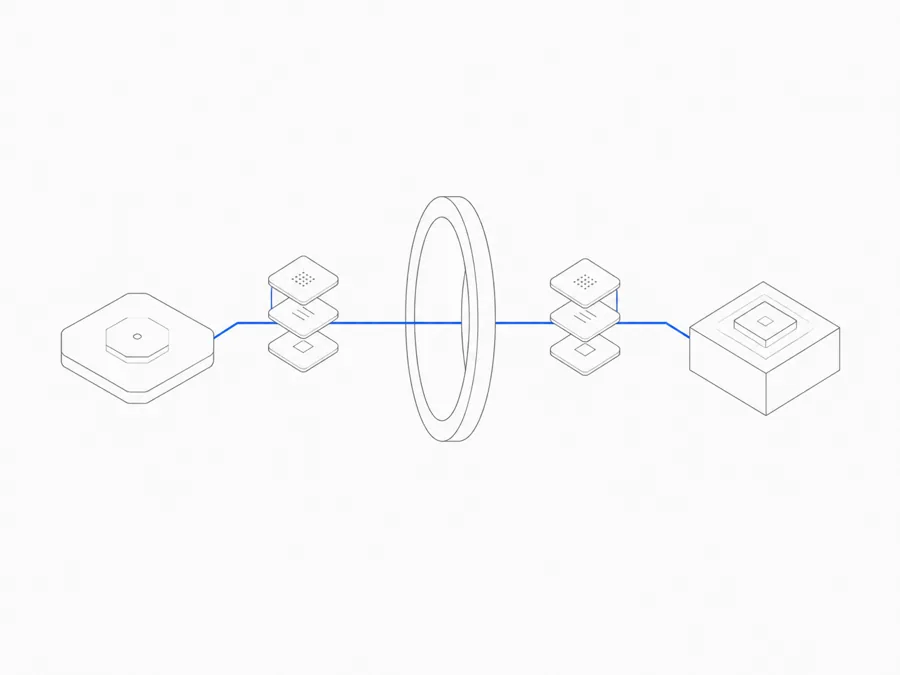
A persistent coding Agent Session is useful only if the next working period can recover the state that matters. That state is not one thing. A conversation, saved project files, a running process, a Preview, and a handoff note all have different lifecycles.
In Agent.Space, the Workspace is the durable project boundary. Sessions, saved files, Previews, and team context stay associated with that Workspace, while each Agent harness works inside its own Session. But persistence does not mean that every process runs forever or that one Agent silently receives another Agent's hidden reasoning. The practical model is explained in how Agent.Space keeps the project moving.
“Persistent” covers at least five different kinds of state
Before asking whether a coding Agent Session persists, identify which state you need back.
These states overlap, but they are not interchangeable. A saved source file does not prove its server is still running. A live Preview does not prove the underlying change has been reviewed. A long conversation does not replace an inspectable project tree.
Session, Workspace, and Runtime are different layers
A Session keeps one continuing task with one Agent harness. It is where the visible conversation, requests, and Agent-specific work are organized.
A Workspace is the shared project container. It holds members, Sessions, saved files, and working context. Starting a new Session in the same Workspace lets the next Agent inspect the current saved project without moving the project into a new container.
A Runtime is the execution environment used while work is running. It can contain a development server, build process, in-memory cache, or other live process. Successfully saved Workspace files remain after the Runtime stops. A process that existed only in memory should be treated as temporary and restarted when needed.
Who owns that Runtime is a separate architecture choice. Before committing to a provider-managed or self-operated execution path, compare managed agents with a self-hosted Agent SDK.
This distinction prevents two common mistakes:
- assuming that a stopped process means the project files disappeared; and
- assuming that saved files guarantee every process, port, or temporary value will resume automatically.
The durable source of truth should be the saved project plus reproducible instructions, not the continued existence of one process.
What happens when the working context changes?
You close the browser
Closing a tab should not make the browser the only copy of your work. Reopen the Workspace and inspect the current Session, Queue, files, and Preview rather than assuming the screen you last saw still reflects the latest state.
If a Turn was active, check its actual status before sending a duplicate request. If a file was being edited outside a completed Agent action, confirm that the expected version was saved.
The Workspace Runtime stops
Successfully saved project files remain available. Processes and listeners may need to be started again. Record the command, working directory, required configuration, and health check that prove the environment is ready.
Treat in-memory state, unsaved editor buffers, temporary credentials, and local-only process output as non-durable unless the workflow explicitly saves them in an appropriate place.
You change Agent harnesses
Start a new Session in the same Workspace. The new Agent can inspect the saved files and explicit handoff material. It does not automatically inherit the previous Agent's private reasoning or turn into the same Session under a different name.
If you need to bring an existing local task into the cloud, follow the separate process for importing Codex or Claude Code conversations. An imported conversation remains tied to its source Agent; importing it is not a general mechanism for transferring hidden context between harnesses.
A teammate takes over
Give the teammate evidence, not only a status sentence. The same rule applies when an Agent takes over from another Agent. A reliable coding Agent team handoff should identify what changed, what was checked, what is still uncertain, and who owns the next action.
A recovery checklist for long-running coding Agent work
Before ending a working period, preserve enough evidence that another person can restart without guessing.
- Save the intended project files. Confirm that the important output exists in the Workspace file tree, not only in a chat response or process memory.
- State the current outcome. Write what is complete in plain language and separate it from work that is merely proposed.
- Record validation. Note the exact checks that ran, their result, and anything that was not tested.
- Capture the restart path. Keep the relevant working directory, start command, configuration assumptions, and expected success signal.
- Identify the reviewed revision. For code, use the project’s version-control evidence when available. For other work, name the file or artifact being reviewed.
- List open risks and decisions. A missing product decision is not the same as an engineering defect; label each clearly.
- Assign the next bounded action. The next Session should have one concrete job and a completion condition.
A short HANDOFF.md, task brief, or structured final Session message can carry this information. The format matters less than making the state inspectable and current.
If a session hits a limit or becomes unreliable mid-task, follow the agent-switching handoff guide. It covers stopping the old writer, preserving uncommitted changes, and checking the receiving agent's first result.
Do not assume these states recover automatically
Persistent coding Agent Sessions do not remove normal engineering boundaries. Do not assume that:
- every background process will run indefinitely;
- an unsaved change will survive a Runtime restart;
- a temporary Preview is a permanent deployment;
- a new Agent can see another Session’s hidden reasoning;
- two parallel Sessions have isolated branches or automatic conflict resolution;
- a green Preview proves tests, permissions, security, and release requirements passed;
- a conversation alone is a complete backup of the project.
If any of those properties is required, make it explicit in the workflow. Save the necessary artifact, use version control, create a stable release where appropriate, and verify the result from the next person’s point of view.
Make the Workspace—not one running process—the center
The useful promise of persistence is not “nothing ever stops.” It is that a project can resume from durable, understandable evidence. Keep source files, decisions, validation, and next steps together; treat Runtime processes as reproducible execution; and keep Agent boundaries explicit.
Explore the Agent.Space Workspace with one bounded task. Before you leave, stop and ask: could another Session recover the current result from the files and notes alone? If the answer is yes, the task is genuinely ready to continue.