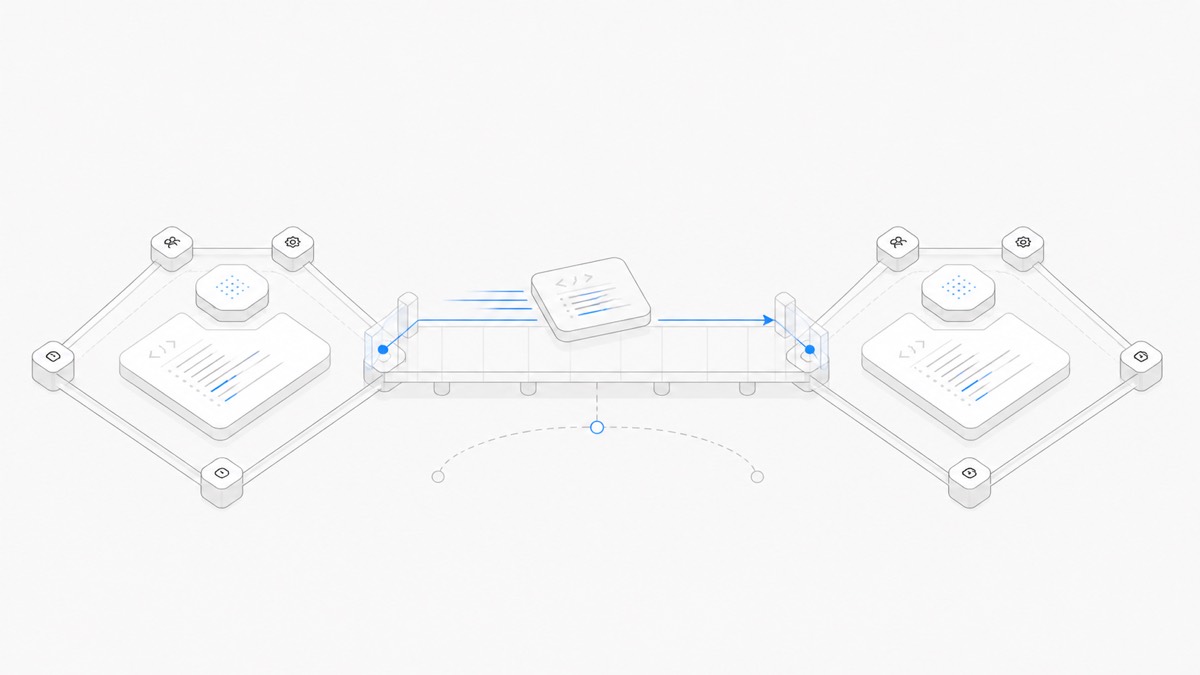
A reliable coding-agent team handoff transfers an inspectable project state, not just a summary of the conversation. The next person needs the current files, the intended outcome, a Preview or reproducible command, validation evidence, known risks, and a clear next action.
That approach lets a teammate review or continue the work without receiving somebody else's upstream account or password. It also makes the handoff resilient: even when a different person or Agent harness takes over, the evidence remains attached to the project.
A good handoff transfers state, not hidden context
A chat summary can be useful, but it is not enough to establish what actually happened. It may omit a failed test, describe a file that was never saved, or preserve the first plan after the implementation changed.
The authoritative handoff should be built from artifacts the recipient can inspect:
- the requirement and acceptance criteria;
- the current saved project files;
- the exact diff or changed-file list;
- a Preview, screenshot, or reproduction step when the output is visual;
- the commands and tests that ran, with their real outcomes;
- decisions, assumptions, open risks, and the next bounded task.
Agent.Space keeps Workspace files, Sessions, and supported Previews in a shared project context. It does not claim that a new Session can read another Agent's private reasoning. Important context therefore needs to be made explicit in files, test output, or a concise handoff note.
Prepare the handoff before changing owners
Do not wait until the original operator has disappeared or an Agent Session has become difficult to reconstruct. Update the handoff packet while the state is still fresh.
Use this sequence:
1. Restate the target
Write the desired result and the acceptance check in current terms. If the requirement changed, record the accepted change rather than leaving the recipient to infer it from an old prompt.
2. Identify the current source of truth
Name the relevant files, branch or revision when version control is in use, and any external requirement that still governs the work. A recipient should not have to guess which of three similarly named drafts is current.
3. Preserve a reviewable result
For code, provide a diff and validation output. For a webpage, provide the source plus the current Preview. For research or content, provide the final file and the sources that support claims.
4. Separate completed work from open risk
State what passed, what failed, what was not run, and what remains uncertain. “Done” should never hide a skipped check.
5. Give the next person one first action
End with a narrow instruction such as “review the pricing calculation against these three cases” or “fix the failing mobile overflow shown in this Preview.” A long unordered backlog is not a handoff.
If several Agent Sessions are working at once, use the multi-agent coding workflow to assign non-overlapping ownership before preparing individual handoffs.
Use Owner, Editor, and Viewer roles deliberately
As verified on August 28, 2026, an Agent.Space Workspace uses three member roles. Choose the smallest role that supports the recipient's job.
A reviewer who only needs to inspect the current state may fit the Viewer role. A teammate who must continue the implementation needs Editor or Owner capability. Do not grant edit access merely because somebody may need it later.
For the exact division of membership responsibilities, use the Agent.Space Workspace roles guide before creating an invitation.
Example: product lead to Codex to reviewer to Claude Code
Consider a team updating a product onboarding page.
- The product lead defines the target. They add the approved copy, acceptance criteria, and reference assets to the Workspace. The initial task is narrow: update the onboarding screen and verify the responsive Preview.
- Codex implements the change. The Session changes the relevant files, runs the available checks, and leaves a concise record of changed files, validation, and one unresolved mobile question.
- A human reviewer inspects the candidate. They compare the Preview with the approved copy and acceptance criteria. If they only need to inspect, Viewer may be sufficient; if they need to edit, they require an appropriate role.
- Claude Code receives a new, bounded task. Because the harness is changing, the team starts a new Session in the same Workspace. It can inspect the current saved files and explicit review findings, but it does not inherit Codex's private reasoning.
- A person accepts the final state. The team runs the relevant checks again, reviews the current diff, and decides whether to publish, export, or continue editing.
The useful continuity comes from the saved artifacts and shared project boundary. The participants can change without turning a private conversation into the only copy of the work.
If the team is still choosing whether review and continuation should center on Codex or GitHub’s coding product, use the focused Codex vs GitHub Copilot comparison. Make that product decision first, then apply the same explicit handoff contract to whichever workflow you choose.
Preview, publish, and export are different handoff evidence
Choose evidence that matches the recipient's decision.
- A short-lived or Inspector Preview helps somebody inspect a rendered result during active work.
- A stable publish action is appropriate only after the project is ready to expose a durable version.
- Exported ordinary files let the team continue in another environment or preserve the result in its existing format.
None of these automatically proves the work is correct. A Preview does not replace validation, a published URL does not replace review, and an export does not preserve an Agent's hidden context. The Preview, publish, and export guide explains how to choose the right review artifact.
Continue without sharing upstream accounts or passwords
Team collaboration should be based on Workspace membership, not credential exchange. Agent.Space states that the platform manages service access and resource matching, so teammates do not need to pass around upstream accounts, login credentials, or passwords to continue supported Agent work.
That product boundary does not make every credential safe to share inside project files. Treat project secrets separately:
- keep API keys and passwords out of prompts, committed files, screenshots, and handoff notes;
- use approved environment or secret-management paths for the task;
- grant the recipient only the membership and external-system access required;
- rotate or revoke a credential if its exposure is uncertain;
- review which provider, repository, deployment account, or data source the next step can reach.
“No shared upstream login” solves one collaboration problem. It does not replace least privilege across the rest of the project.
Use a handoff checklist
Before the recipient begins, confirm that the packet answers each question.
Goal and scope
- What result is expected?
- What is explicitly out of scope?
- Who accepts the result?
Current state
- Which files are current?
- Which Session or task produced the candidate?
- Is a version-control revision or diff available?
Evidence
- Which tests or commands ran?
- What does the current Preview show?
- Which checks failed, were skipped, or remain unavailable?
Boundaries
- What is the recipient allowed to change?
- Which role do they need?
- Which secrets, accounts, or production actions remain off limits?
Next action
- What is the first bounded task?
- What condition should make the recipient stop and ask for a decision?
The checklist should be short enough to maintain. Link to the real files and evidence instead of copying large amounts of stale context into a second document.
Common handoff failures
Watch for these patterns:
- Summary without state: the note sounds complete, but the current files or diff are missing.
- Screenshot without source: the recipient can see a result but cannot reproduce or change it.
- Passing claim without output: nobody knows which command, version, or project state passed.
- Access without ownership: several Editors can change the same files, but no one owns the next decision.
- Excess access: a read-only reviewer receives edit rights or unnecessary external credentials.
- Silent context assumption: the next Agent is expected to know a previous Session's decisions without an explicit artifact.
- No stop condition: the recipient expands the task instead of returning for a product, security, or architecture decision.
Fixing these failures usually requires better evidence and a smaller next step, not a longer chat transcript.
Start with one real team handoff
Choose a bounded task that another person can understand from the project itself. Save the requirement, current files, Preview or reproduction, validation output, decisions, risks, and next action. Give the recipient the smallest role that completes their job, and verify that they can continue without receiving somebody else's password or private context.
Open an Agent.Space Workspace when your team needs supported Agent Sessions, saved files, Previews, and membership roles in one shared place. A successful first handoff ends with the next person understanding the current state and the evidence—not with them asking the original operator to reconstruct the project from memory.