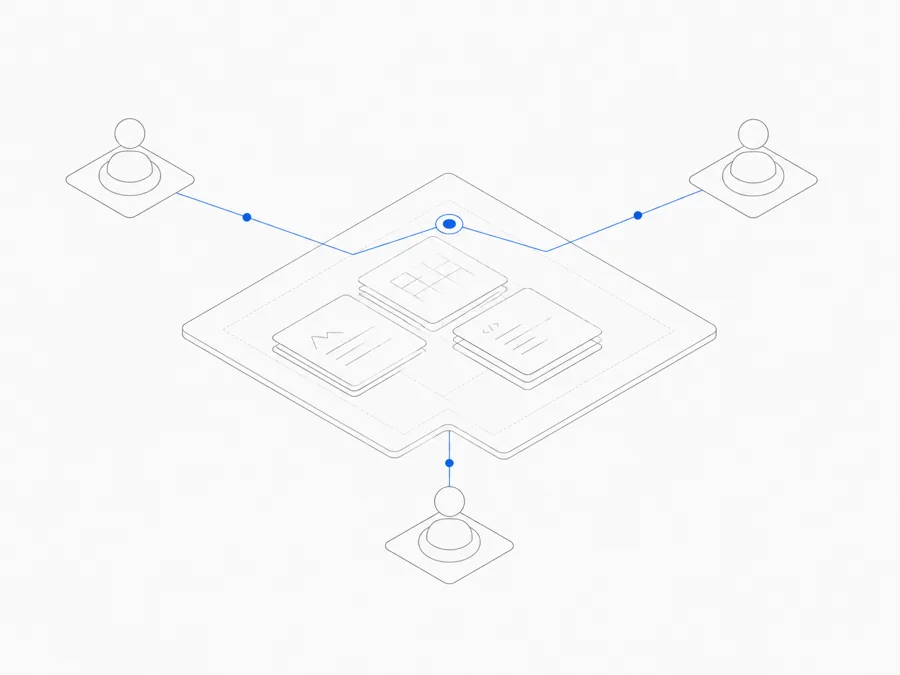
Agent.Space Workspace permissions use three roles: Owner, Editor, and Viewer. The simplest assignment rule is to give people the least access that still lets them do their actual job.
- Choose Owner for the person responsible for membership, ownership, and Agent usage charges.
- Choose Editor for a teammate who must modify shared work and continue Agent Sessions.
- Choose Viewer for someone who needs to inspect files, conversations, and Previews without changing the project.
These are Agent.Space Workspace roles. They do not grant GitHub repository rights, cloud-provider permissions, or access to an upstream Agent account.
Owner, Editor, and Viewer at a glance
The role controls actions inside the Workspace. A person may still need separate permission in version control, a deployment platform, a database, or another service used by the project.
Owner: membership, ownership, and usage responsibility
Every Workspace has one Owner. The Owner can do the same project work as an Editor and also controls the Workspace-level collaboration boundary.
The Owner can:
- create invitation links for the Editor or Viewer role;
- revoke outstanding invitation links;
- change an existing member between Editor and Viewer;
- remove members from the Workspace;
- transfer ownership to another existing member; and
- continue Agent work while carrying responsibility for future Agent usage in that Workspace.
An invitation should be shared through a trusted channel. Before joining, the invitee can review the Workspace, offered access level, and billing owner. The invitation grants an Agent.Space role; it is not a request to exchange an upstream account password.
Ownership transfer is a meaningful operational change. The recipient becomes the sole Owner, takes responsibility for subsequent Agent usage, and the previous Owner becomes an Editor. Current Workspace Turns must be finished or canceled before the transfer. Treat the action like an account handoff: confirm the recipient, settle active work, and record who will manage membership next.
Editor: active collaboration without membership control
An Editor can modify shared content and continue the team's active Agent work. That makes Editor the normal role for a teammate who needs to contribute directly.
Typical Editor work includes:
- adding or changing project files;
- creating a Session and sending a task to a supported Agent;
- continuing work in an existing editable Session;
- importing supported local conversations into the Workspace; and
- reviewing files, conversation history, and Previews while making follow-up changes.
An Editor does not manage invitation links, change other members' roles, remove members, or transfer ownership. This separation keeps routine project work from automatically carrying account-administration power.
Use Editor when the person's job requires changes. Do not grant it only because someone may want to comment on the result later; a Viewer can inspect the shared evidence without receiving write access.
Viewer: read-only review and oversight
A Viewer can inspect team content, conversations, Agent work, and Previews. A Viewer cannot modify shared files, create or send Agent tasks, or import local Sessions.
Viewer is a good fit for:
- a stakeholder reviewing progress or a rendered result;
- a client checking a specific deliverable;
- an approver who should not change project state;
- an observer learning the workflow; or
- a temporary reviewer whose feedback will be collected outside the Workspace.
Read-only does not mean “public.” The person is still an invited Workspace member and can see the project material available to that role. Only invite someone who should see the files and conversations, and remove access when the review no longer requires it.
Common role assignments
A solo project
The creator remains Owner. There is no reason to manufacture extra roles until another person needs access.
A developer or operator joining active work
Use Editor if the person must change files or continue Agent tasks. Keep deployment, repository, and external-service permissions separate and grant those only when the same job requires them.
A product, design, legal, or client review
Start with Viewer when the person only needs the current files, conversations, and Preview. Upgrade to Editor only when they need to act inside the Workspace, not simply because the review is important.
A team lead handing over responsibility
Changing someone to Editor is not the same as transferring ownership. First complete a clear coding Agent team handoff. Transfer ownership only when the new person should manage invites and future usage responsibility; otherwise keep them as Editor.
Apply least privilege without blocking the job
“Least privilege” means giving the smallest set of actions that supports the assigned work. It does not mean making every collaborator a Viewer regardless of responsibility.
Use this decision sequence:
- Does the person only need to inspect files, conversations, and Previews? Choose Viewer.
- Do they need to modify shared files or continue Agent work? Choose Editor.
- Do they need to manage invitations, roles, ownership, or Workspace usage responsibility? They need Owner duties.
- Do they also need GitHub, deployment, database, or provider access? Review those systems separately.
The coding Agent Workspace security guide explains why Workspace isolation and roles should be combined with secret hygiene, version control, and narrowly scoped external credentials.
Review permissions during every handoff
Role assignments should change when the real responsibility changes. Review them when a contractor leaves, a client review ends, an Owner changes jobs, a project becomes sensitive, or a new phase requires write access.
Before changing access:
- finish or cancel active work that would make ownership transfer unsafe;
- confirm what the person must view or change next;
- separate Workspace rights from external-system rights;
- tell the person whether they will carry Agent usage responsibility;
- record the new Owner and next administrator when ownership changes; and
- remove access that is no longer needed.
Removing a member ends their access inside the Workspace. Public Preview or Inspector links shared separately still follow their own expiration and revocation lifecycle. Removing access does not rewrite attribution on earlier messages or actions, so the project history can still identify what happened.
Start with the role, then add other access deliberately
Agent.Space roles answer one question: what can this member do inside this Workspace? Owner governs the collaboration boundary, Editor performs active work, and Viewer reviews it without changing project state.
For a broader explanation of how those roles fit with Sessions and shared files, read how Agent.Space works. Before inviting a team, also review the current Agent.Space security and membership model, then assign each person the smallest role that matches the work they are expected to perform.